I have created a Public Workspace for Quotations and Customers.
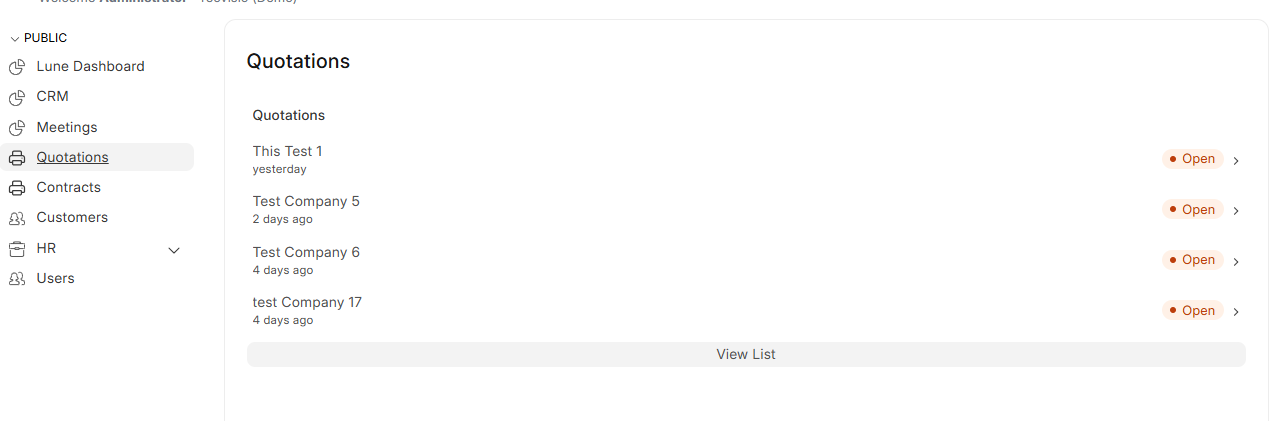
Currently, when I click on Quotations or Customers from the workspace, it shows the Quick List / Shortcut View (limited records with the “View List” button at the bottom).
My Requirement:
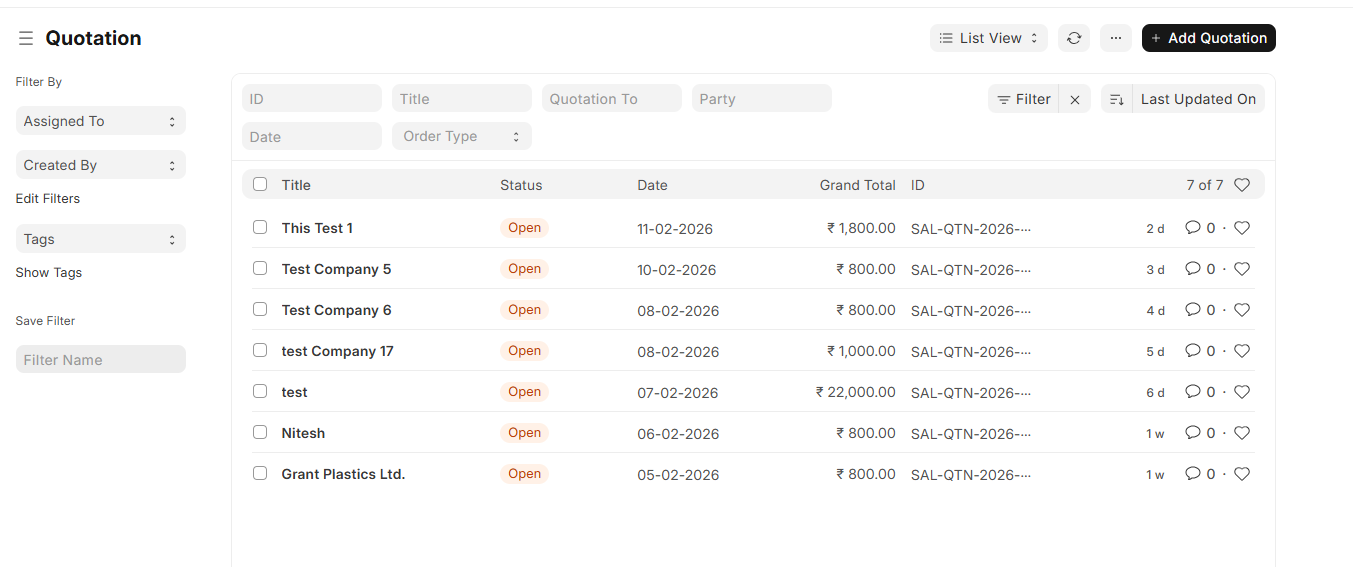
I want that when a user clicks on Quotations or Customers in the Workspace, it should directly open the full List View (standard list page with filters, sorting, etc.), instead of showing the Quick List card.
This is a common issue with Workspace shortcuts. By default, when you add a shortcut with type “DocType”, it renders a Quick List card (limited records with the “View List” button). To open the full List View directly, you need to change the shortcut type.
Solution:
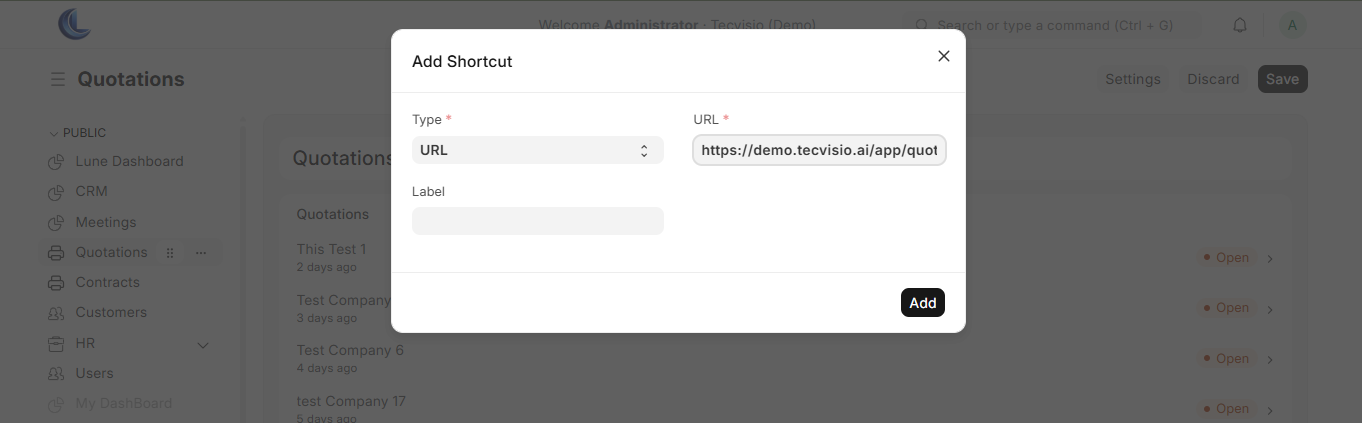
Go to your Workspace in edit mode and update the shortcut configuration:
Open your Workspace → Click on Edit (top-right)
Click on the Quotations shortcut block
In the shortcut settings, change:
Link Type: From DocType → URL
URL:/app/quotation
Repeat the same for Customers:
Link Type:URL
URL:/app/customer
Save the Workspace
Now clicking on Quotations or Customers will directly open the full List View with filters, sorting, pagination — everything.
Alternative Approach (via JSON):
If you prefer editing the Workspace JSON directly, find the shortcut block and update it:
When link_type is set to DocType, Frappe renders a Quick List widget showing the last few records as a preview card. Changing it to a direct URL bypasses this behavior and opens the standard list route instead.