The issue is that the MOQ setting on the Item causes purchase of more units than strictly required for fulfilment of the PP (when Purchase of RM is initiated by the PP), and these “surplus” units are then stuck “Reserved for Production Plan” and cannot be used or reallocated.
All previous production plans were complete or closed and we checked the Projected Qty report before starting this test. Before starting the item in question had 40 Actual, 0 Reserved for PP and 40 Projected Qty, which was correct.
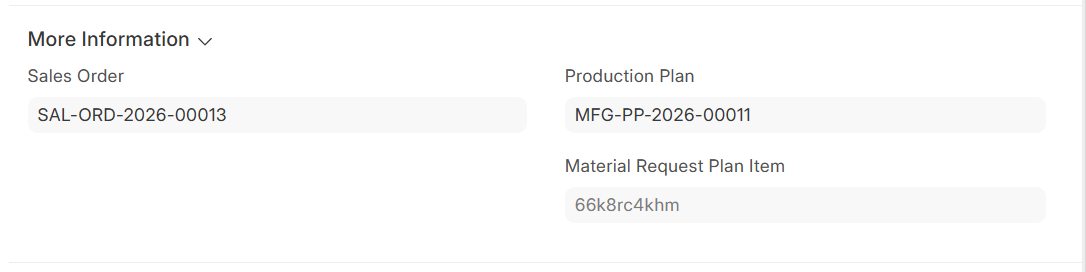
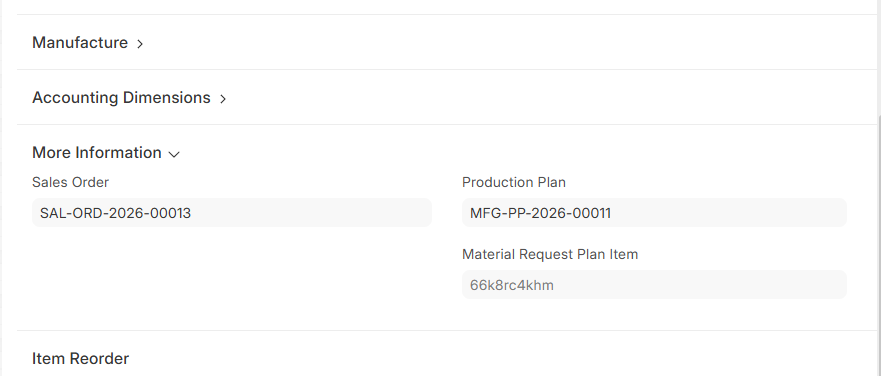
I believe the issue is caused by the Purchase Request (PR) generated by the Production Plan. The PR correctly respects the Minimum Order Quantity (MOQ) setting on the Item. When I examine this row in the PR I can see it hold links to the Sales Order and Production Plan under the More Information section.
It appears that if under a Production Plan you directly purchase more raw materials (RM) than you consume in the production, then that remaining stock of RM stays reserved because of the link in the Purchase Request.
My question is, is there any transaction or transactions I can post now eg a Stock Entry or Material Transfer or Material Issue to change those units to become unreserved?
I am working on a fix for this and was partially able to replicate it.
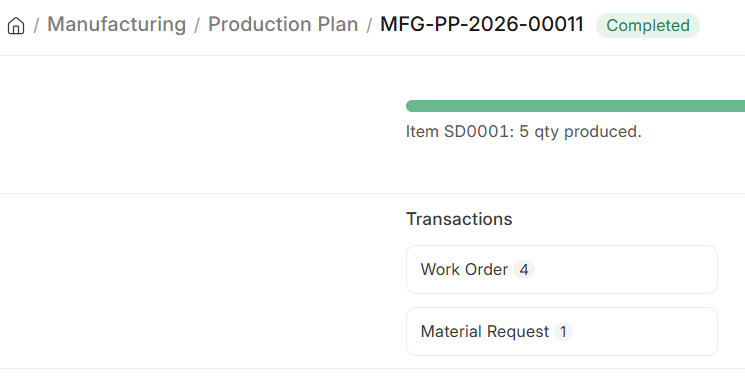
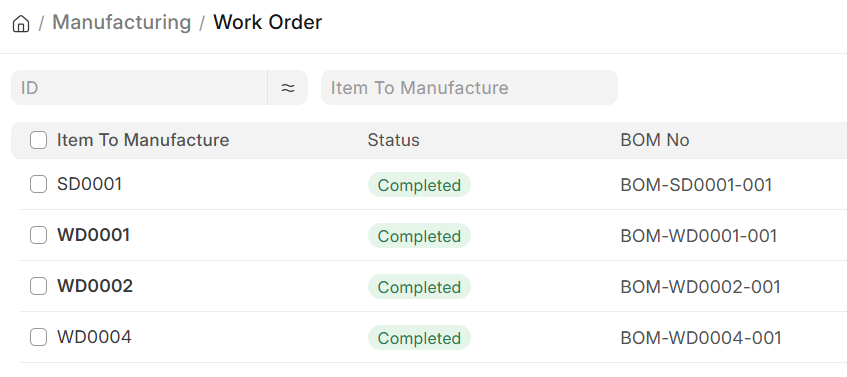
The problem I am facing is that once the Production Plan completes then the effect of that plan becomes 0 which for some reason isn’t happening on your site.
Are you on Frappe Cloud? If so, can you open a support ticket and give me the ticket link? I need access to your site.