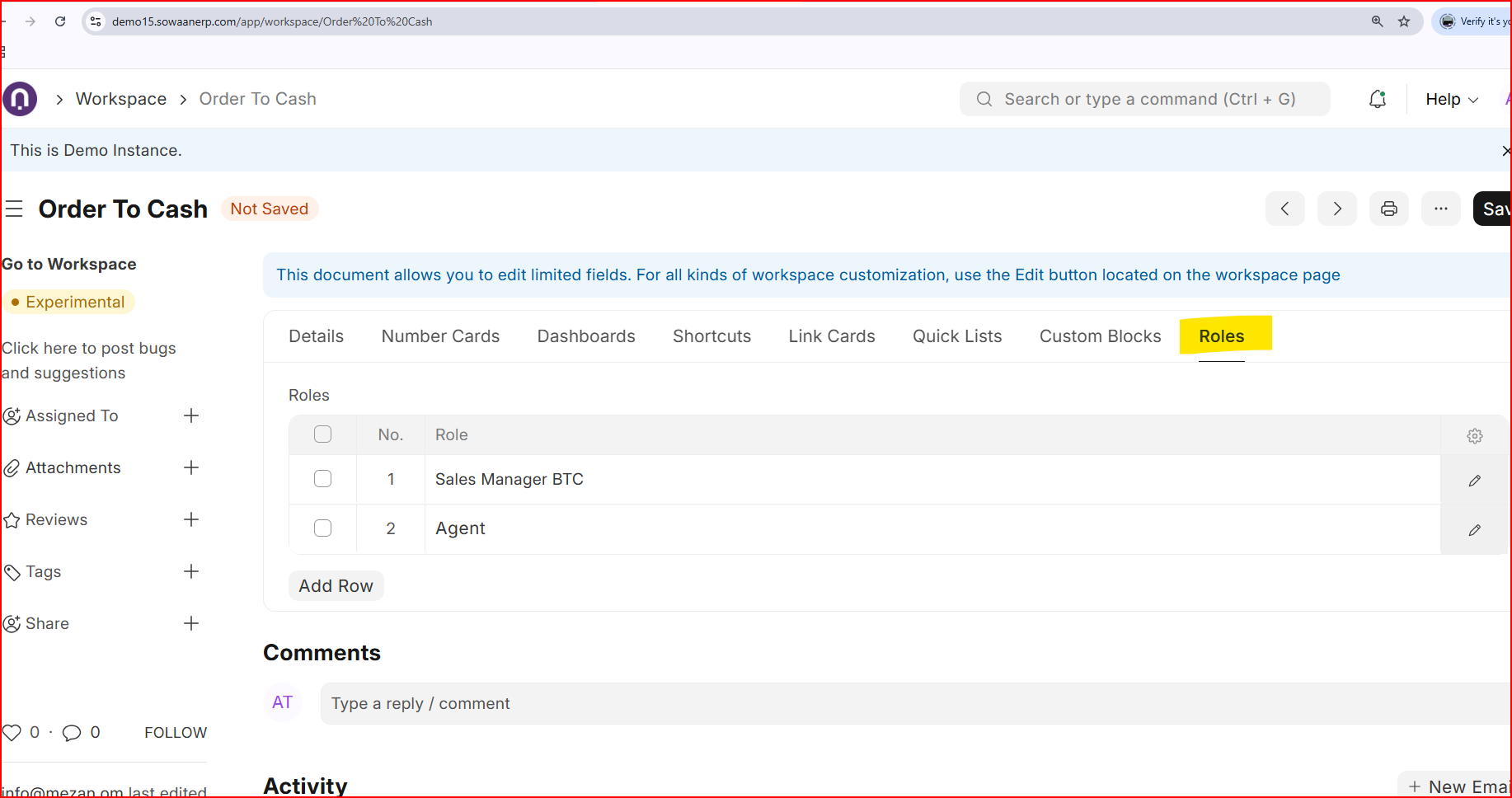
I want to control which workspaces users can see based on their assigned roles.
For example:
Employee role - Should ONLY see Employee Self Service workspace
Receptionist role - Should ONLY see Visitor Management workspace
HR Manager - Should see HR workspace
But I have added the role restriction to the workspace and the user with the employee role is not able to see any workspace even the ones with no restriction.
Private workspace can be created for a user only and will be visible within its workspace.
Public workspaces are global and can be controlled by roles as following. You can create public workspace and define role who can have access to it knowing the fact all kind of doctypes, reports and pages are also requires to be defined under role permission manager too.