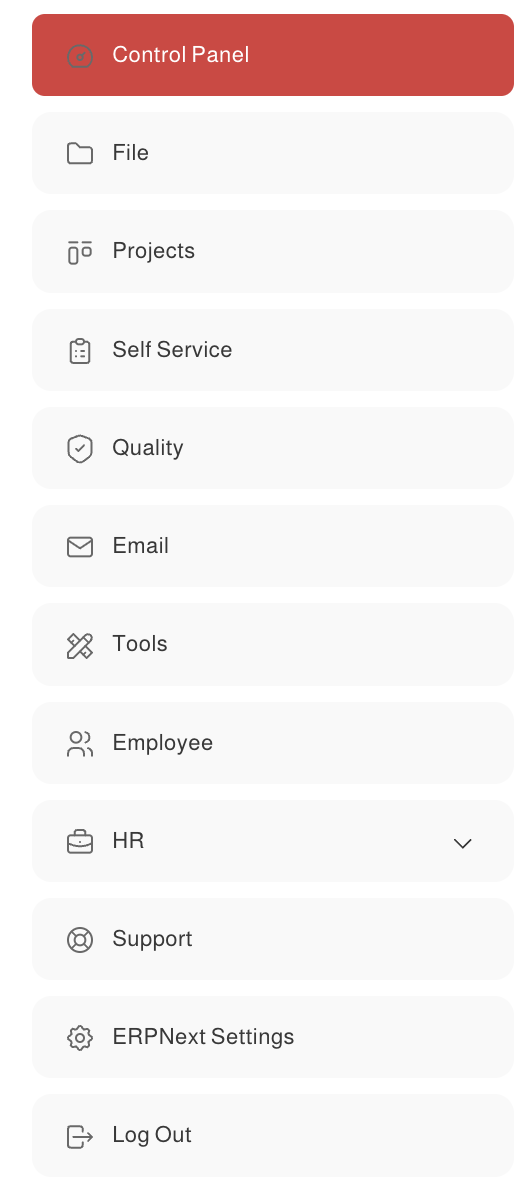
New update For V15 For how to change workspace icons
I am currently working on changing sidebar icons for the workspace and I would like to share the result
To change icons in V15
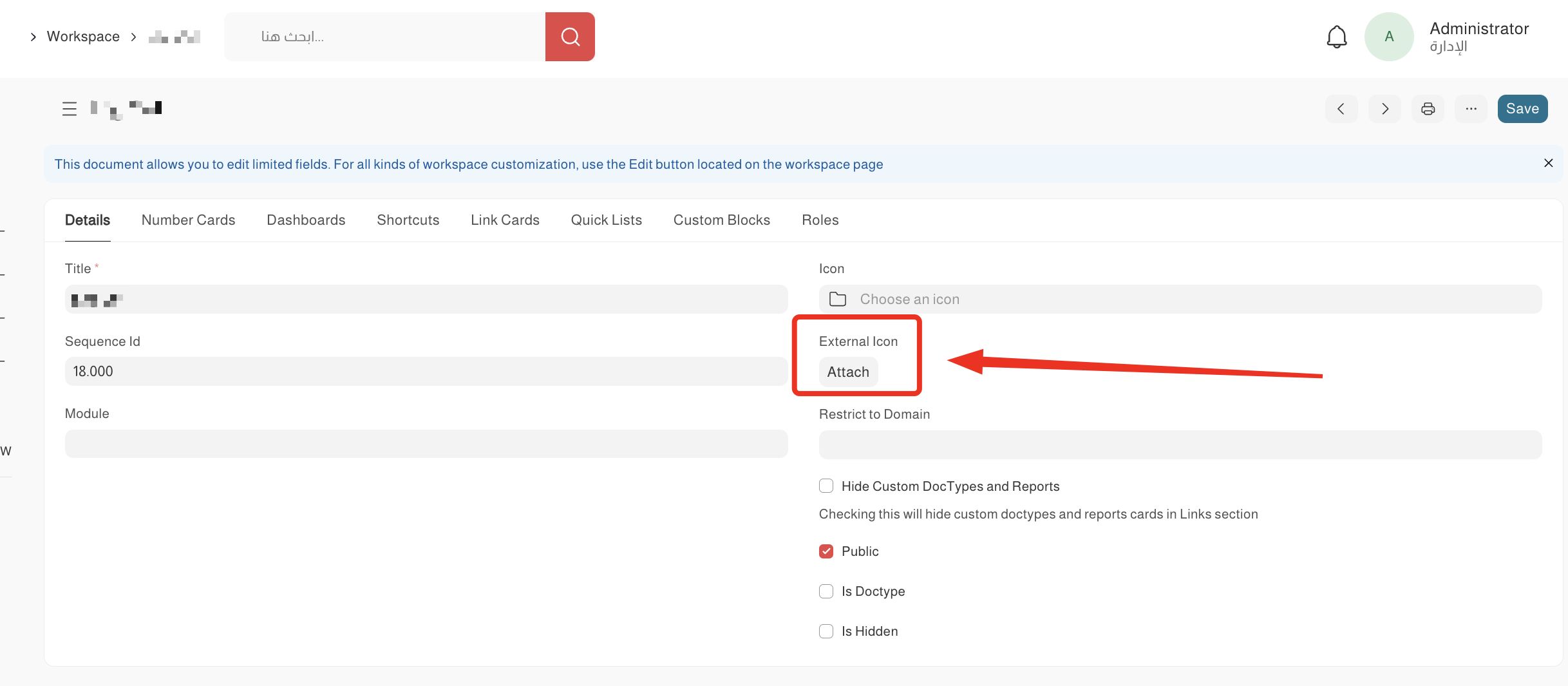
First I have Added a custom field called External Icon in workspace doctype(Attach image type)
Then you need to customize workspace.js file
This is my code, it will fetch the new icon from external icon field or get icon from the default icon field if no new icon added.
<span class="sidebar-item-icon" item-icon=${item.icon || "folder-normal"}>
	${
		item.custom_external_icon ? `<div class="icon icon-md divicon" aria-hidden="true"><img src="${item.custom_external_icon}"/></div>` : (item.public ? frappe.utils.icon(item.icon || "folder-normal", "md") : `<span class="indicator ${item.indicator_color}"></span>`)
	}

</span>
Result: