Bingo!
After searching on icons name I found the solution:
The current icons come from this file
https://github.com/frappe/frappe/blob/develop/frappe/public/icons/timeless/symbol-defs.svg
So you need to overwrite this file by copy the same path to your new app
and then you can add your own SVG same as the current SVG icons and tag them by id
this is my icon name
like following:
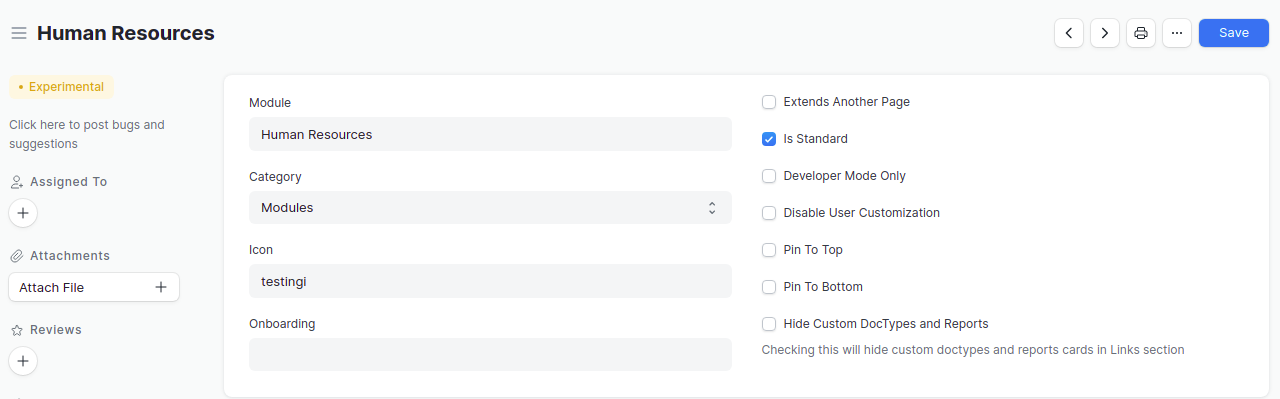
and I add this code inside SVG tag
<symbol fill="none" xmlns="http://www.w3.org/2000/svg" viewBox="0 0 30 30" id="icon-testingi">
	<g stroke="#000" stroke-miterlimit="10">
		  <path d="M 4 5 C 2.895 5 2 5.895 2 7 L 2 23 C 2 24.105 2.895 25 4 25 L 12 25 C 13.105 25 14 25.895 14 27 L 14 7 C 14 5.895 13.105 5 12 5 L 4 5 z M 18 5 C 16.895 5 16 5.895 16 7 L 16 27 C 16 25.895 16.895 25 18 25 L 26 25 C 27.105 25 28 24.105 28 23 L 28 7 C 28 5.895 27.105 5 26 5 L 18 5 z"/>
	</g>
</symbol>
the id should be icon- plus the icon name you need
and this is the result