Hi, I want to contribute to ERPNext development on a Windows machine and need help setting up local development.
What I tried:
-
Installed Docker Desktop on Windows
-
Cloned frappe_docker
-
Tried setting up ERPNext using Docker, but I’m confused about the correct workflow for contribution
-
My main issue is that if I make code changes, do I need to rebuild the image every time? That feels very slow for development
I want a proper local development setup for contributing to ERPNext where code changes reflect quickly without rebuilding everything. What is the recommended approach on Windows now — WSL2 + Bench or Docker dev mode for contributors? Any updated guide or steps would be helpful.
Hi @dhritesh.kumar and welcome to the community
I use GitHub - rtCamp/Frappe-Manager: A CLI tool based on Docker Compose to easily manage Frappe based projects. · GitHub on WSL2 and it works great for dev
You can change code and it will reflect immedietly as the binding to local drive is done at the bench level. You can also create and destroy sites very easily
Hope it helps
2 Likes
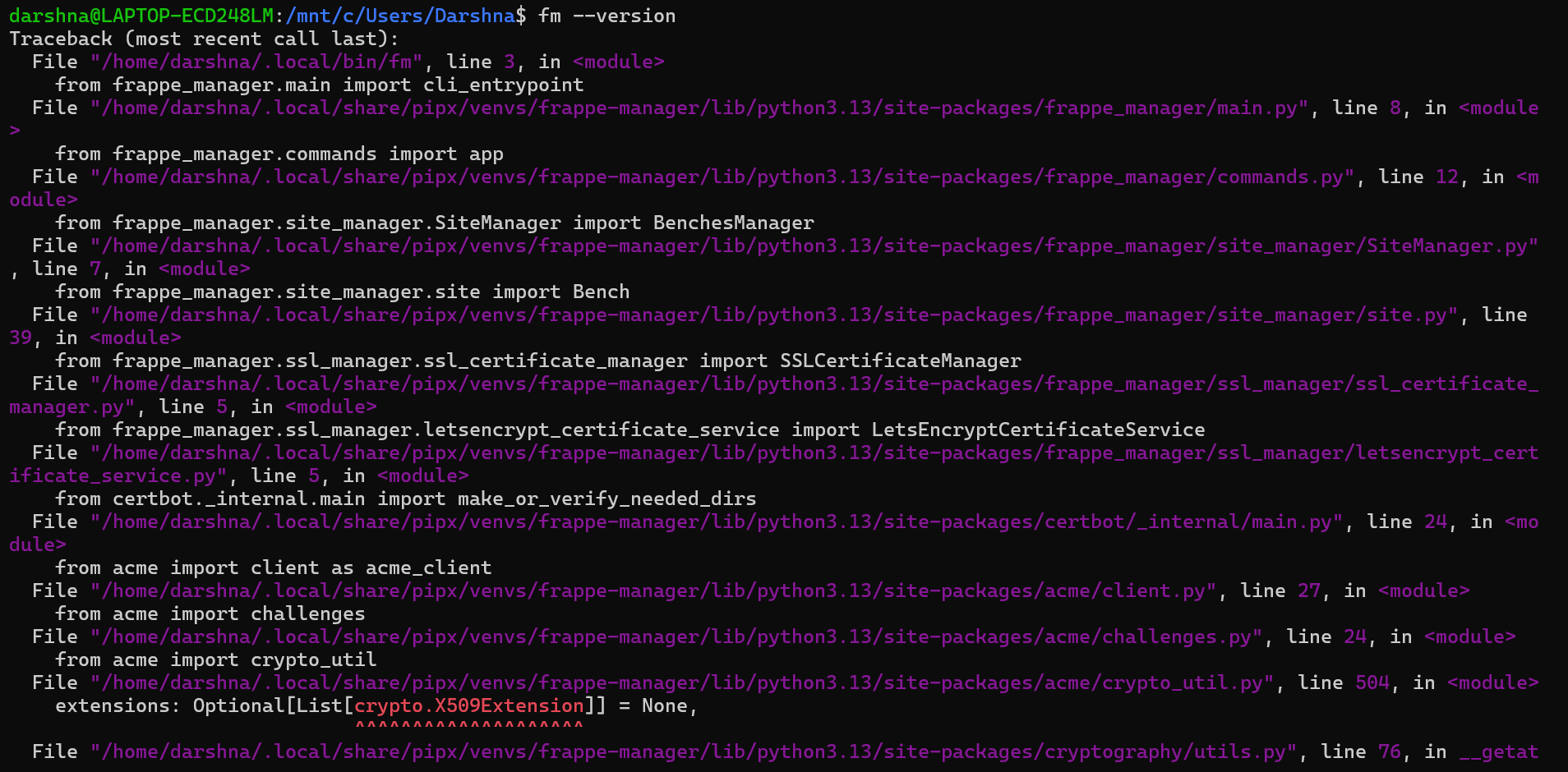
@asieftejani is this error common or am i only getting it can you please look into it
Hi @shivang
There was another user who faced this and hopefully this worked
If not kindly raise a Github issues at
Please do let us know what works so that others who get stuck also benefit
Best of luck on your ERPNext Docker journey
hi @dhritesh.kumar if you just want to contribute to ERPNext code base then you don’t need to get into docker complications. You just need a working development environment to do the changes and then Git to create a PR for merging or contributions.
If my assumption is correct, you can just use this image
Here you can take this image, create a container and use that as a Development enviornment with ready bench and all depedencies to run a Bench and Frappe apps.
Create a site Install ERPNext , and bench start and ready to go.
Do let me know, i’ll let you know other ways to do the same.
1 Like