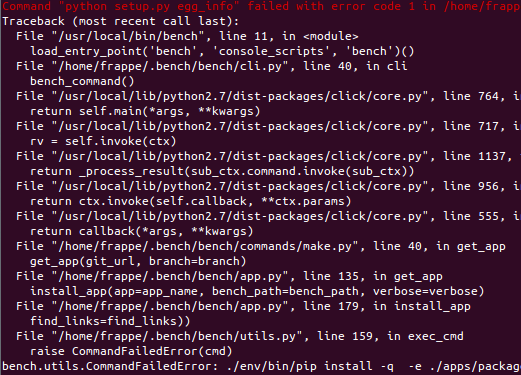
Now this seems the most common problem i have seen in many posts regarding either creating or installing new apps –
saw a few solutions which actually does not apply to apps built on v9 , v8 and before ,
the solution in this suggests changing some minor texts in setup file ,
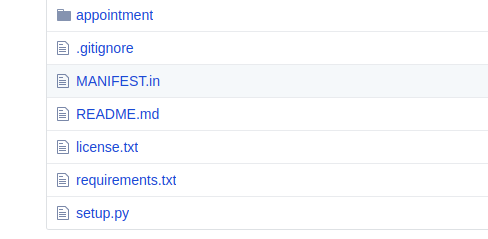
but the thing is the app i built on v8 , the setup file doesn’t look anything like this, not even the file structure ( what is this egg_info files)
file structure and setup files look something like this
but i wouldn’t say its a proper final solution to need to roll back pip everytime ,
instead there should be something that will upgrade the applications themselves to be compatible to latest versions of everything.