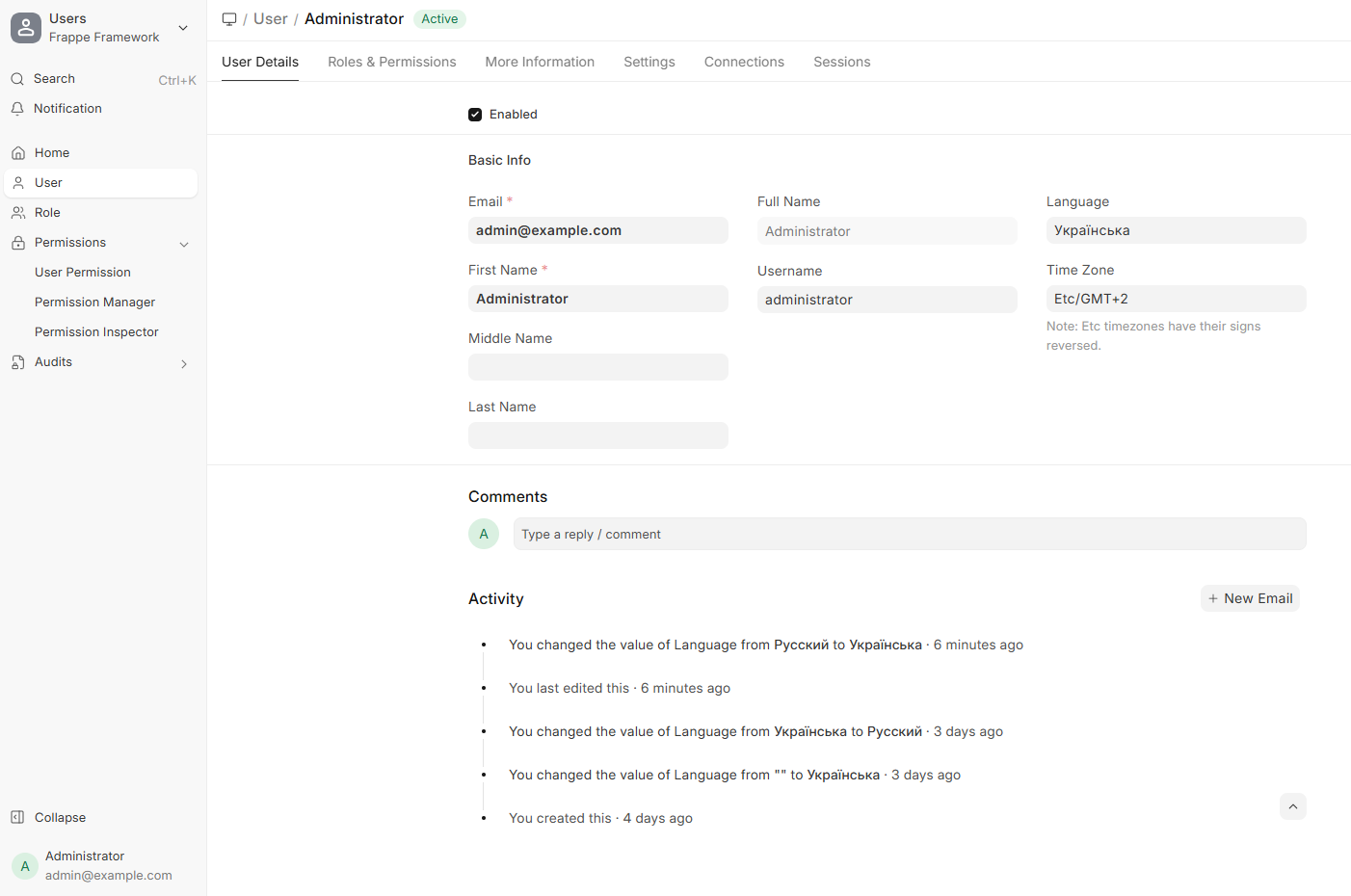
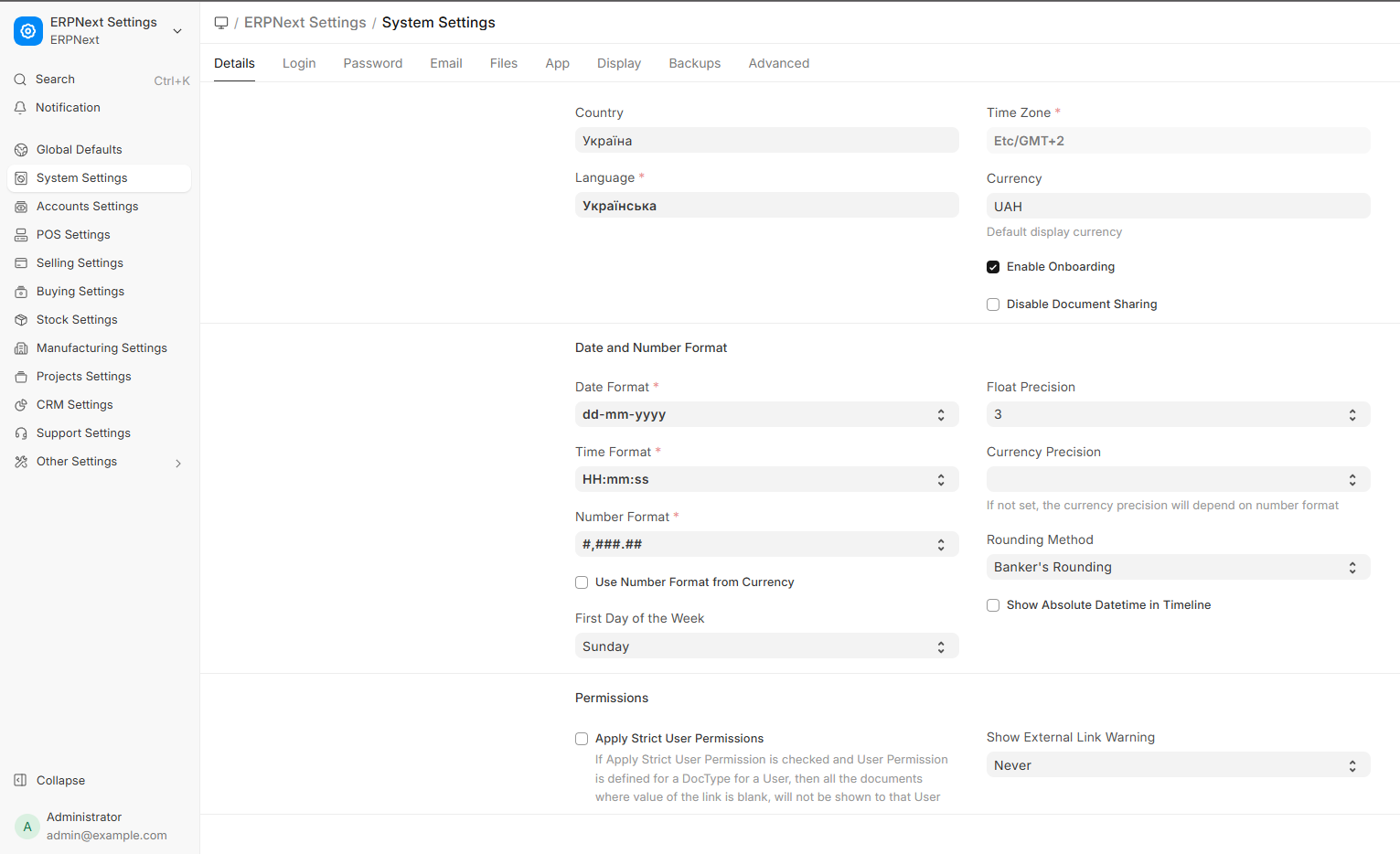
Hi! I changed the language in all settings, but the menu still remains in English. If I change to German, the menu language changes. How can I solve this problem?
Frappe Framework: v16.12.2 (version-16)
ERPNext: v16.11.0 (version-16)
Hi! I changed the language in all settings, but the menu still remains in English. If I change to German, the menu language changes. How can I solve this problem?
Frappe Framework: v16.12.2 (version-16)
ERPNext: v16.11.0 (version-16)
You have to reload the page and it will take effect.
Clearing Cache will also be better by pressing ctrl shift R and it will certainly work.
@ahsantareen
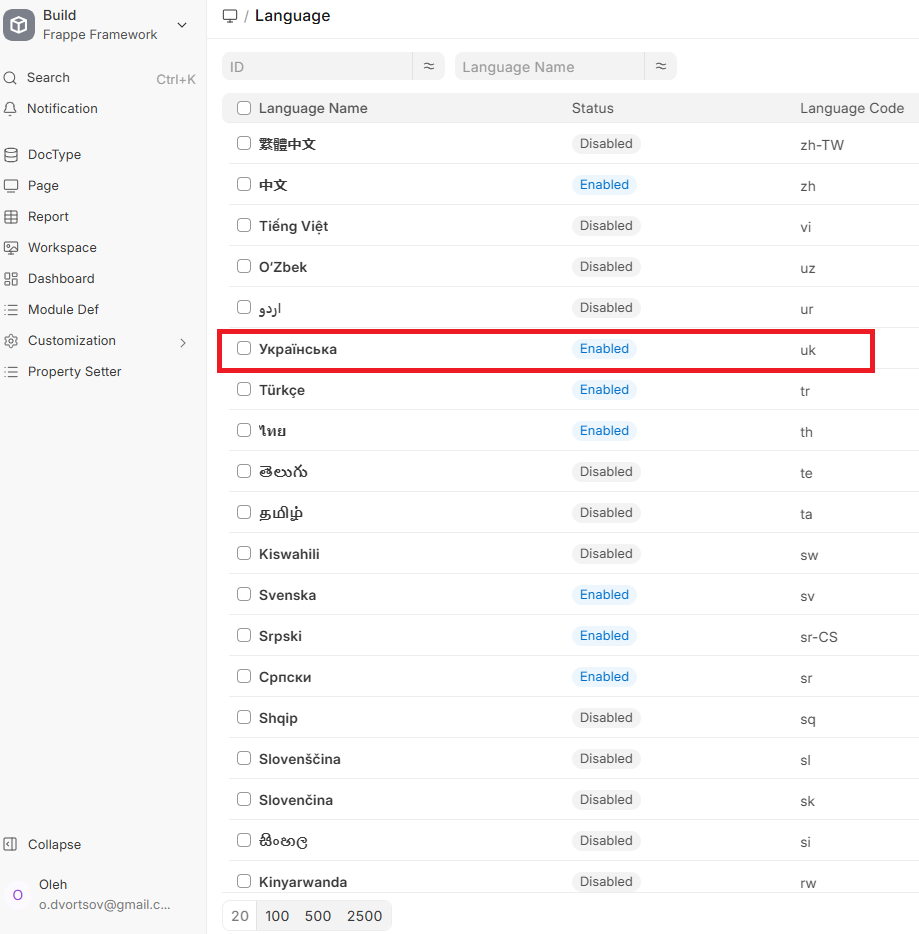
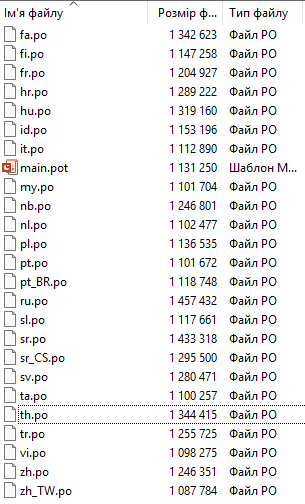
It doesn’t help. It seems like there is no translation file. But the list of languages includes.
Did you create any translation records?
I saw Ukrainian in the list of languages and turned it on. Then I turned it on in the user settings. For example, Russian was also turned off, I turned it on and the translation into Russian works.
Ви вирішили проблему ?
I had a similar hiccup once and it turned out the language pack just wasn’t loading at all. I’d check if the missing language shows up under Translation List and whether its percent-complete looks normal. If it’s empty or super low, the menu will stay stuck in English. A quick reinstall of that specific translation file fixed it for me without touching any other settings.