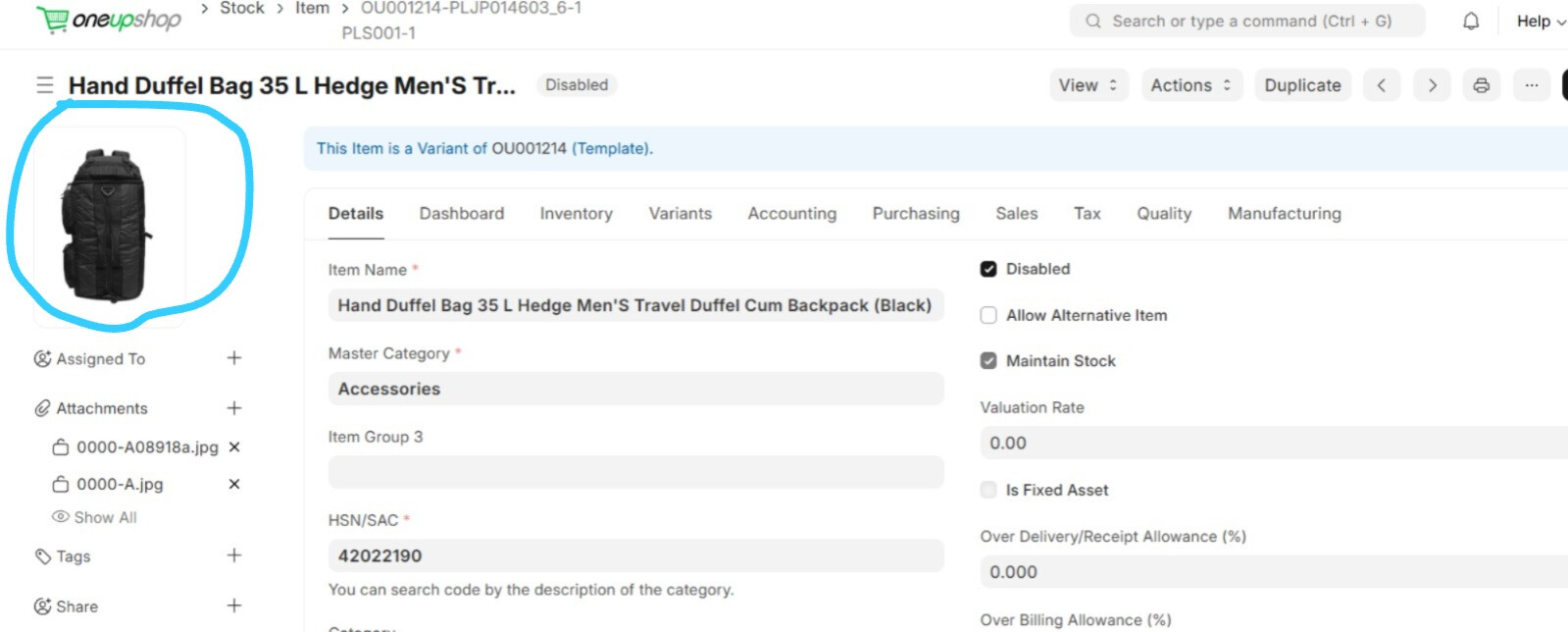
The thumbnail comes from the image field. The image field can be a link to a local file or an http link to an image hosted elsewhere.
You can try bulk edt (select multiple items from list > action > edit > select the image field > set values to blank).
A better approach will be to export the items and include the image field. Create a copy of the export file (to retain the list of file links). In the new copy, delete the value in the image column and import as modify existing records with Import Tool.
If the files are local and you want to delete them as well, you’ll need to bulk delete them.