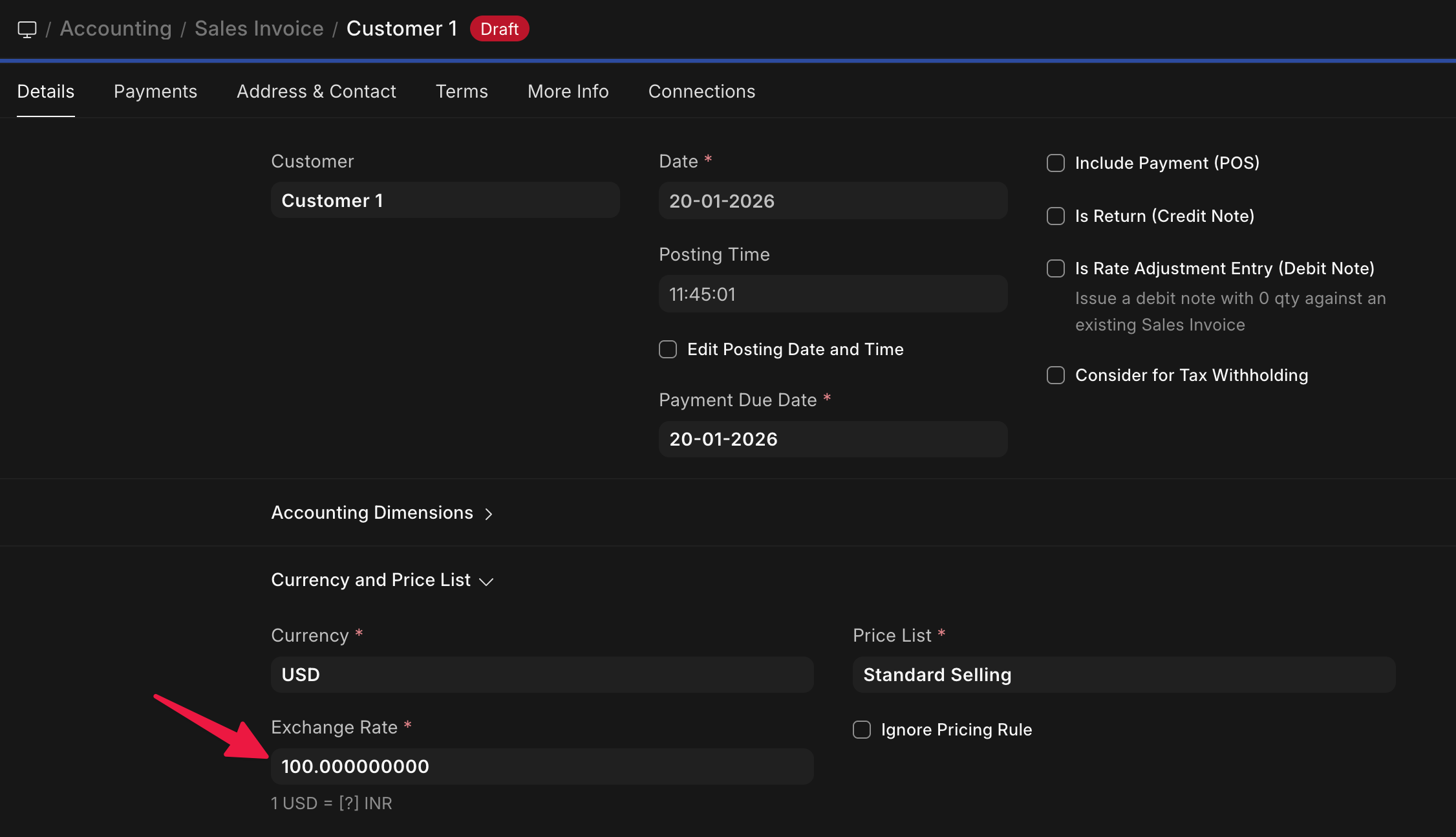
Brief Description:
In ERPNext v15, by default, the system auto-fetches exchange rates for multi-currency transactions. This use-case requires configuring Sales Invoices so that the user can manually enter the exchange rate without ERPNext automatically fetching or overwriting it, ensuring full manual control over currency conversion.
There is a field on mostly all DocTypes in ERPNext using which you can override the exchange rate.
For example, I had changed the currency to USD and it autofetched 90.8. Then I just changed it and saved the document and it worked.
Thanks for your reply! I appreciate your input.
Just to clarify, the goal is that the exchange rate field should remain completely blank by default, no auto rate should appear, and it remains mandatory for the user to enter manually.
What happens if you dont setup rates in the first place - it will force you to enter it manually. Is that what you are looking for?
There is also “Currency exchange List” that is available use.
If I create a Currency Exchange entry, then that would auto-fetch the value that I have mentioned in it. Even then I would have to change it manually in the Sales Invoice.
Even if I set Currency to Customer and create invoice then the System Auto generates Current Exchange Rate without need to set Currency Exchange.
I have tried on an empty site and it has nothing to pick so it works for me
What i suspect i that it may be auto picking from previous transactions