I tried this thing on v15.15.0 and v14.27.1 (version-14),
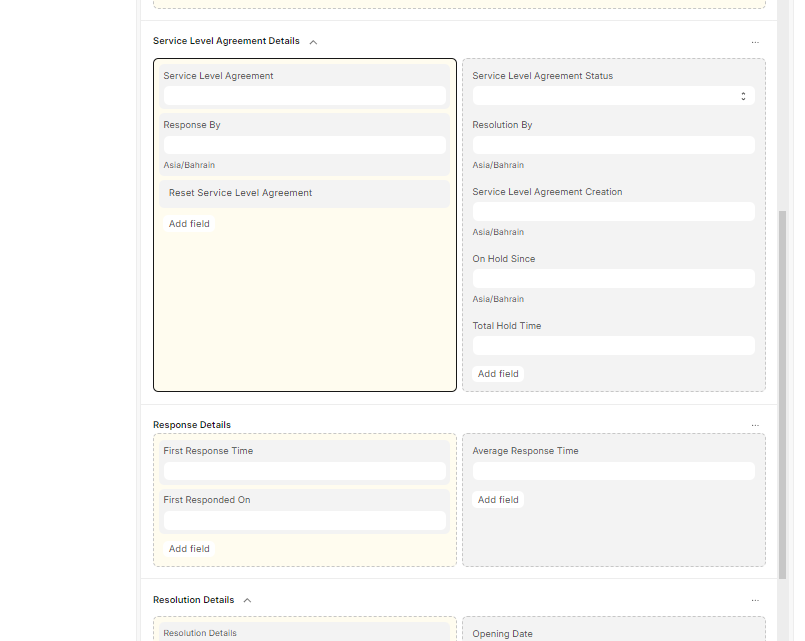
What I want to get is the time between the issue ticket got created and the first response, and it seems that this is done already, in the “Response Details” section, and it goes farther to calculate the average time of response
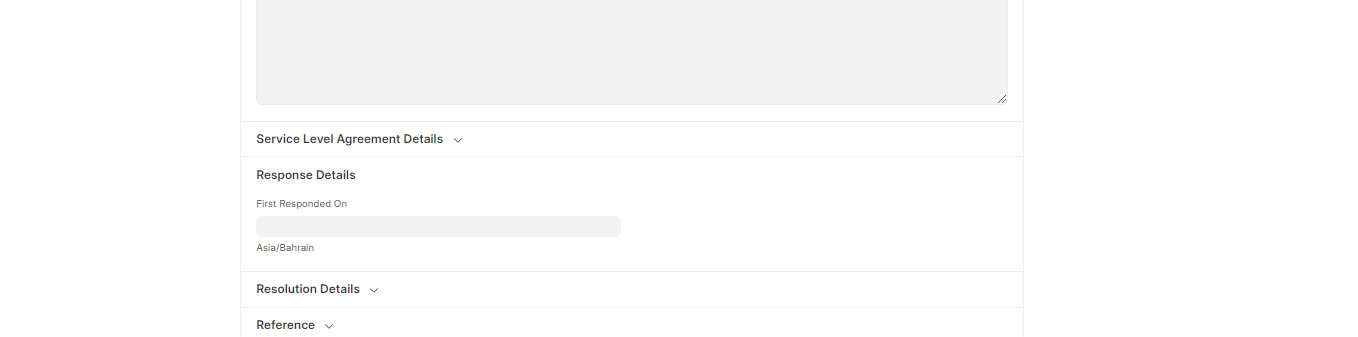
For me both versions, does not show “First Response Time” and “Average First Response Time” and the “First Responded On” can be manually entered, or auto assigned if the SLA changed, either to pause or resolved.
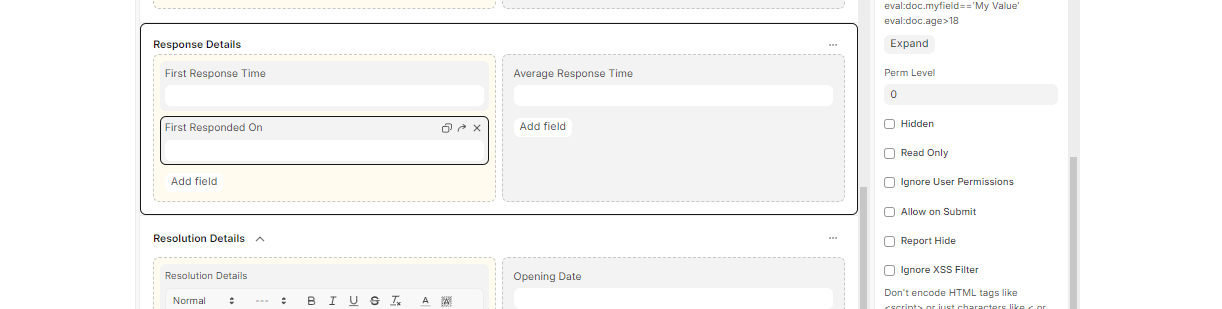
if i keep the fields as read only, they does not show in the form
but if I removed the read only it shows in the form
@Ahmed_Abdin @NCP
In my case, the First Response Time in Issues is not getting auto-calculated. The field stays empty even though the code for updating it exists. It seems the calculation isn’t being triggered automatically when a response is added.
Does anyone have insights into why this might be happening or if there is a configuration step I might be missing?
Hi @dhruv-siprtc
The First Response is recorded only when you declared the status of the ticket to REPLIED and by the time you do it, system calculates response time from the standard you have set under SLA doctype and update in first response read only field.
It appears the First Response Time duration doesn’t get recorded automatically unless the ticket’s status is explicitly set to “Replied” from the Communcation Module.
However, in our current workflow, we are not using the Communication Module to change the ticket status. As a result, this automatic mechanism is never triggered, and the “First Response” stays unpopulated.
To address this, I added a server script that manually updates the first_response_time field whenever the status changes to “Replied”—effectively emulating the behavior expected when using the Communication Module.