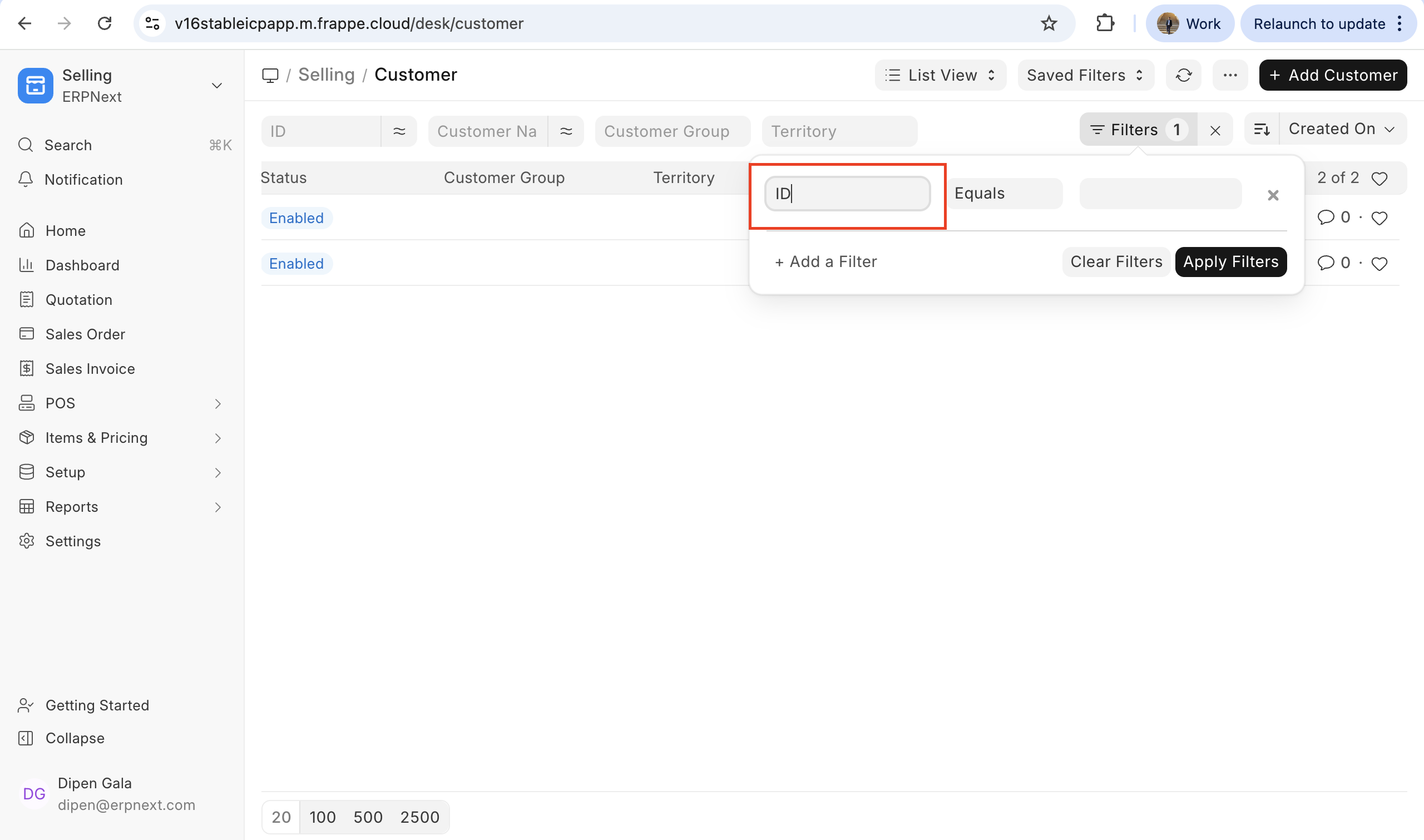
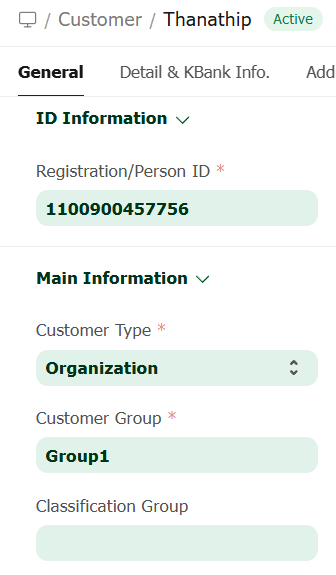
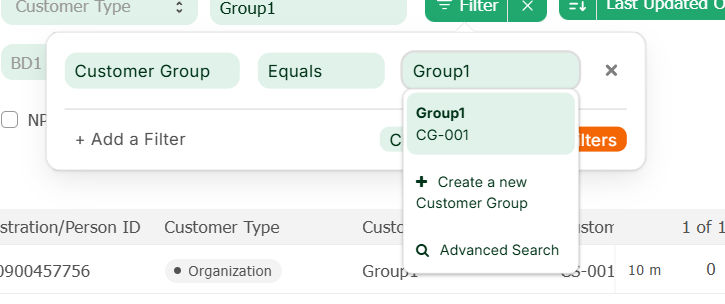
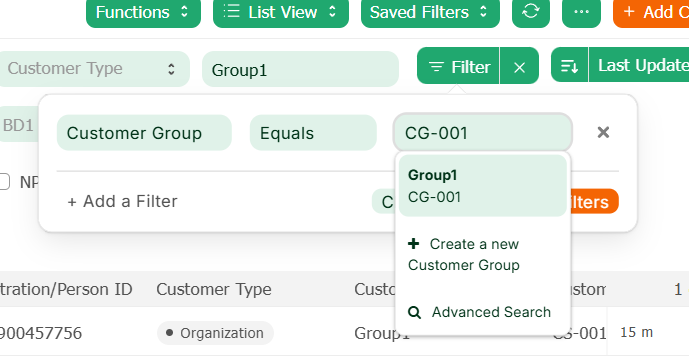
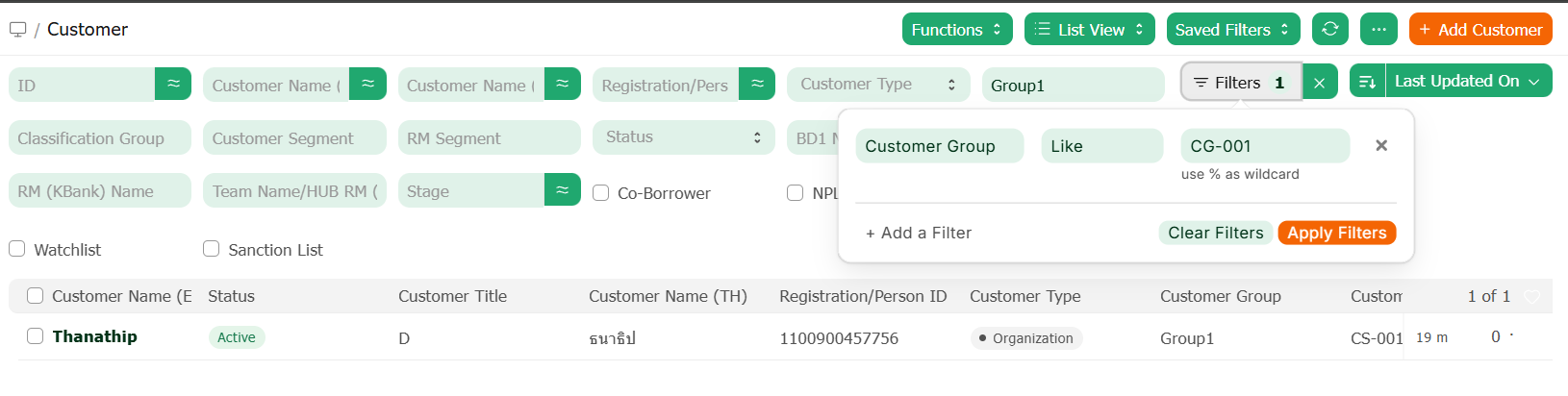
There is inconsistent behavior when using List View filters on Link fields with operators like, not like, in, and not in.
The input becomes plain text without autocomplete, so users enter the Title value (e.g. customer name), but the filter actually works on the document name, causing incorrect results.
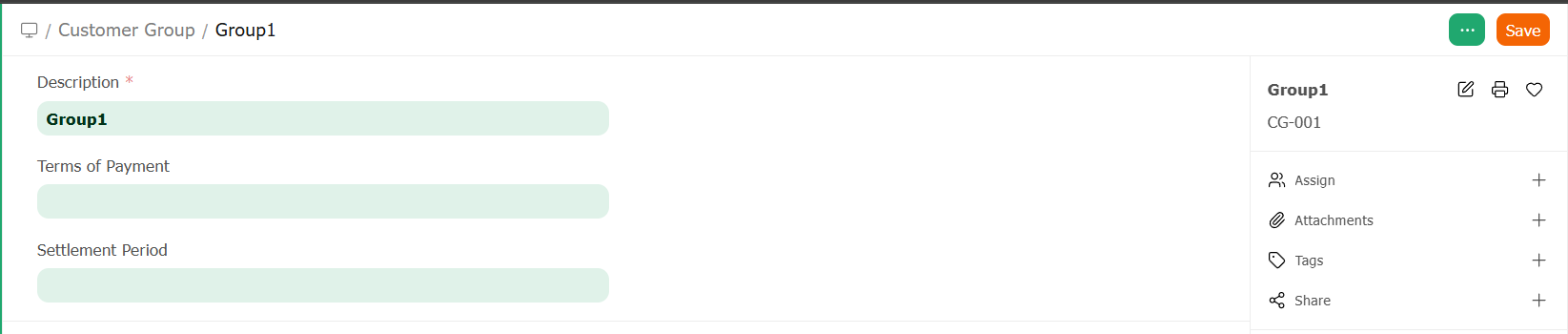
For example, if Customer name is CUS-0001 and title is John, then customer like "John" or customer in ["John"] will not work because the system expects CUS-0001.
This is confusing because other Link field inputs allow searching by Title.
Is this intended, or can it be improved to support autocomplete or Title-based filtering?
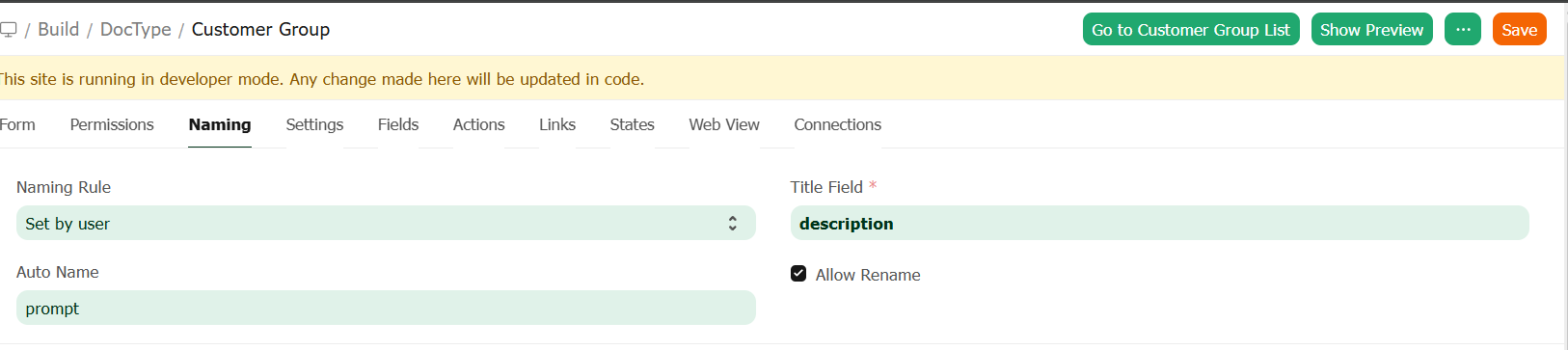
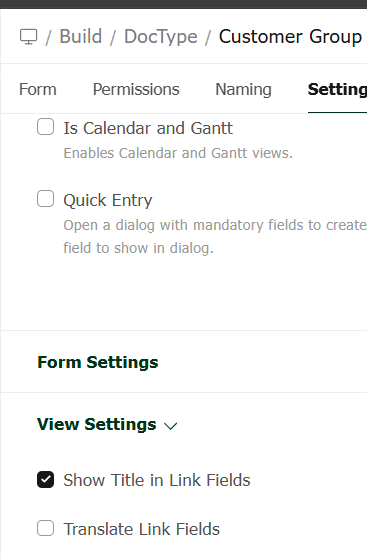
I expect that if a DocType has a Title Field set, filters like Like, In, and Not In should work when the user enters a value matching that Title Field.