Hi everyone,
I’m developing a frontend application with Vue.js that has two pages: / (home) and /mypage. I’m using Vue Router for navigation, and everything works fine when navigating between pages using <router-link> within the app
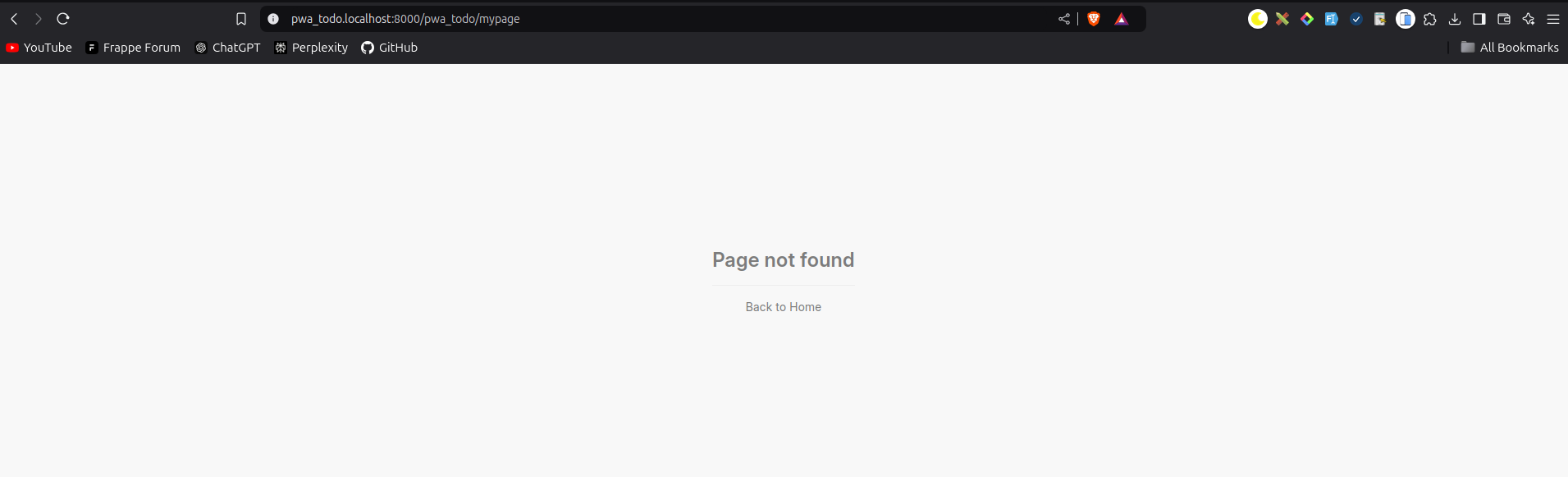
However, I’m encountering an issue when I try to access /mypage directly through the browser’s URL bar. Instead of loading /mypage, I get a “Page Not Found” error.
If I navigate to /mypage from the home page (/) using a router link, it loads as expected
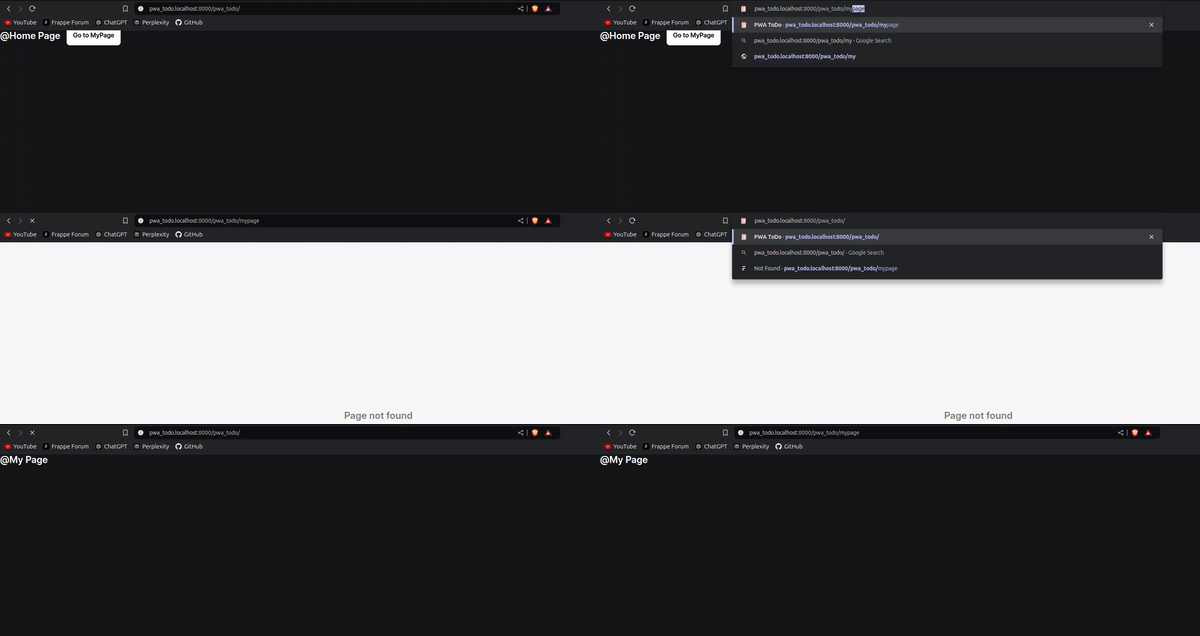
what I’ve set up:
-
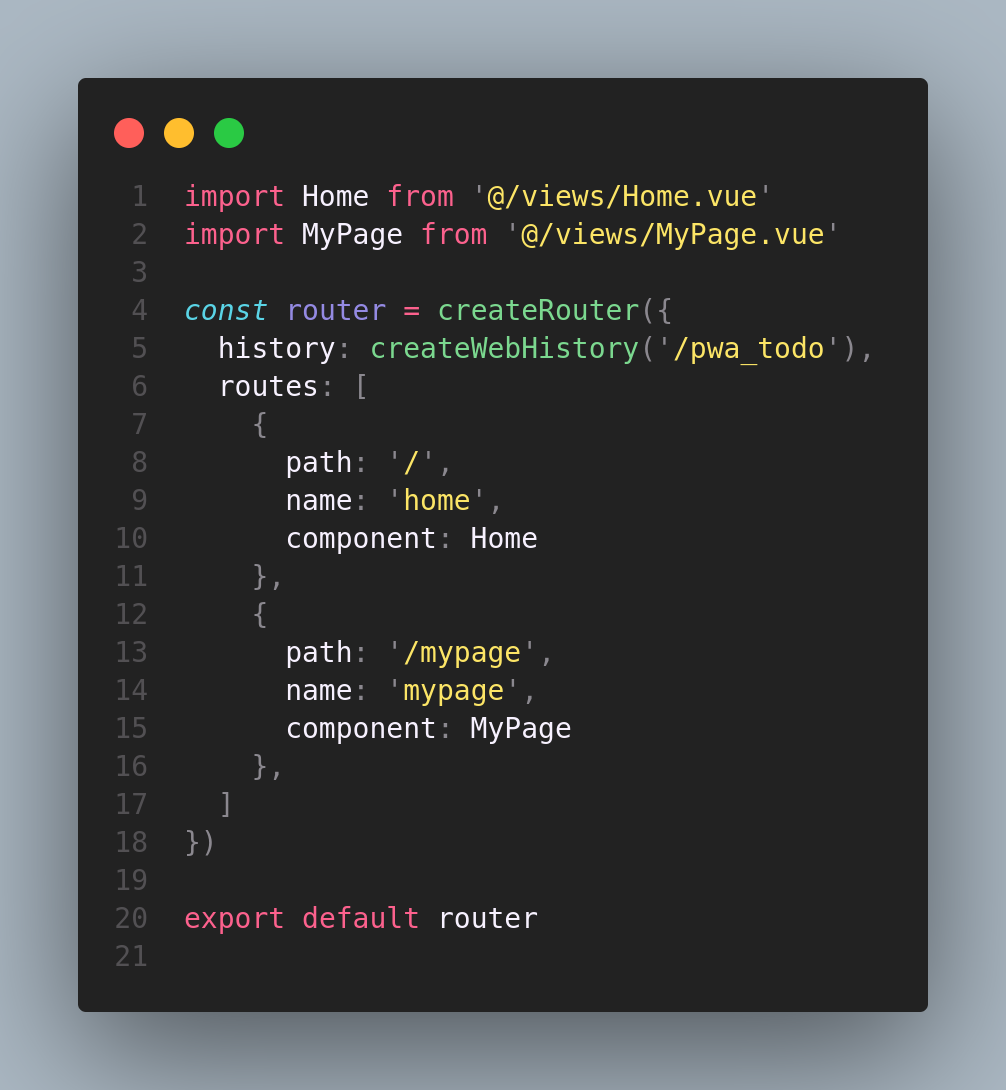
I configured Vue Router with routes for
/and/mypage.
-
Using
<router-link>within the app to go from/to/mypageworks perfectly. -
Navigating directly to
/mypagethrough the browser address bar does not work and returns a 404 error.
-
Important Note: This issue only occurs after building the app. When running the development server with
npm run dev, everything works as expected. The problem appears only after building and deploying the app

Troubleshooting I’ve tried:
- Double-checked the route paths in the Vue Router configuration.
- Ensured the routes are properly defined in
router/index.js.
I suspect it might have something to do with server configuration, as it seems the issue arises with direct URL access after build
Is there a specific configuration needed for Vue Router to handle direct URL access to nested routes after build?
Additional Detail: I’m using the Frappe framework on the develop branch with the latest commit.