Issue with GST Tax Template Auto-Selection in Purchase Invoice Based on Supplier in ERPNext v15
I am facing an issue in ERPNext v15 while creating a Purchase Invoice with India GST compliance enabled. The setup involves:
-
Two suppliers (Supplier A and Supplier B)
-
One item “Oil” which is taxable and has an assigned 5% GST Item Tax Template
Problem:
-
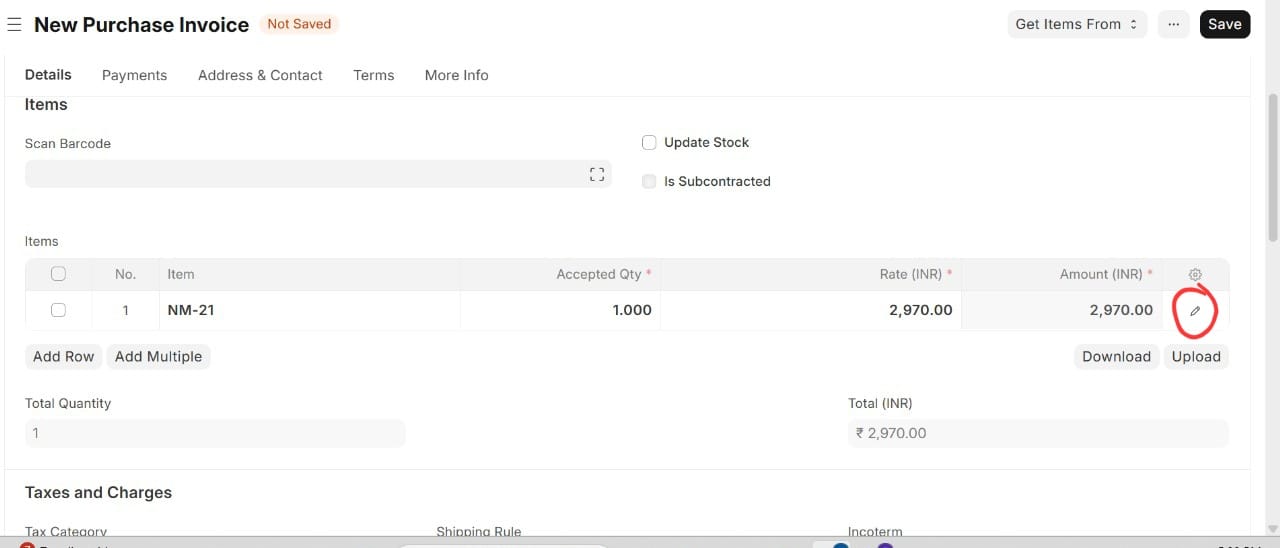
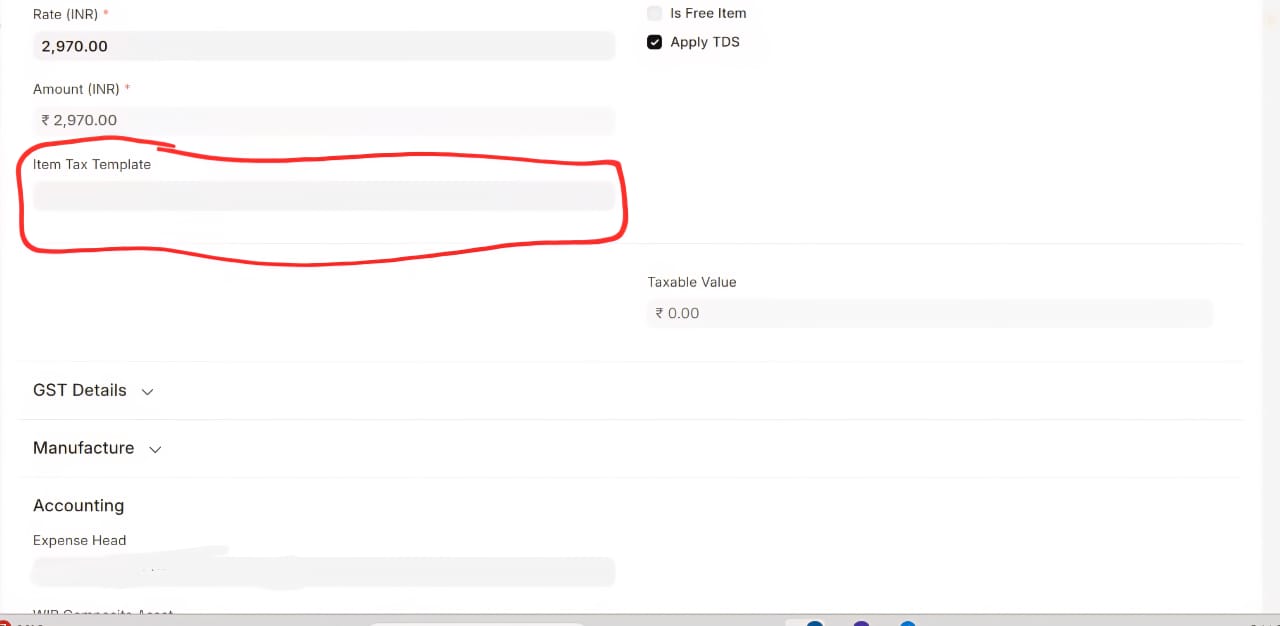
When I select Supplier A and add the “Oil” item in the Purchase Invoice, the GST is NOT calculated automatically.
-
On the item line in the invoice, the “Item Tax Template” field remains empty (not auto-selected) and the “GST Treatment” is blank.
-
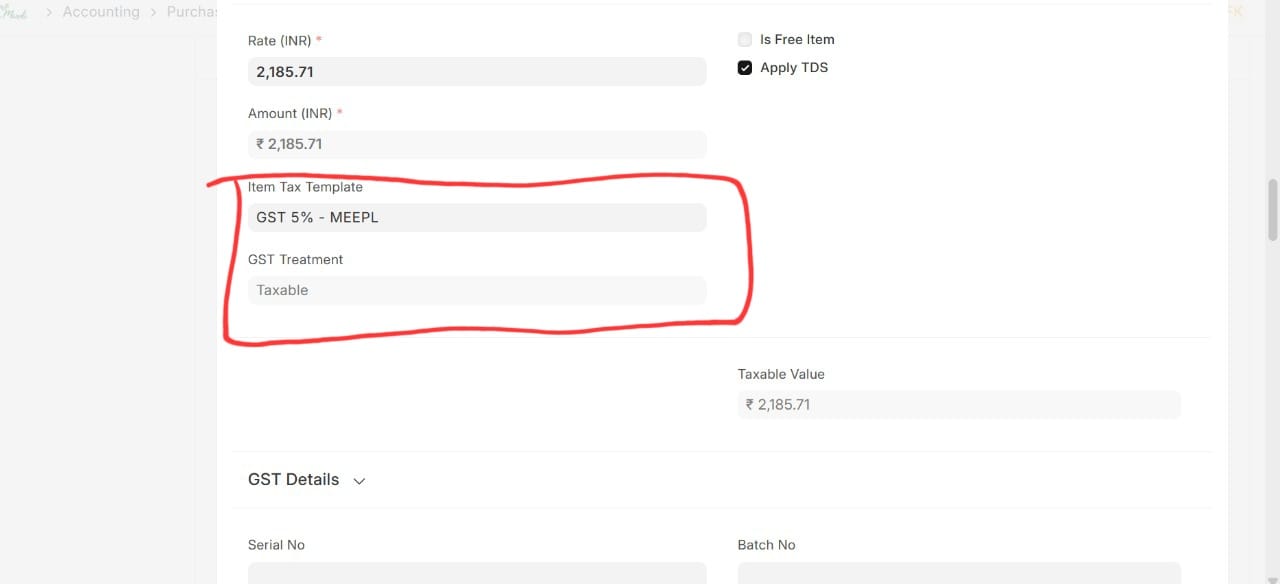
When I select Supplier B and add the same “Oil” item, the system automatically picks the 5% Item Tax Template and sets the “GST Treatment” to “Taxable”.
I have cross checked it multiple times and the suppliers are the same in every aspect and there is no inconsistency for the same.
Please help.