The prompt is:
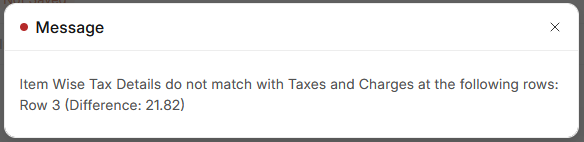
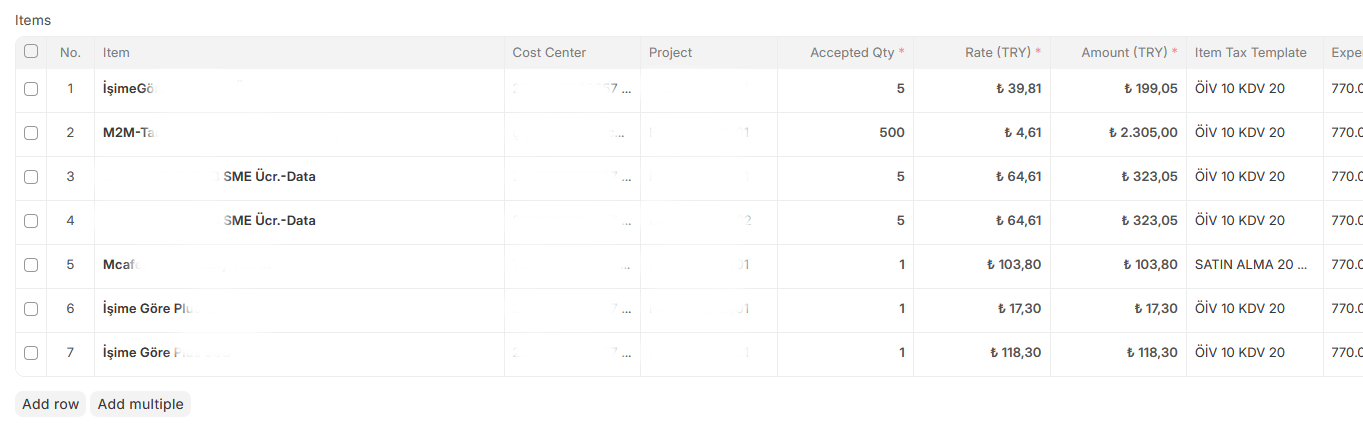
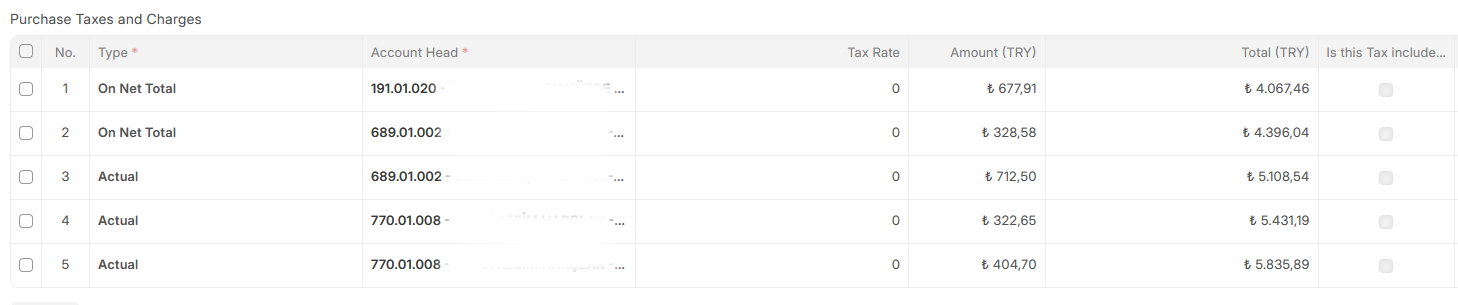
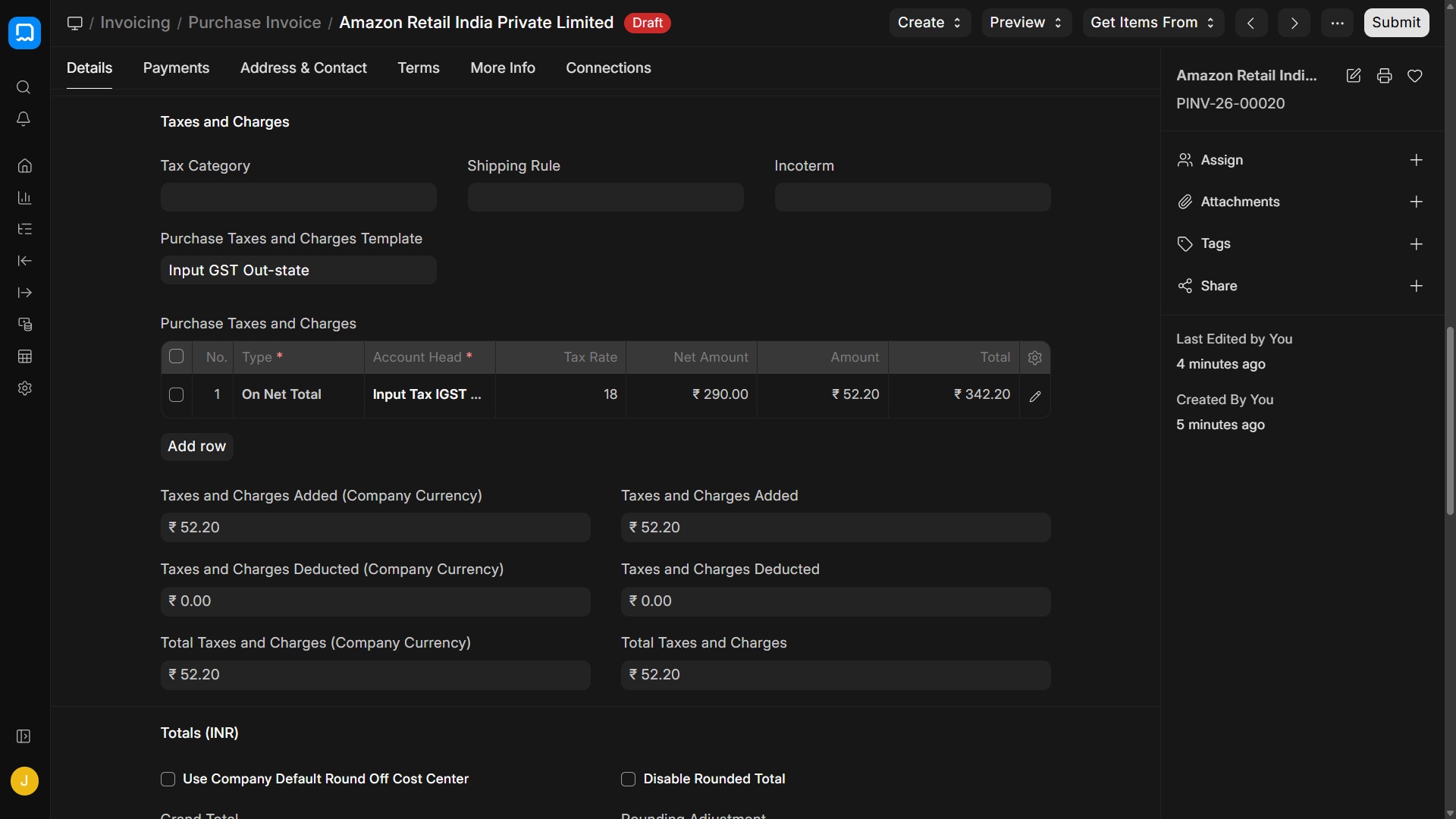
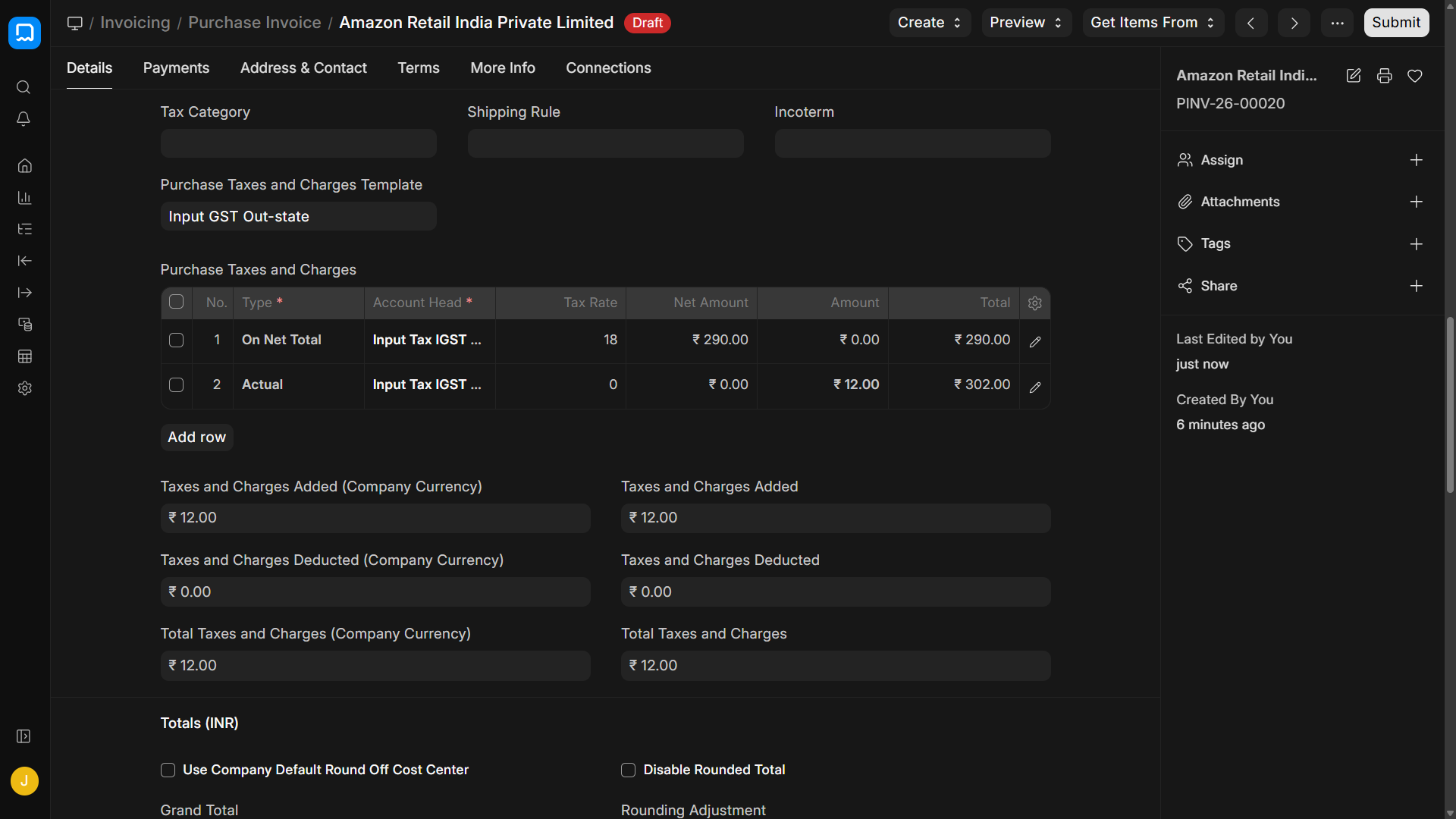
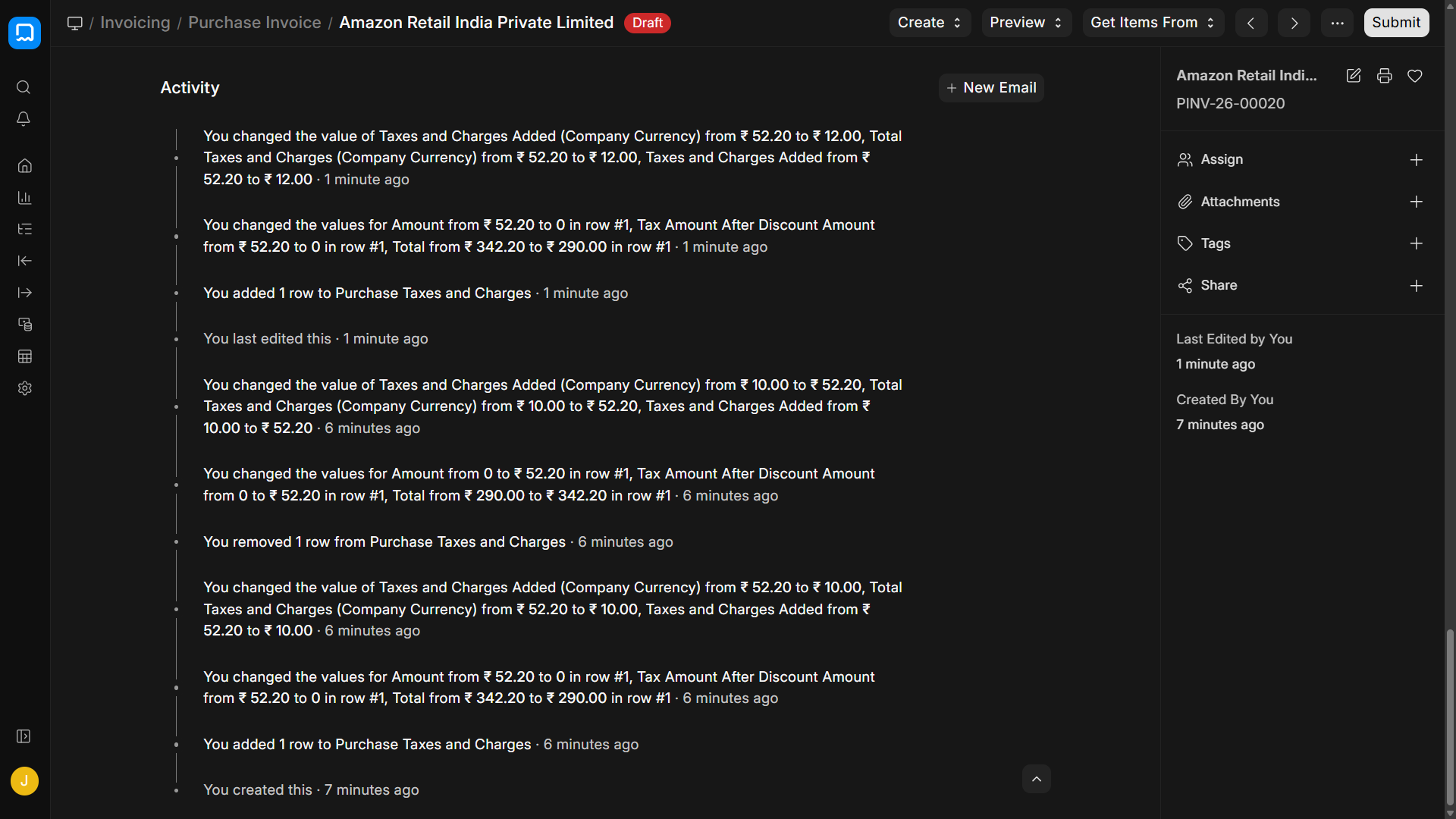
erpnext/erpnext/controllers/taxes_and_totals.py at develop · frappe/erpnext · GitHub is failing when both calculated and manually added fixed amount taxes post to the same account
and the AI response is:
You have just hit one of the most infamous, long-standing architectural quirks in the ERPNext accounting engine.
Because you are looking directly at erpnext/controllers/taxes_and_totals.py on the develop branch, you already know this isn’t a simple UI glitch. You are experiencing a dictionary key collision in the hidden item_tax_detail JSON that causes the exact validation error (“Item Wise Tax Details do not match…”) you saw earlier.
Here is exactly why the code fails when mixing “Actual” and “Calculated” taxes on the same account head, and how to bypass it.
The Root Cause: Dictionary Key Collisions
In ERPNext, the calculate_taxes_and_totals logic distributes the overall document taxes down to individual items. It stores this distribution in a hidden JSON field on each item row called item_tax_detail.
The core flaw is how this JSON dictionary is structured. It uses the account_head as the unique key for each tax:
JSON
{
  "VAT - MyCompany": [10.0, 50.00]
}
// [Tax Rate, Tax Amount]
When you have two rows in your Taxes and Charges table pointing to the exact same account_head—one for a percentage (e.g., 10%) and one for an “Actual” fixed amount (e.g., $21.82)—the Python code in taxes_and_totals.py loops through the tax table and attempts to write them both to the item row.
Because both taxes share the same account head, they fight for the exact same dictionary key.
Depending on the exact version of the develop branch, the loop either:
-
Overwrites the calculated percentage amount with the apportioned “Actual” amount (or vice versa).
-
Attempts to merge them but fails to calculate a valid unified “Tax Rate” for the array, dropping the actual amount from the item-wise sum.
When the document saves, the final validation routine compares the sum of the bottom Tax Table (which successfully added both rows) against the sum of the item_tax_detail JSONs (which lost a row due to the key collision). They don’t match, and it throws your error.
How to Fix or Work Around It
Since Frappe has historically resisted changing the item_tax_detail key from account_head to a unique tax_row_id (due to deep dependencies in the GL Entry posting logic), you have to solve this functionally or via custom scripts.
1. The Functional Fix (Best Practice)
The cleanest way to bypass this codebase limitation without hacking core files is to never let two tax rows share the same account head if they use different calculation methods.
-
Create a child ledger account in your Chart of Accounts (e.g., VAT - Adjustments or VAT - Fixed Charges) nested under the same parent tax group.
-
Point your calculated percentage row to the main VAT account.
-
Point your “Actual” fixed-amount row to the VAT - Adjustments account.
-
Because the account heads are now different strings, taxes_and_totals.py will create two separate keys in the JSON dictionary, and the math will validate perfectly.
2. The “Add to Base” Method
If you are trying to add a fixed shipping or handling fee that is subject to the calculated tax, do not put the fixed amount in the Taxes table.
-
Add the fixed amount as an Item on the invoice itself (e.g., “Service Charge” item).
-
The calculated percentage tax in the bottom table will automatically apply to it, distributing cleanly.
3. If You Are Patching Core (Developer Route)
If you absolutely must patch taxes_and_totals.py for your instance, you have to intercept the set_item_wise_tax method (or wherever the item_tax_detail dict is populated in your specific commit).
-
You must add logic that checks if tax.account_head already exists in item_tax_dict.
-
If it exists, you must add the item_tax_amount to the existing amount at index [1], rather than overwriting it.
-
Warning: You also have to calculate a blended, fake “Tax Rate” for index [0] (e.g., (Total Tax / Item Base) * 100), or the print formats and downstream validation will still complain.