Jinja Variables Not Rendering Inside Letterhead When Using "With Letterhead" Option

Hi everyone,

I’m facing an issue with the Letter Head rendering behavior in Frappe/ERPNext.

When I enable the “With Letterhead” checkbox in Print Preview, the letterhead HTML is displayed as plain text, and Jinja variables are not rendered.

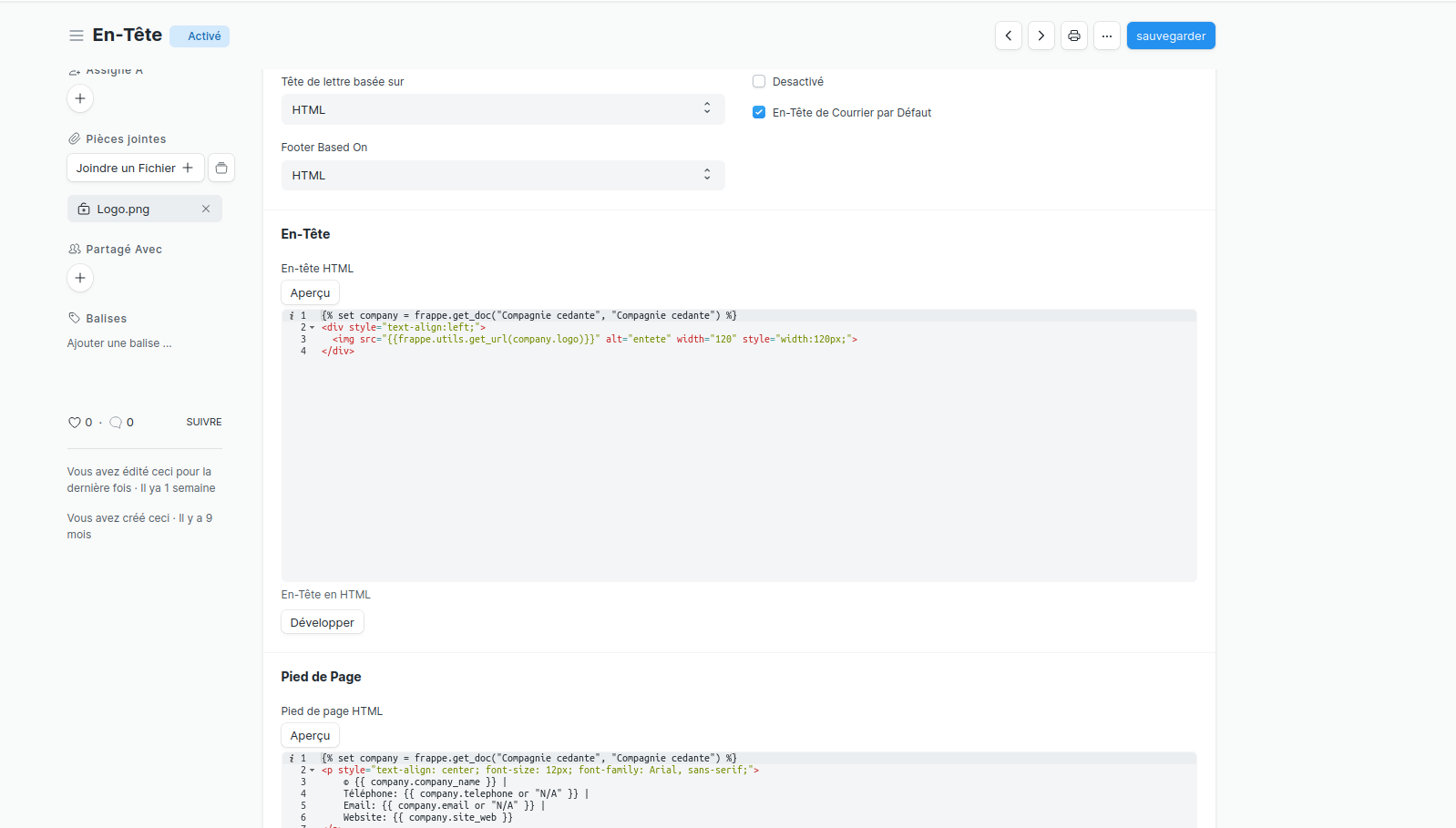
Example of my letterhead content:

{% set company = frappe.get_doc("Compagnie cedante", "Compagnie cedante") %}
 <p style="text-align: center; font-size: 12px; font-family: Arial;">  
 © {{ company.company_name }} |     
 Phone: {{ company.telephone or "N/A" }} |
 Email: {{ company.email or "N/A" }} |
 Website: {{ company.site_web or "N/A" }} </p>

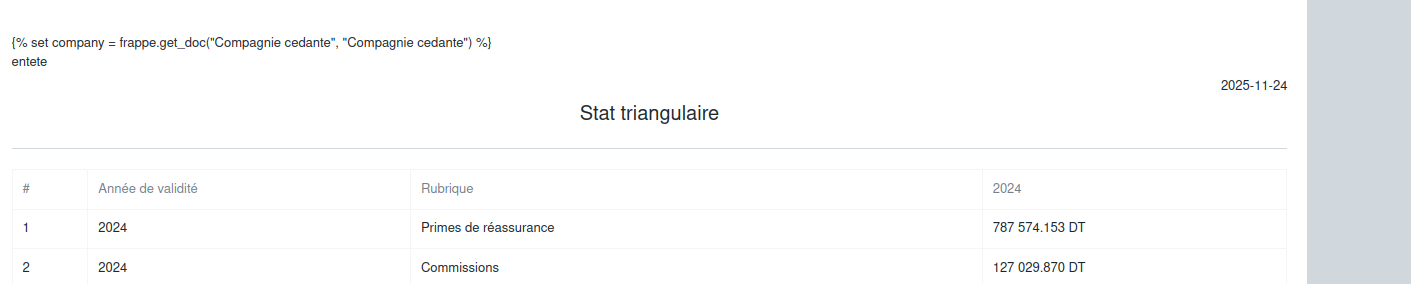
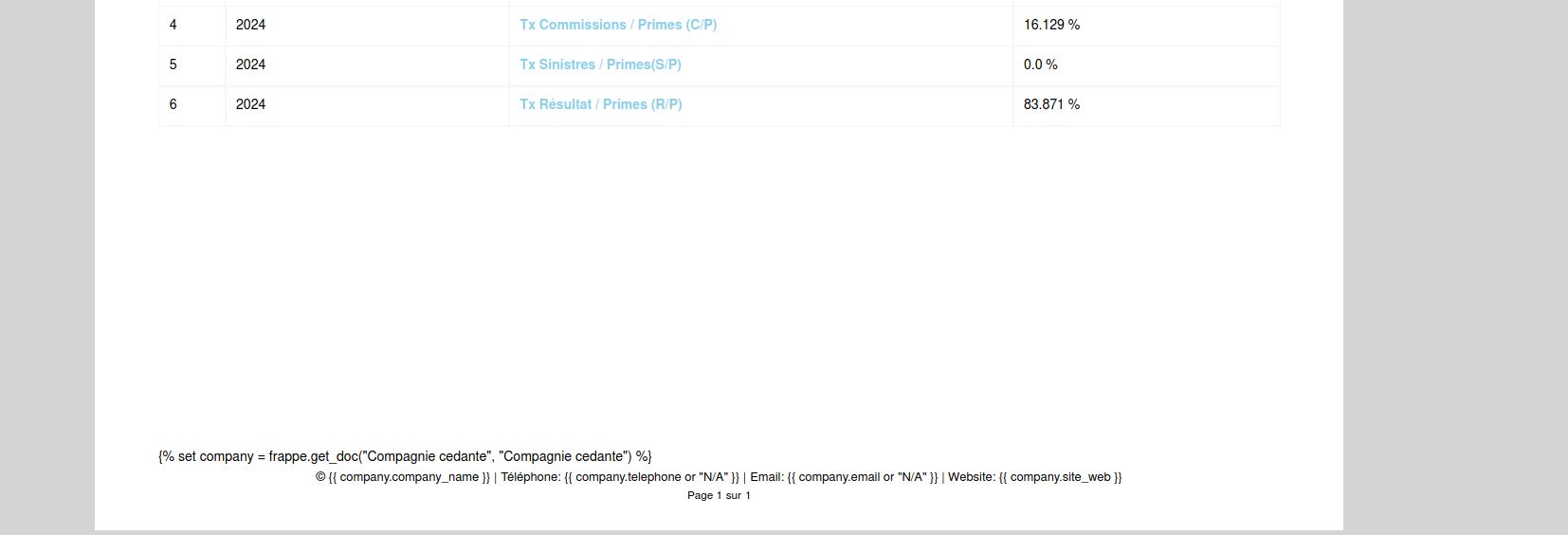
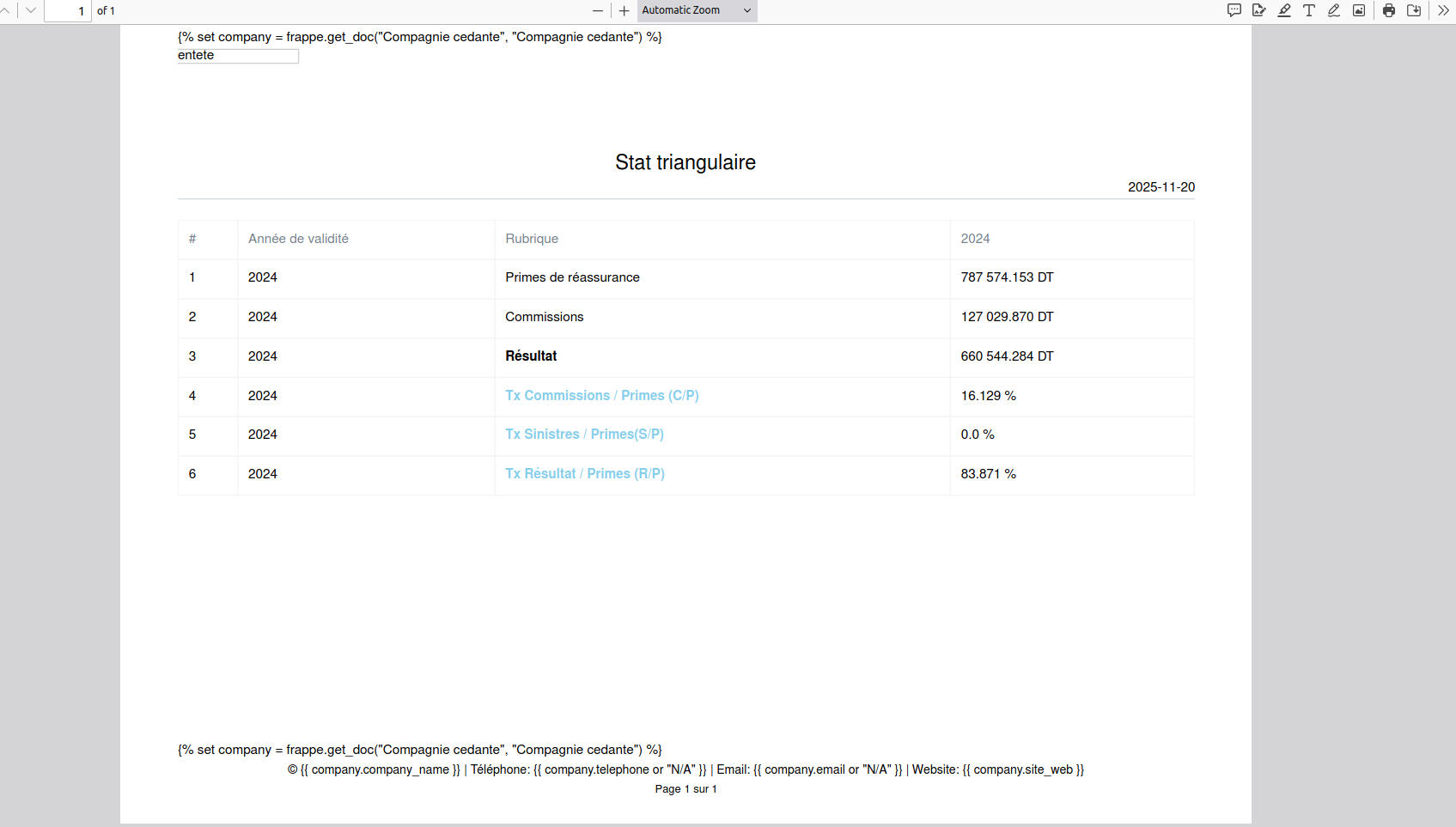
But in the final PDF or HTML preview, it shows literally like this:

{% set company = frappe.get_doc("Compagnie cedante", "Compagnie cedante") %}

© {{ company.company_name }} |Phone: {{ company.telephone or "N/A" }} | Email:{{company.email or "N/A" }} |Website: {{ company.site_web or "N/A" }}

Instead of evaluating the Jinja expressions.

can you explain what you are trying to print and in which doctype

I want this Jinja-based letterhead to appear in all report print outputs across the system — in every PDF and printed report.

and this is the letter head

Can you translate “Compagnie cedante”?

Does something simple like this render?

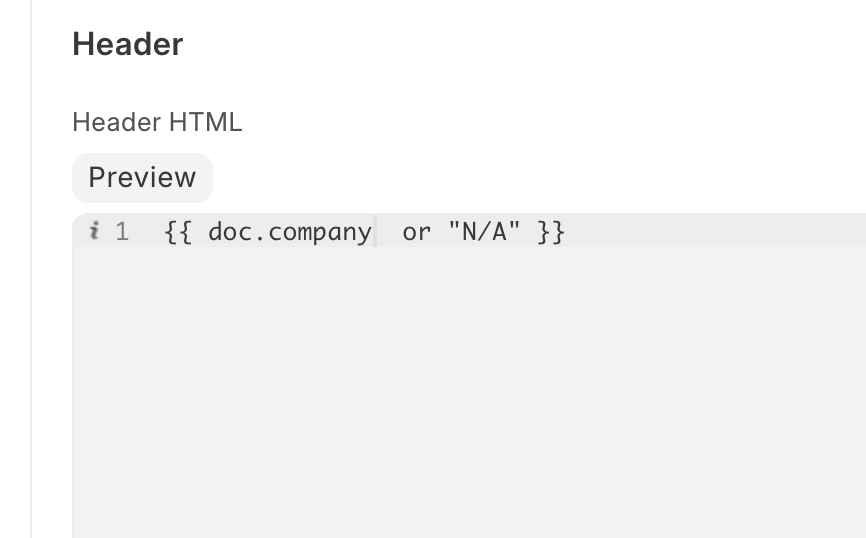
{{ doc.doctype }}

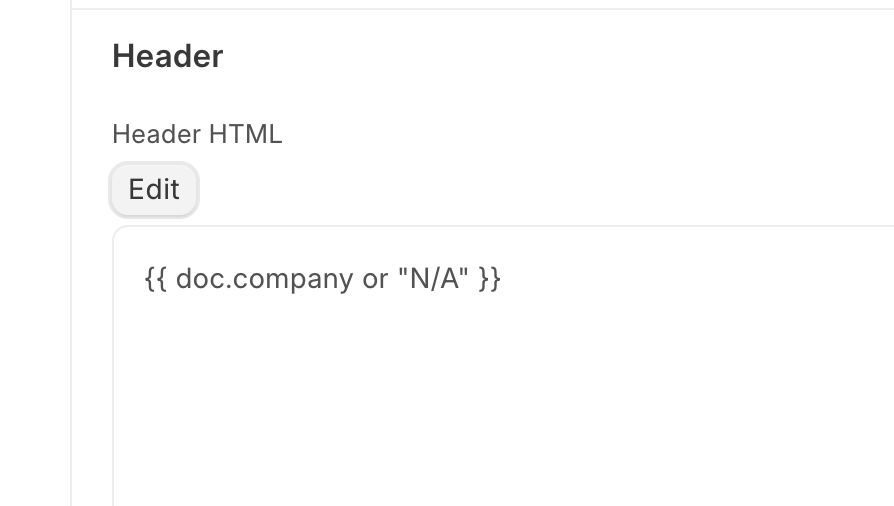
I can confirm the preview does not render the Jinja code, but it works when selecting the letter head in print dialog,

Here is raw code:

Here is preview:

Thank you for your response, but the issue is more specific than that.

The exact same Letter Head works perfectly and renders Jinja variables correctly when printing regular documents (like Sales Invoices, custom_doctype, etc.), but fails when printing reports.

To be clear:

  • Works fine: Document print formats (Sales Invoice, etc.)

  • Fails: All report print outputs ( Database Storage Usage By Tables, etc.)

“Compagnie cedante” is the name of my custom DocType, but the same issue occurs with standard Frappe reports like “Database Storage Usage By Tables” - the Jinja code appears as plain text in the PDF output.

The core problem:

  • Letter Head preview works correctly

  • Document printing works correctly

  • Report printing doesn’t render Jinja variables - they appear as literal text

This affects all reports across the system when using the “With Letterhead” option in both PDF and printed outputs.
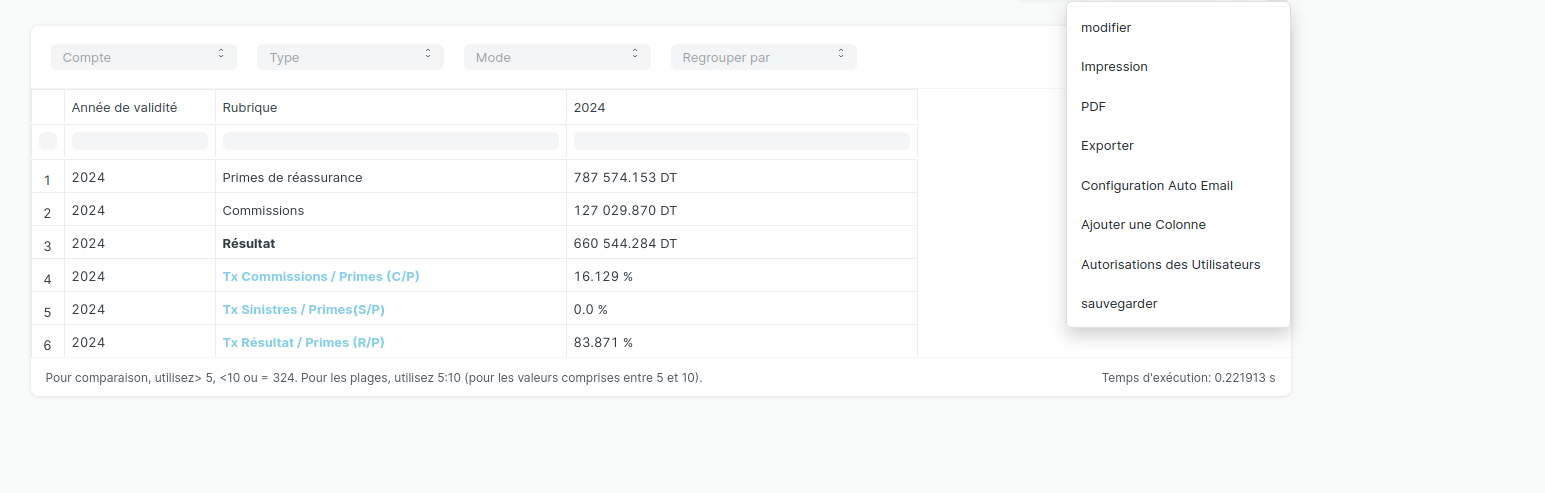
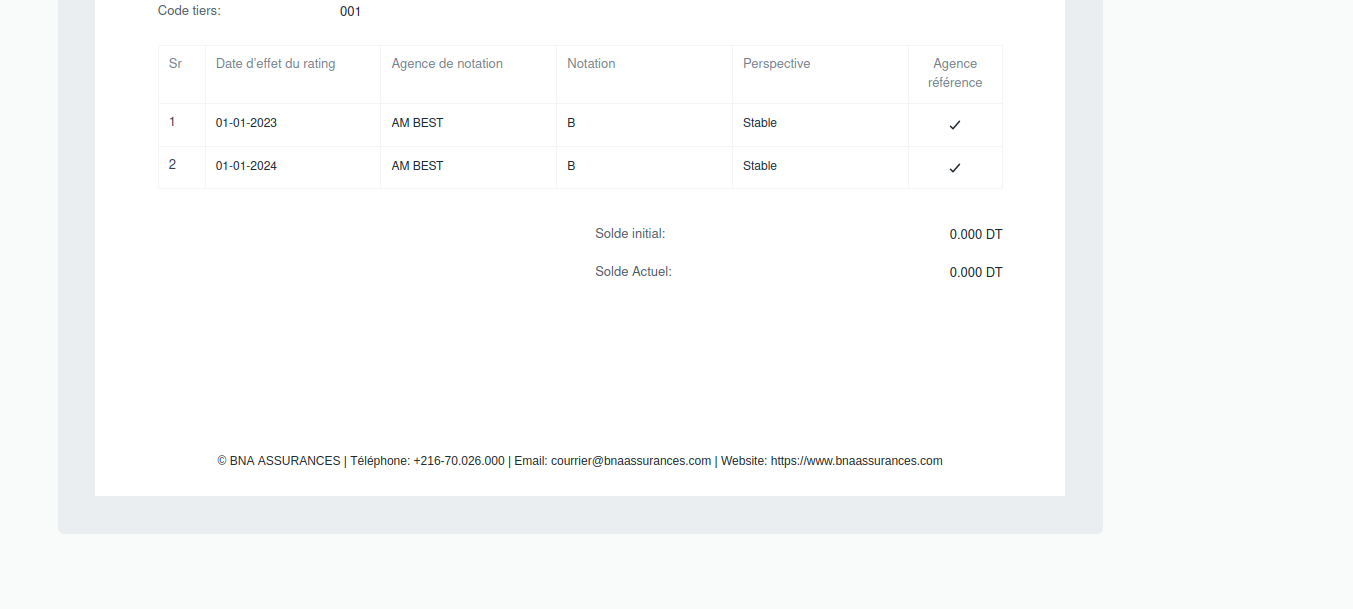
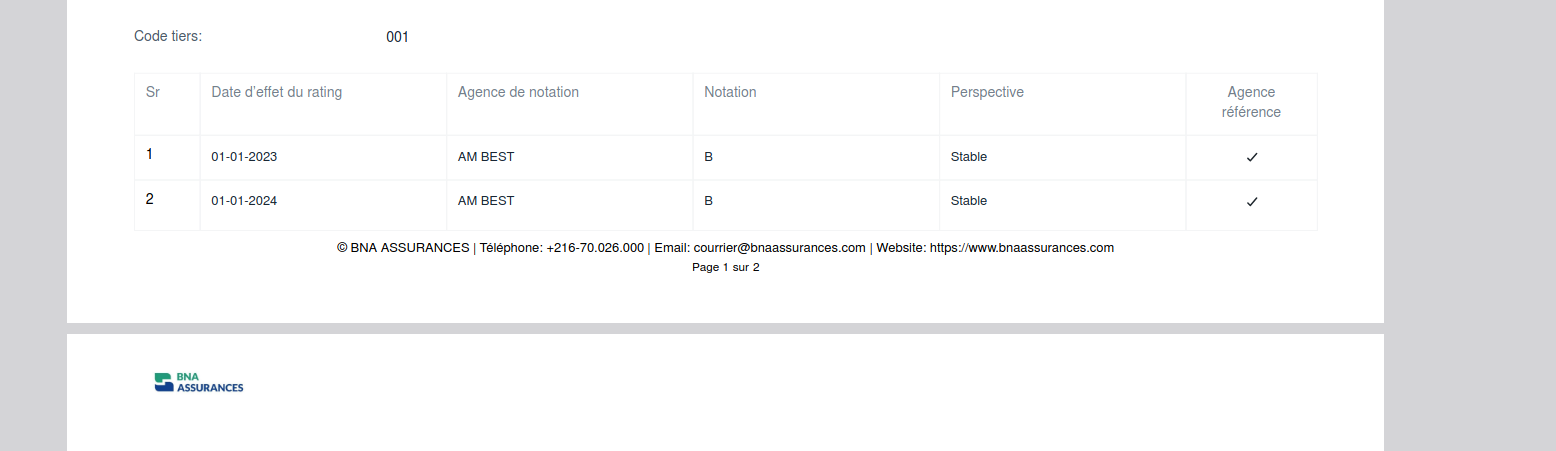
this is an example in document printing

pdf of document

but fail in print report:

pdf report:

I can confirm this in v15.89 and 16.0.0-dev. Perhaps raise an issue or feature request here?

Yes, I've already created an issue for this. Thanks for confirming the behavior .