
is there any option to remove header and footer menu in login page at frappe cloud -ERP Next
That for, please go to the Website Settings and HTML Header, Robots and Redirects Section.

Then apply the style like
<style>
nav.navbar.navbar-light.navbar-expand-lg {
    display: none;
}

footer.web-footer {
    display: none;
}
</style>
Then click on Clear-Cache and reload (Ctrl + Shift + R) and check it.
Output:
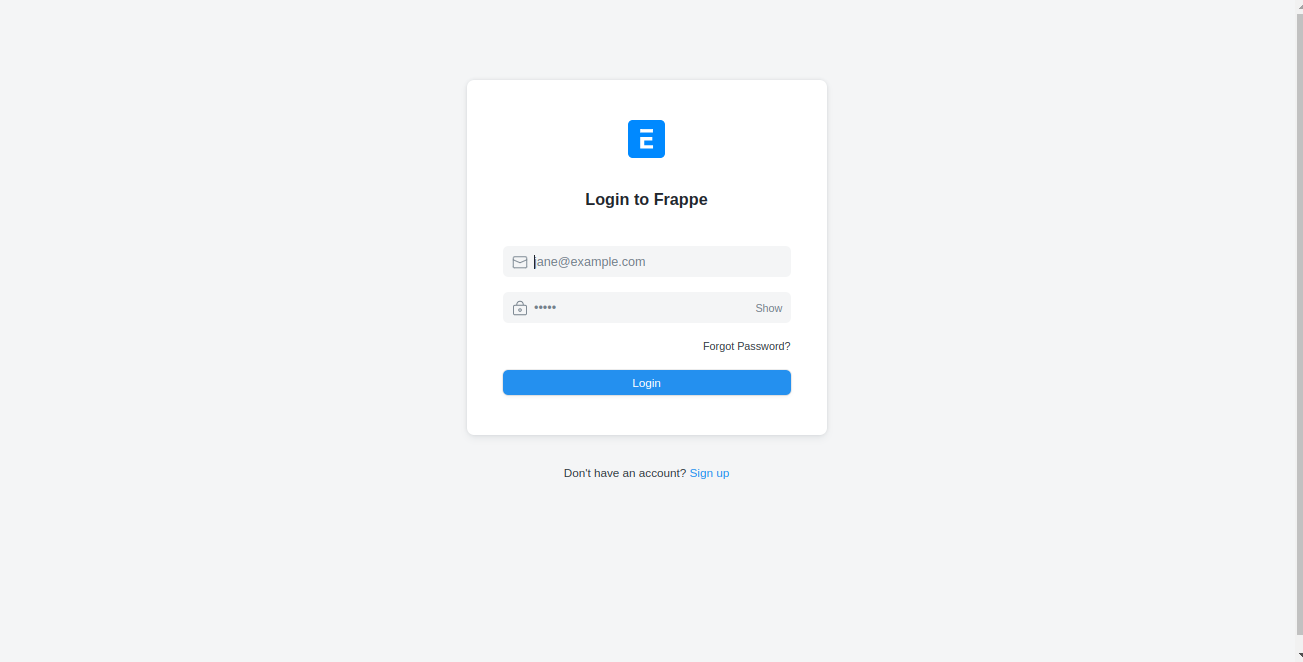
I hope this helps.
Thank You!
7 Likes
@NCP , How can i increase logo size after login
@NCP How can I implement this with my custom app?
Hi
My login page looks like this;

and i have customized it by working with custom CSS in website theme;
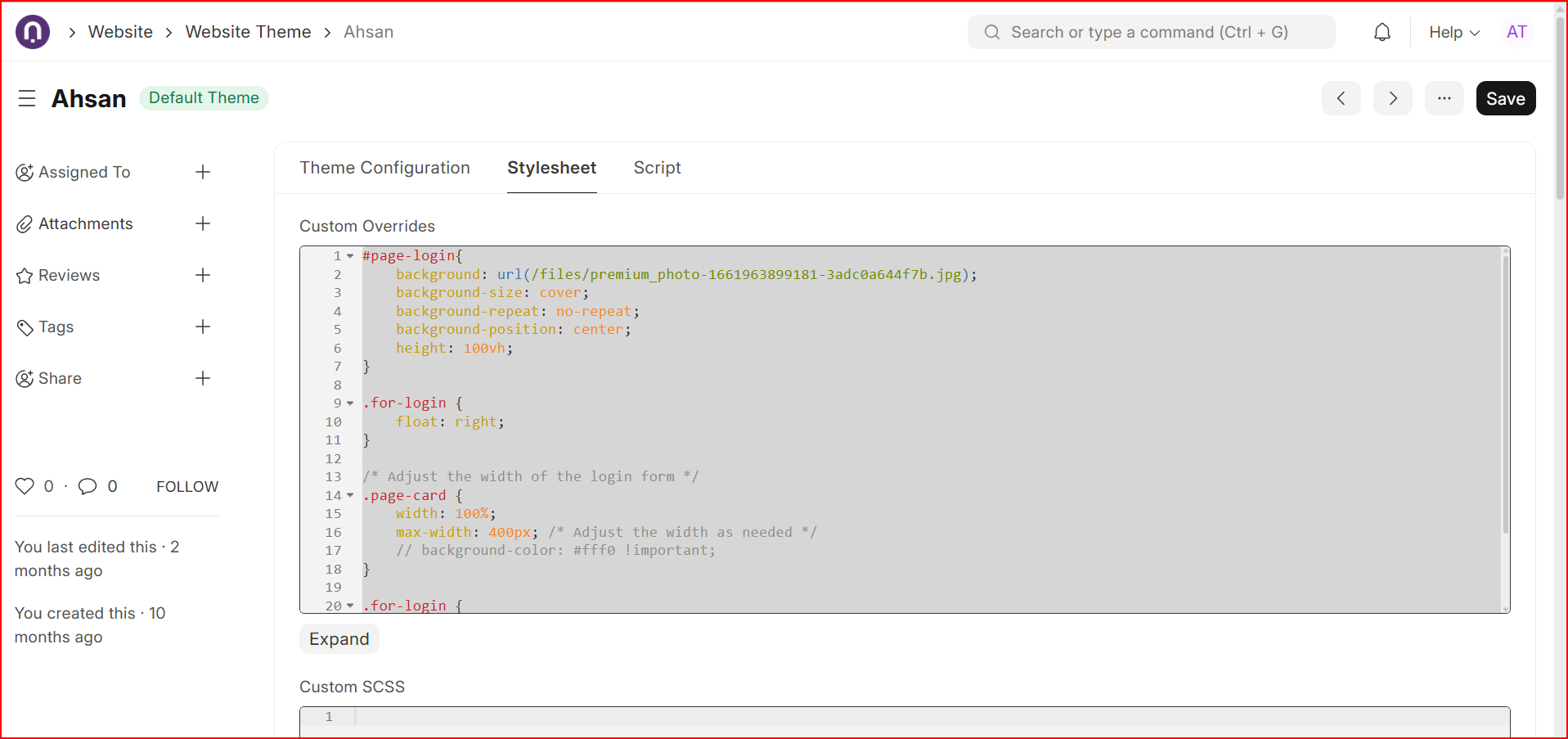
#page-login{
background: url(/files/premium_photo-1661963899181-3adc0a644f7b.jpg);
background-size: cover;
background-repeat: no-repeat;
background-position: center;
height: 100vh;
}
.for-login {
float: right;
}
/* Adjust the width of the login form /
.page-card {
width: 100%;
max-width: 400px; / Adjust the width as needed */
// background-color: #fff0 !important;
}
.for-login {
width: 400px;
}
7 Likes
Did you include any script? It doesn’t work for me
Hi @Pejay
- store image file in file list and copy the path.
- come back in website setting and paste the CSS as show above.
- dont forget to change file path in css.
- Set theme as default and reload.
it should work then on your log in page.
1 Like