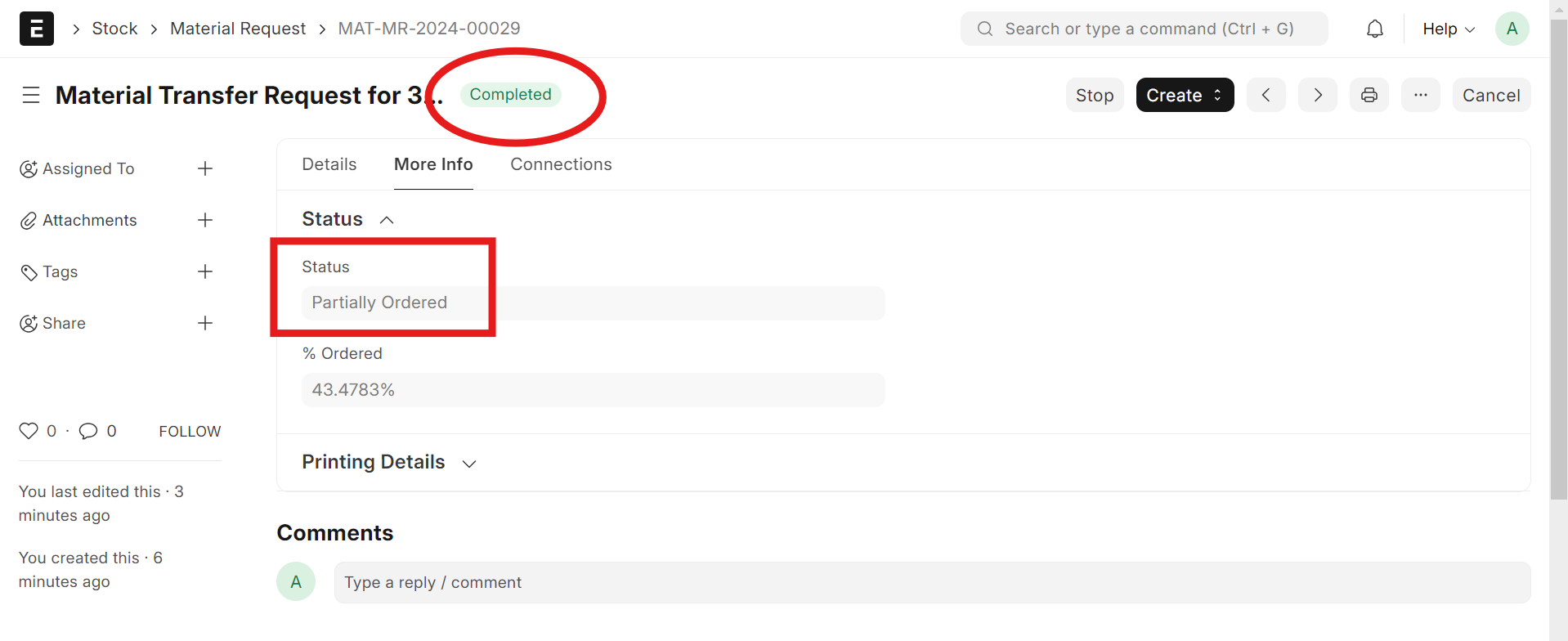
In Material Request, the Status field indicates Partially Ordered, but the overall status has been updated to Completed. How can I fix this.

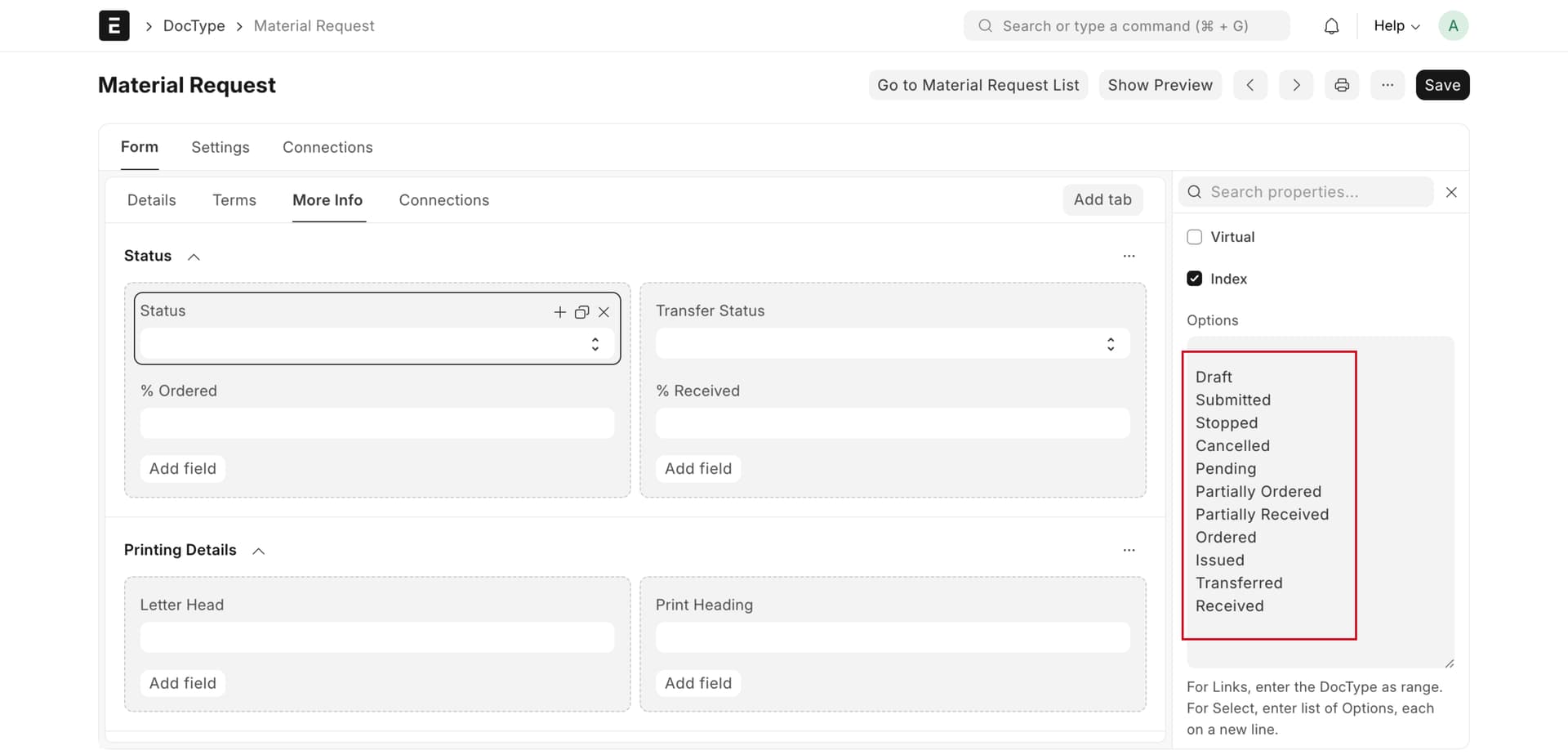
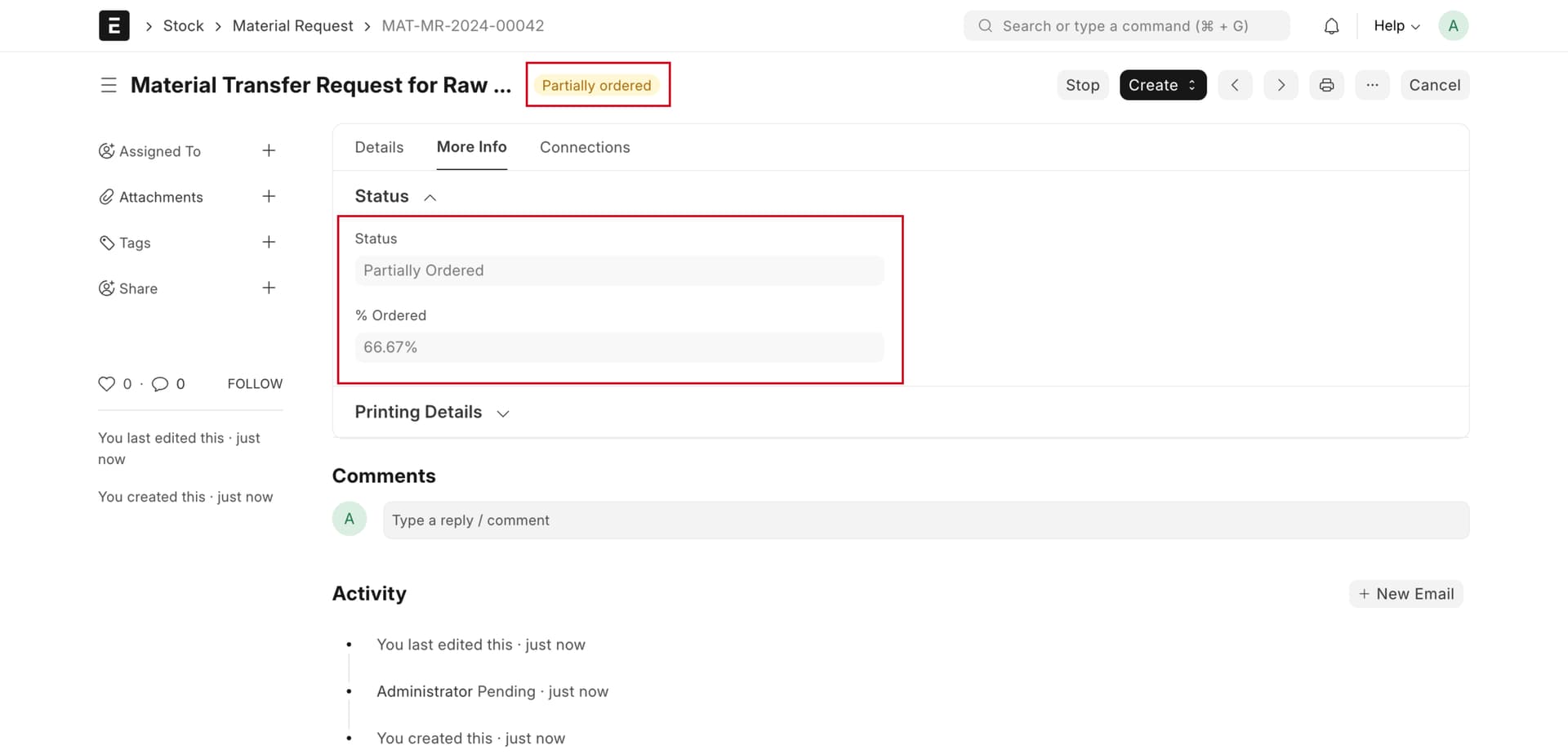
Should this not happen, again next time you transfer the material, watch the status update automatically.
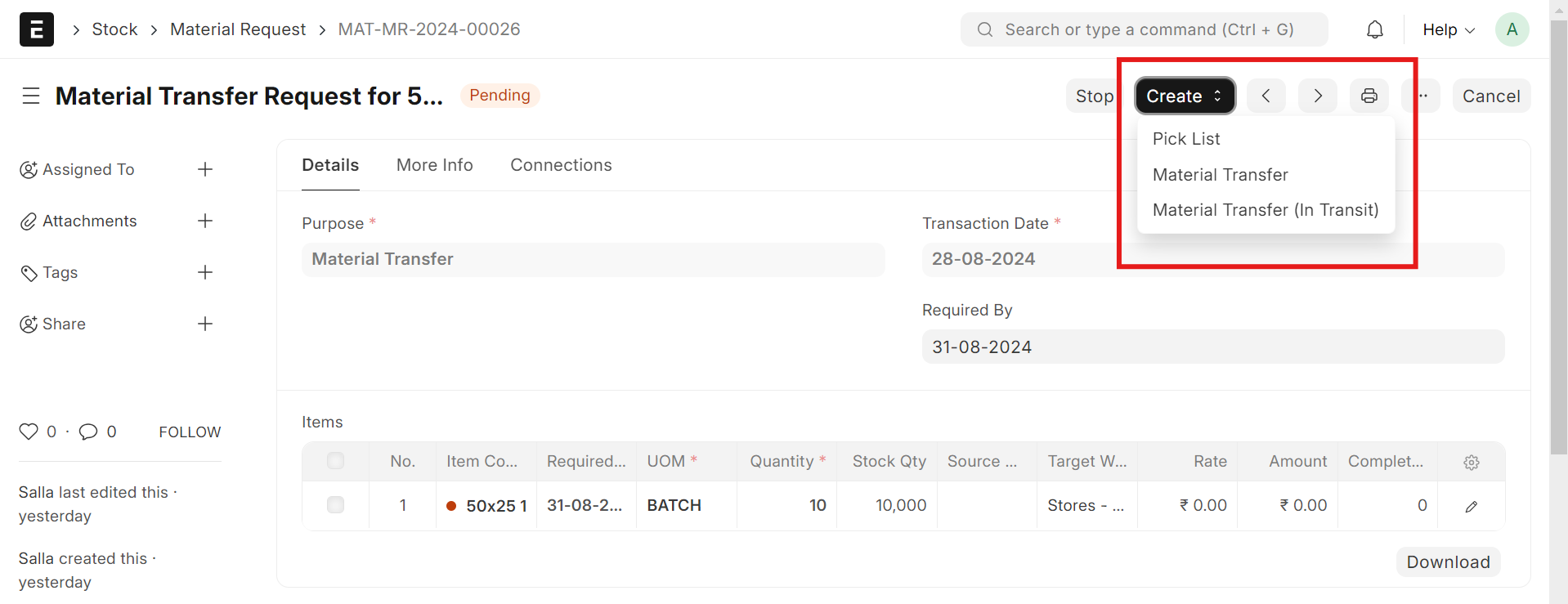
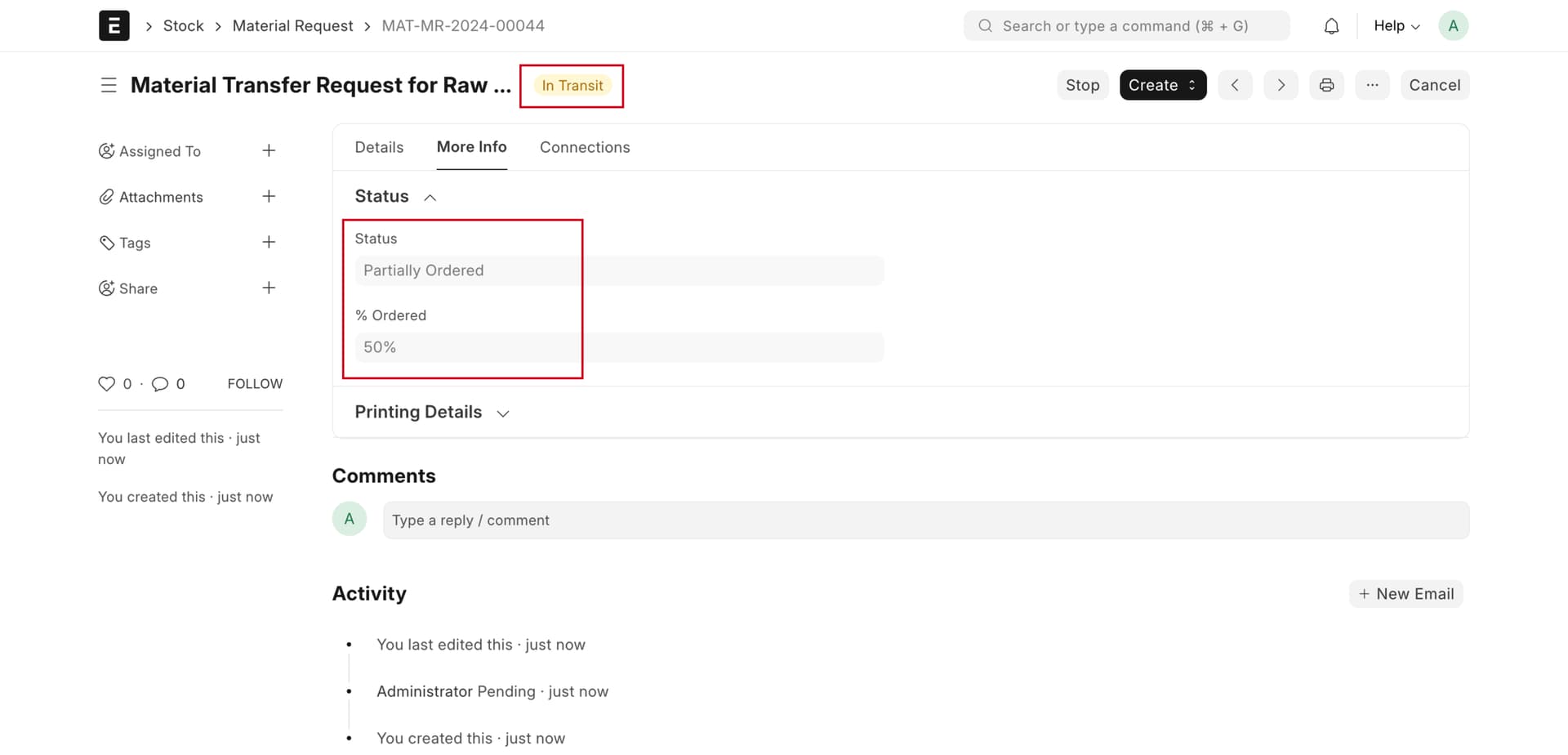
After this, can you click on the Connections tab, go to Stock Entry, select End Transit, and then check the status? Please let me know.
I checked the all step, but worked properly. Record and send me a video of what is not working in your case.
Do you have
- a custom Workflow for Material Request that implement other status ?
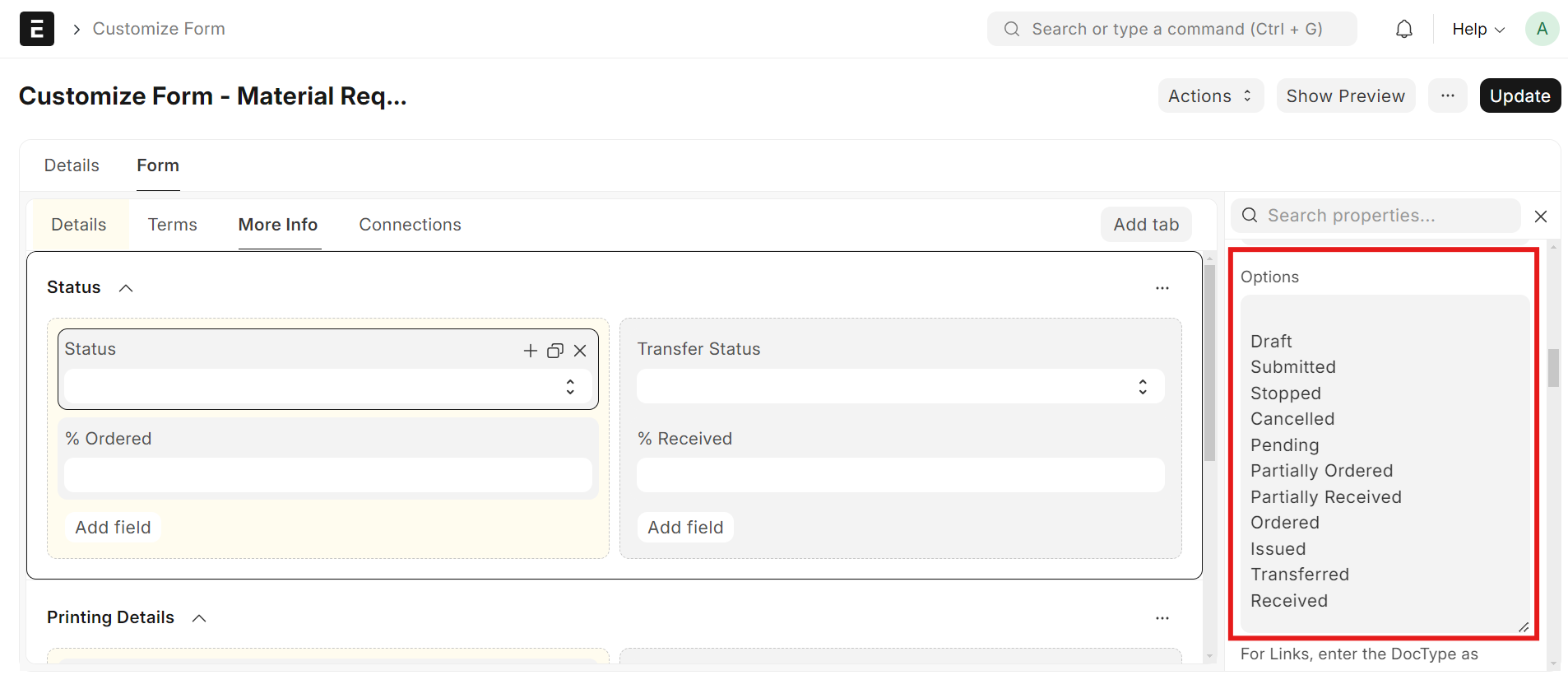
- a modified Doctype Type Material request with other status ?
- a Customization on Material Request Doctype ?
Please visit the link below to watch the video and provide me a solution for it. and Thank you for your continuous support.
No, We haven’t customized those modules.
@Chidambaram I am facing the same issue. Have you found any solution for the same?
- Check Linked Documents:
Ensure all requested quantities are linked to urchase Orders or Stock Entries(via view Related Documents).
2.Recalculate Ordered Qty:
Click Actions Recalculate Ordered Qty to refresh the status. - manual Update (If Needed):
If the issue persists, manually change the Status to completed and save the document.