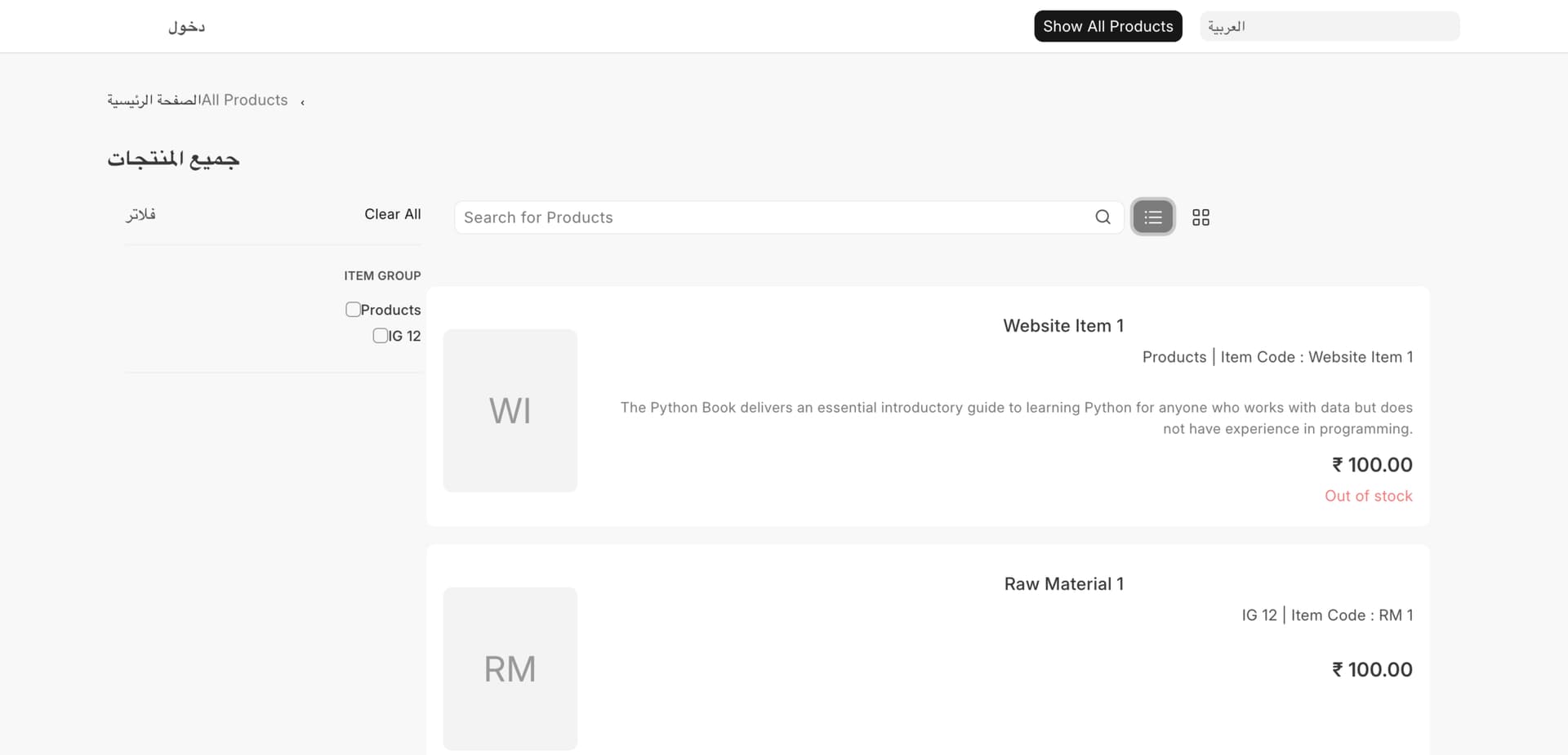
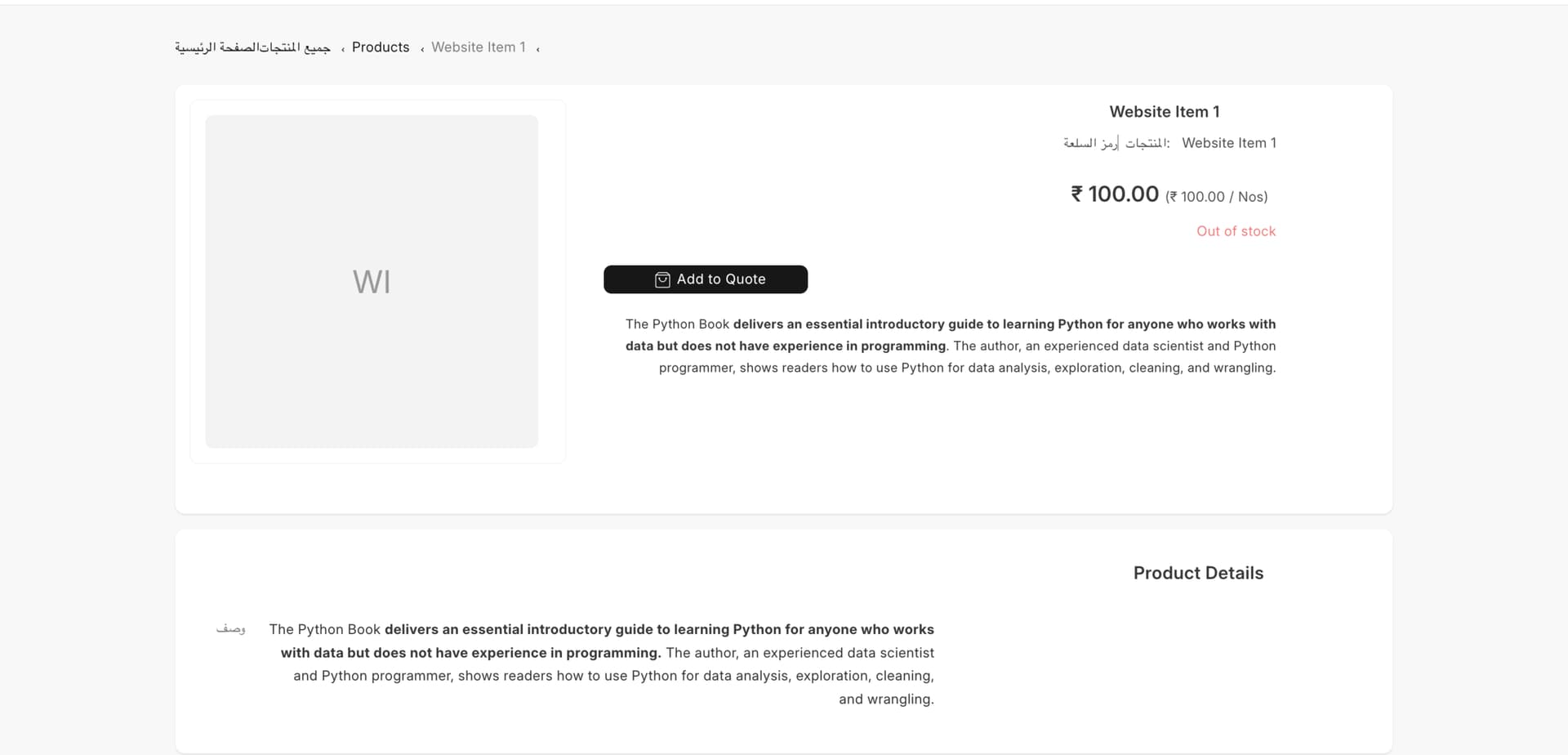
I have ERPNext (15.37.0) when i view the website and pick languages like "Arabicالعربیة and Farsiپارسی I expect layout switch as well but it does not fully switch the layout also the text content direction should change. is it like that or its affected by custom applications?
i am attaching screenshots
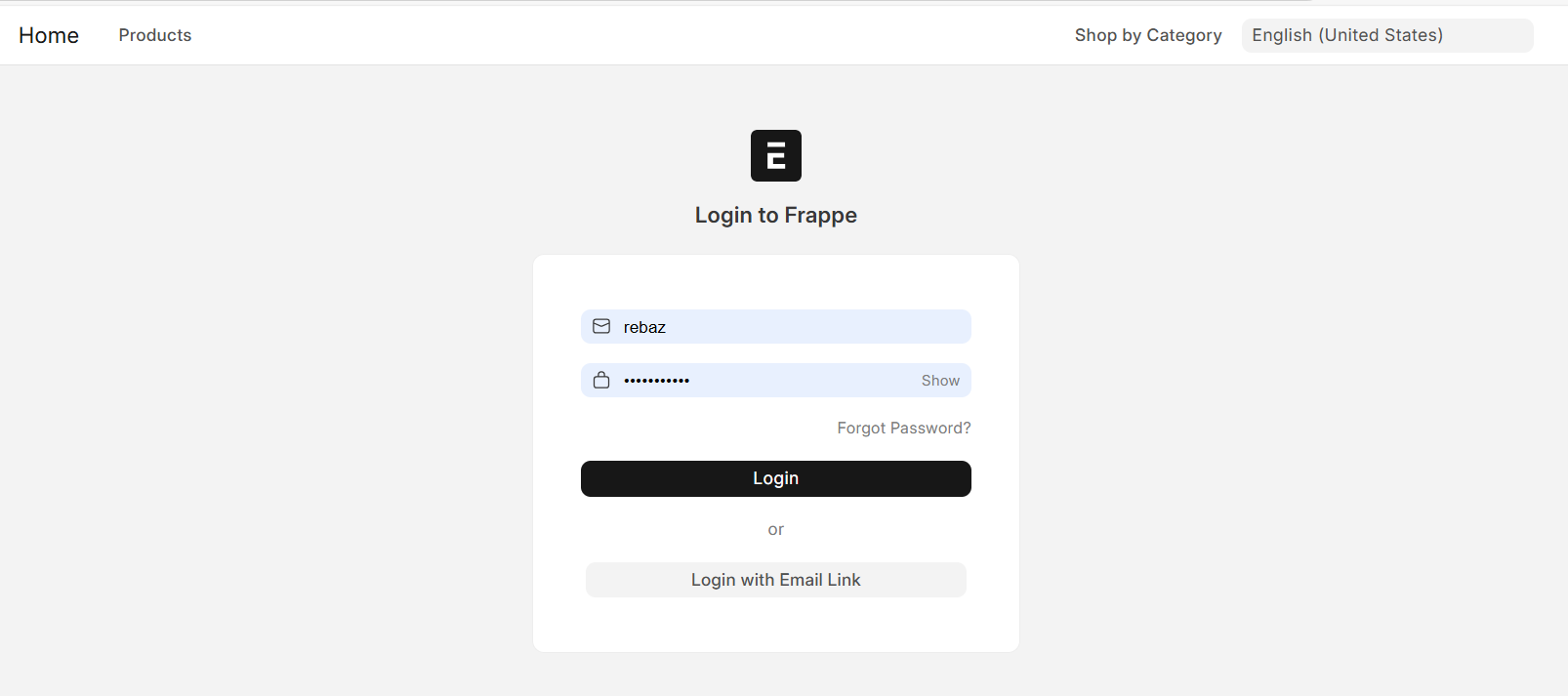
English Login
Arabic Product Page
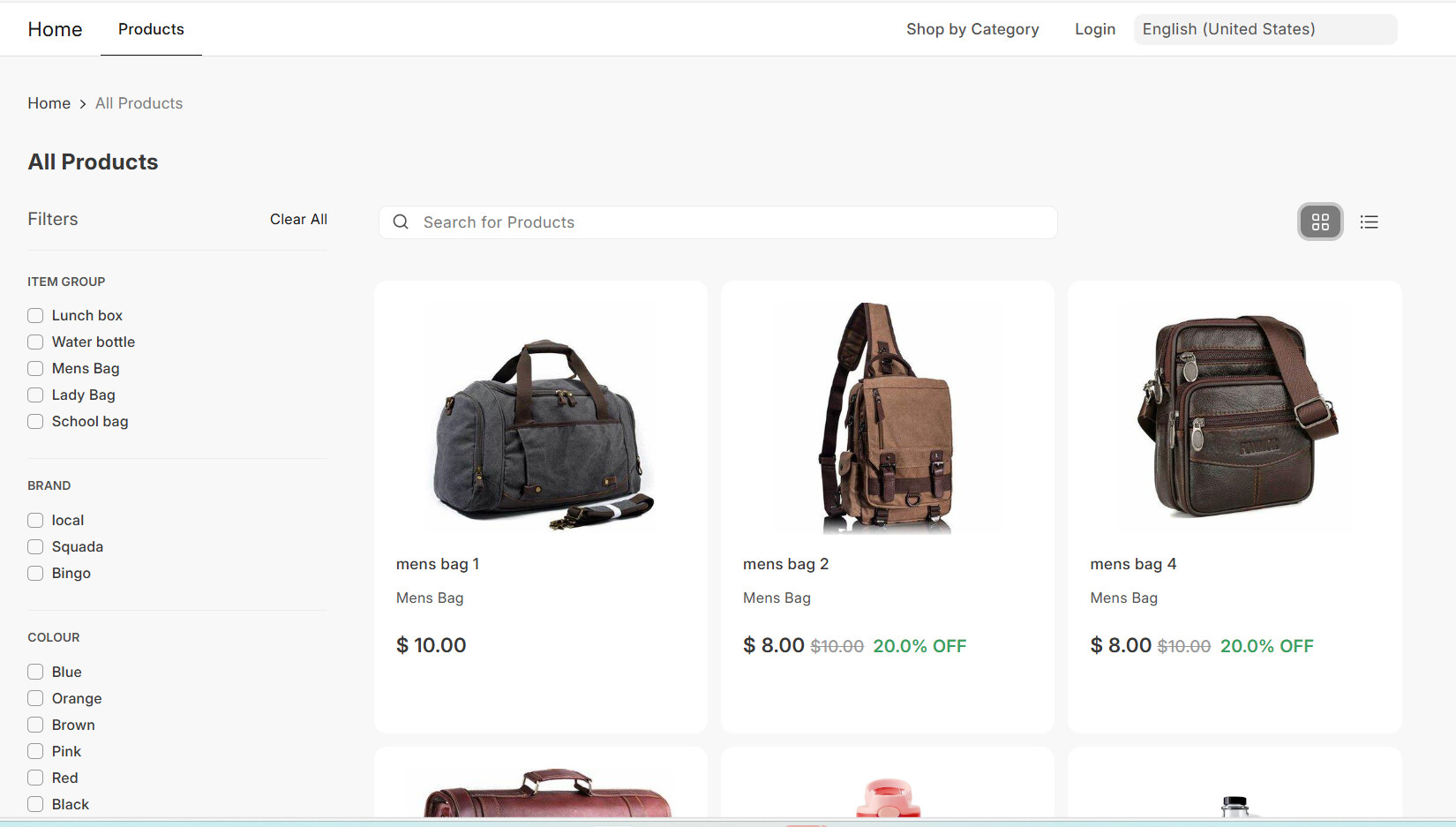
English Product Page
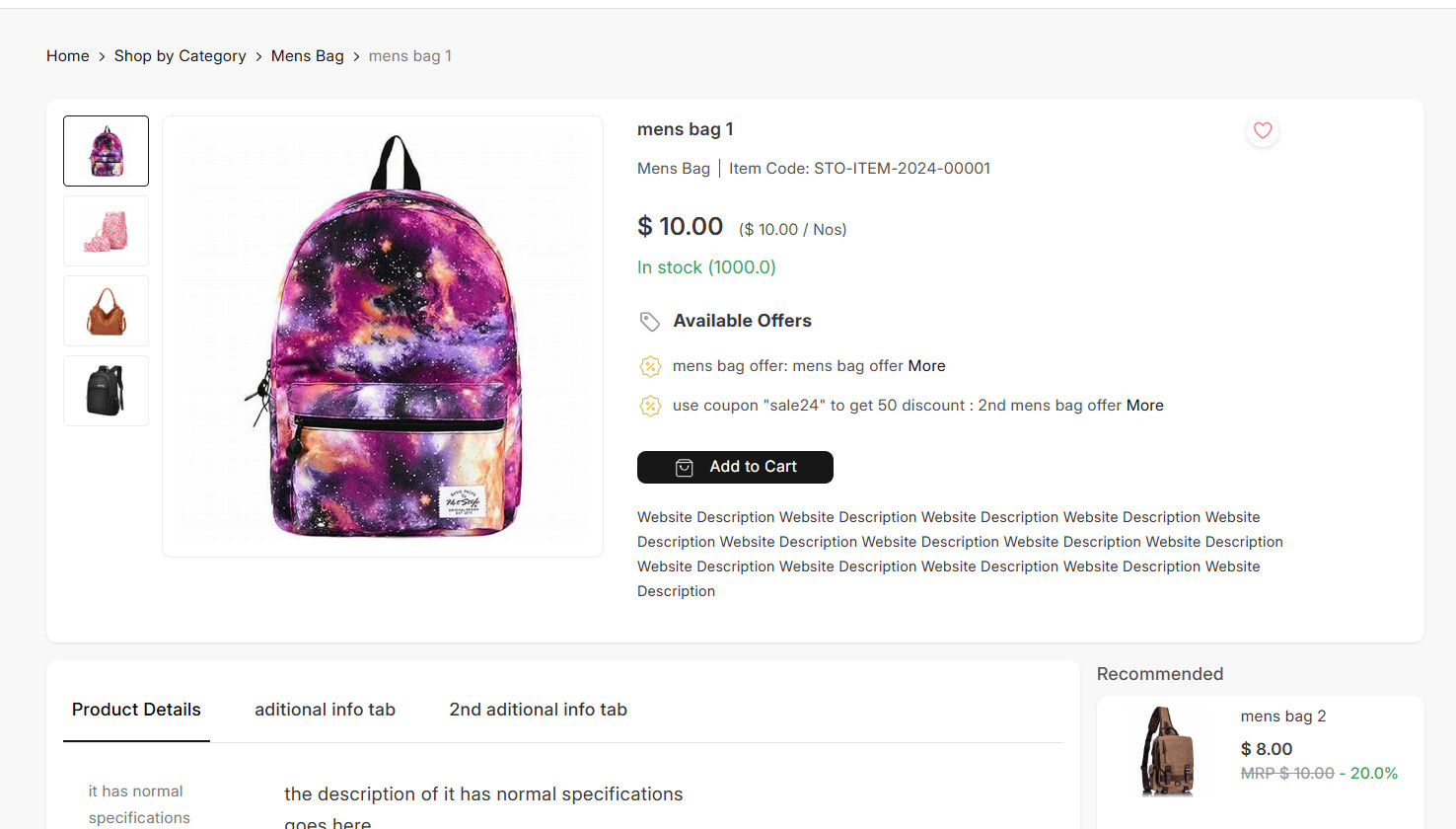
English Product Detail
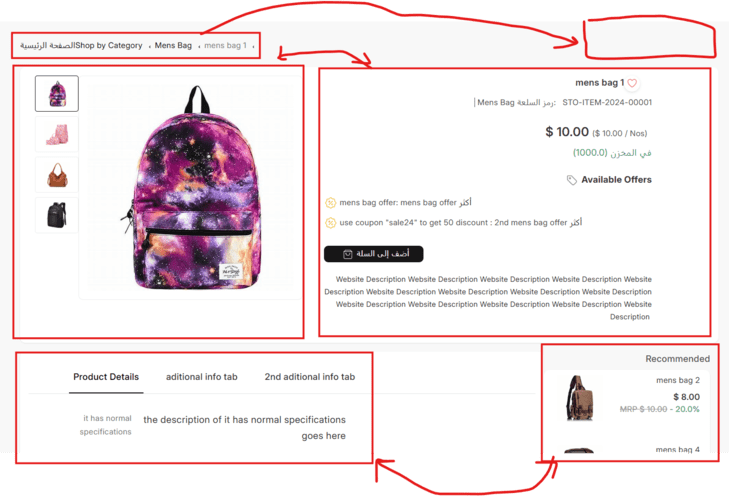
Arabic Product Detail
@avc your support highly appreciated
avc
October 3, 2024, 3:27am
3
Hi @Rebaz_Balisani :
I can’t try right now … Seems like a bug, or uncomplete implementarion of RTL on webshop.
1 Like
@NCP your input appreciated, if its a bug, will there be any update for this in near future?
NCP
October 7, 2024, 4:36am
5
It shows as per RTL but RTL does not have the right idea about the aligned element.
thanks for your response, yes everything is LTR and seems RTL not applied in the webshop. I hope you pass this issue to Frappe colleagues
@NCP its not as per RTL its complete LTR only language writings translated
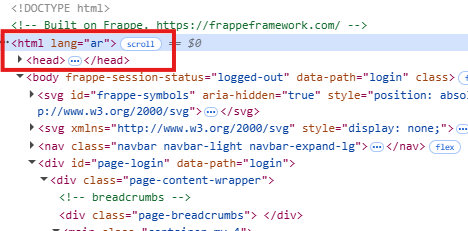
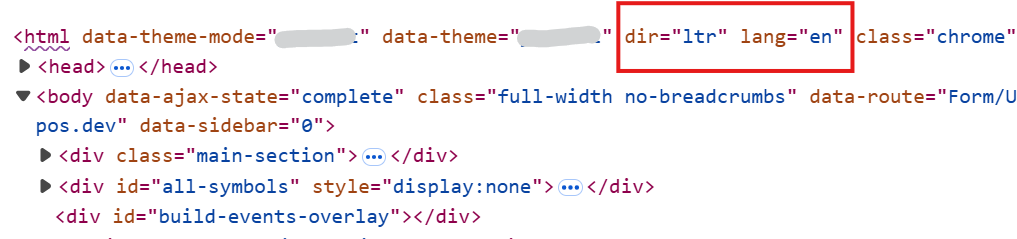
This issue happens because there is no dir attribute in the html tag for the web
code in web
<!DOCTYPE html>
<html lang="{{boot.lang}}">
but it is available in the desk
code in the desk
<!DOCTYPE html>
<html lang="{{ lang }}" dir="{{ layout_direction }}">
To fix this issue you need to override the base.html file inapps/[your_custome_app]/[your_custome_app]/templates/base.html
from this
<!DOCTYPE html>
<html lang="{{boot.lang}}">
to this
<!DOCTYPE html>
<html lang="{{boot.lang}}" dir="{{ 'rtl' if is_rtl() else 'ltr'}}">