Hi,
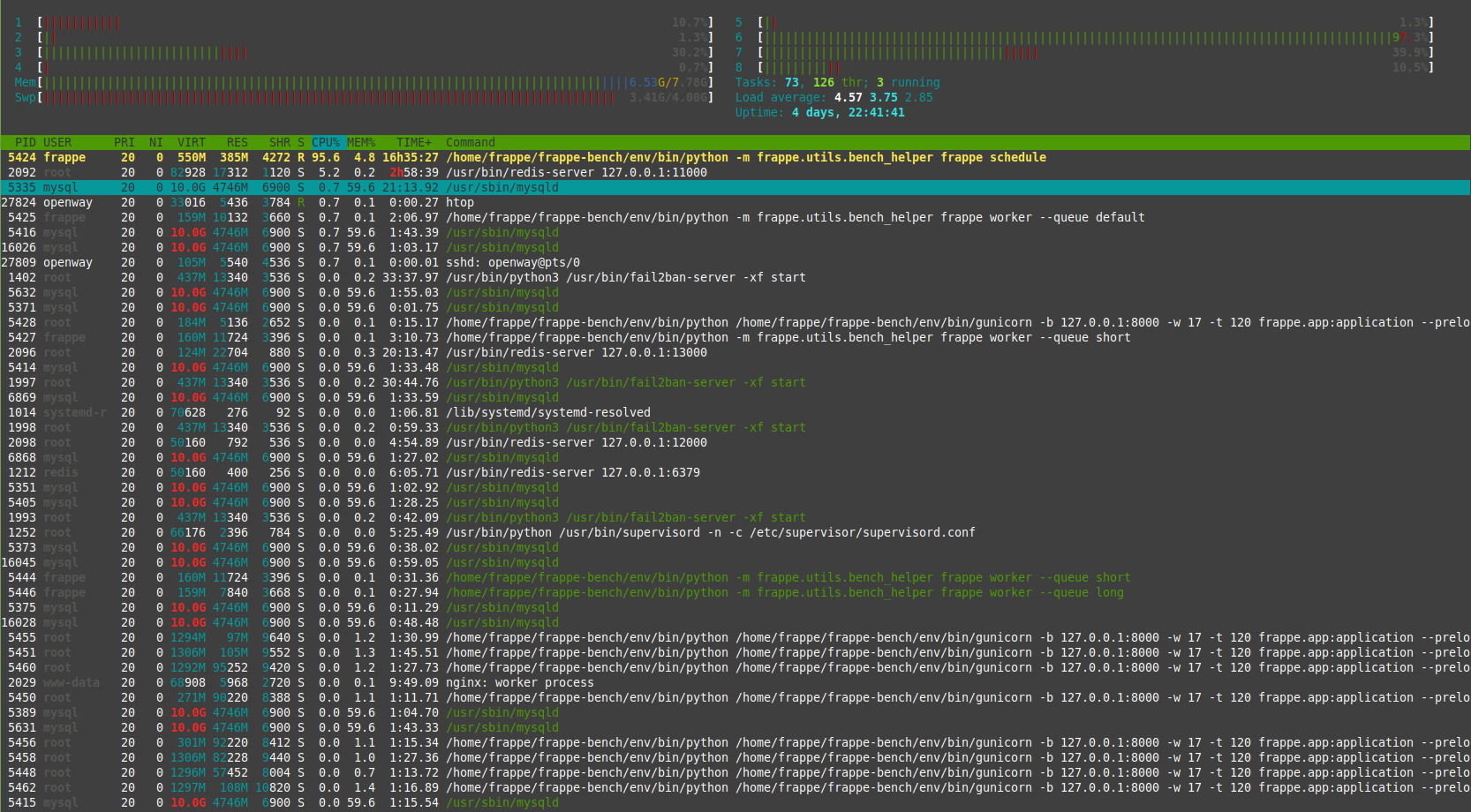
Memory and SWAP are full at everytime. I have done bench restart and mariadb restart.
After few times it will be okay, then again frappe scheduler will eat whole memory and swap.
ERPnext is too slow to process single transaction.
HTOP
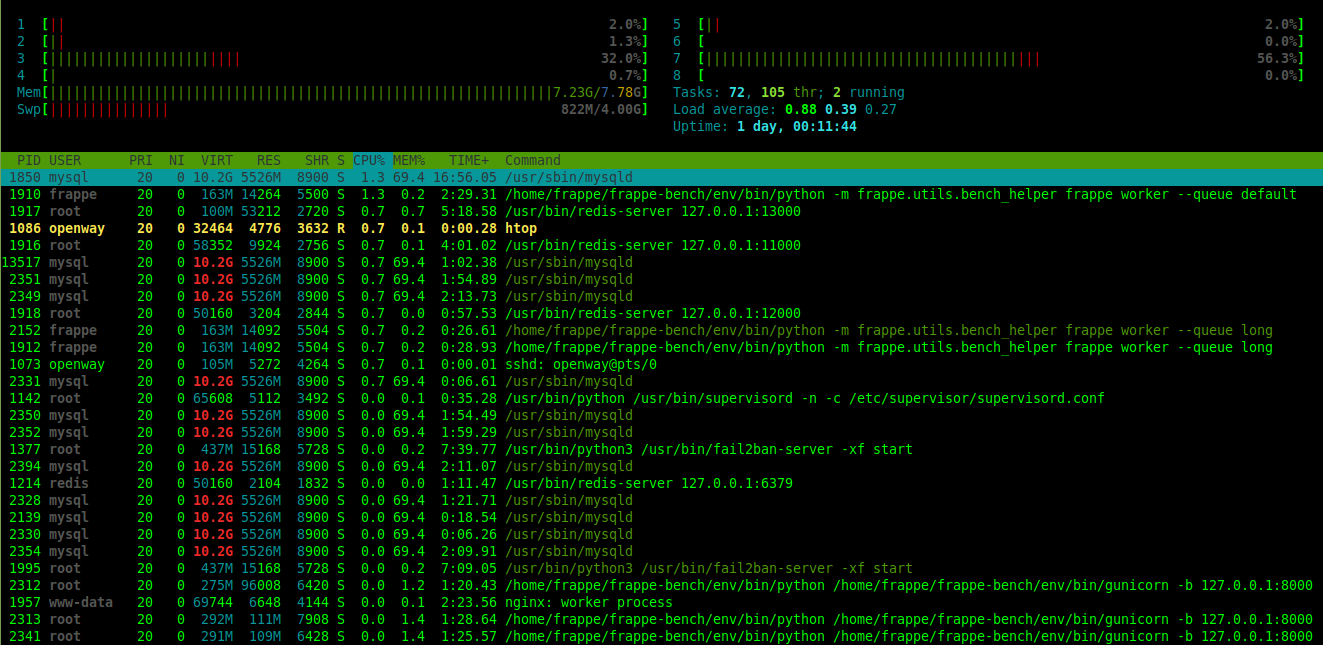
Hi,
Memory and SWAP are full at everytime. I have done bench restart and mariadb restart.
After few times it will be okay, then again frappe scheduler will eat whole memory and swap.
ERPnext is too slow to process single transaction.
HTOP
Check your email queue and see if there are a lot of unsent emails. If yes, try suspending emails and check if the system speeds up. I had similar issue and it was a badly configured notification that generated huge amount of emails every day. Email send is a resource hungry process.
Faced similar situation. Its not ERPNext but MariaDB issue. On backup it takes the RAM but does not release it. There are many posts across the net with similar issue but no resolution.
@Muzzy
I think that was the same issue. Once we give the backup, mysql not releasing RAM after completing backup.
I tried to check the bottle neck, there no jobs pending and disabled emails and deleted emails queues.
Still the same issue.
Coming from Muzzy’s post do you also use ubuntu? I wonder if rhel derivatives face same issue. Thanks in advance 
Tested it on Ubuntu 18 and 20. Both facing similar issue. It happened yesterday on a Ubuntu 20 server which had original db. Hadn’t done db restoration on it.
@Muzzy it is really weird, I hope things turn around for you 
Just to inform. I’m on version-12 and CentOS (now migrated to AlmaLinux). I also backed up and restored sites from old server to new server.
But I didn’t experience this memory issue.
@rahy
It was running perfectly fine with version 12 and Ubuntu 16.04. I have been doing db and file back / restore in that.
After upgrading ubuntu 18.04 with erp 13, I started noticing about memory.
Try this and let us know if works
@Muzzy
Its same. no difference.
@Muzzy
Any other solution to work out
No solution yet. It is an upstream pkg issue with mariadb.
Currently we have a temporary fix to restart sql every night which is not a good solution but it does the work.
Sort out the issue by increasing Server RAM from 8GB to 16GB.
Actually, there is the same issue even 64GB in my VM. So, actually increasing RAM is not a solution. It is an upstream package of mariadb should be handled and solved.
@pioneerpathan Facing same issue here, How to resolve this?
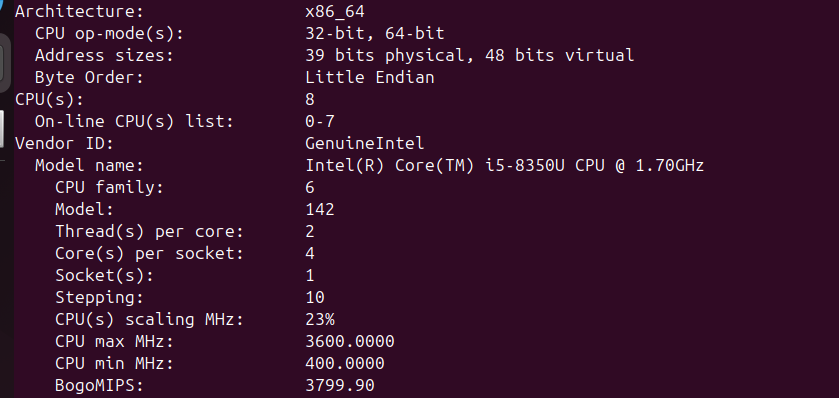
Tell me how much RAM, CPU and SWAP allocation do you have?
sudo sysctl vm.swappiness=10
Make permanent. Open:
sudo nano /etc/sysctl.conf
Add following two lines in that file:
vm.swappiness = 10
vm.vfs_cache_pressure = 50
Apply:
sudo sysctl -p
Tune MySQL properly. innodb_buffer_pool_size should be between 12G to 16G maximum but not more than that. You have 31 G RAM - 12 or 16 then server would have at least 18-16 G for other equally important processes like NGINX, Redis, Supervisor and python. Your mysql innodb config should look something like below:
default_storage_engine          = InnoDB
innodb_buffer_pool_size         = 12G
innodb_log_buffer_size          = 256M
innodb_log_file_size            = 1G
innodb_buffer_pool_instances    = 8
innodb_flush_method             = O_DIRECT
innodb_flush_log_at_trx_commit  = 2
you may increase innodb_buffer_pool_size upto 16G if require.
sudo systemctl edit mariadb
Add following lines in specific allowed area between two commented section:
[Service]
MemoryAccounting=yes
MemoryMax=14G
MemoryHigh=15G
sudo systemctl daemon-reexec
sudo systemctl restart mariadb
Install:
sudo apt install earlyoom -y
sudo systemctl enable --now earlyoom
EarlyOOM tuning (last line of defense)
Edit:
sudo nano /etc/default/earlyoom
Set:
EARLYOOM_ARGS=“-r 3600 -m 5 -s 10”
Restart:
sudo systemctl restart earlyoom
EarlyOOM kills bad processes early instead of letting the whole server freeze.
EarlyOOM doesn’t restrict memory — it prevents total collapse.
EarlyOOM saves your server before it becomes unresponsive.