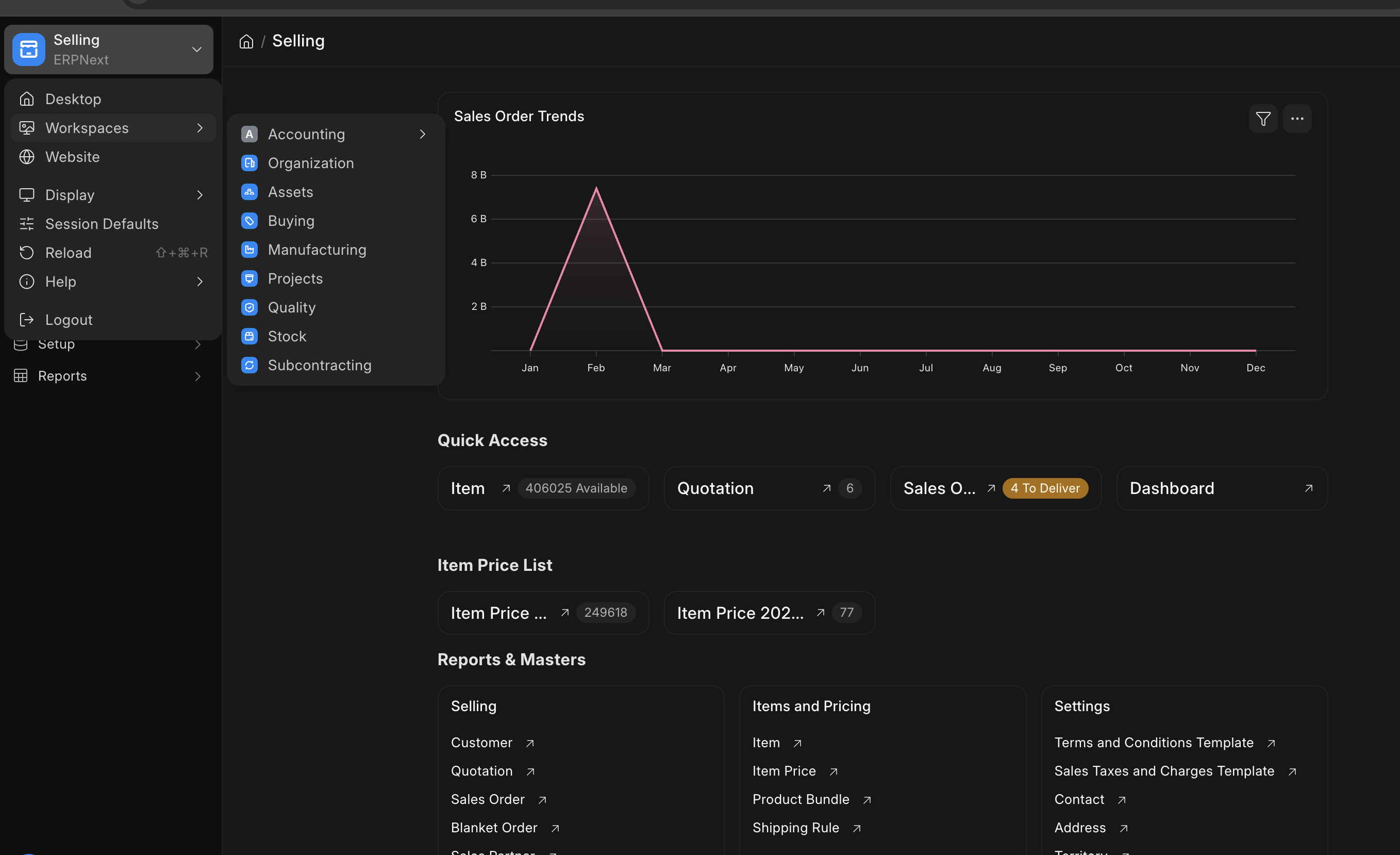
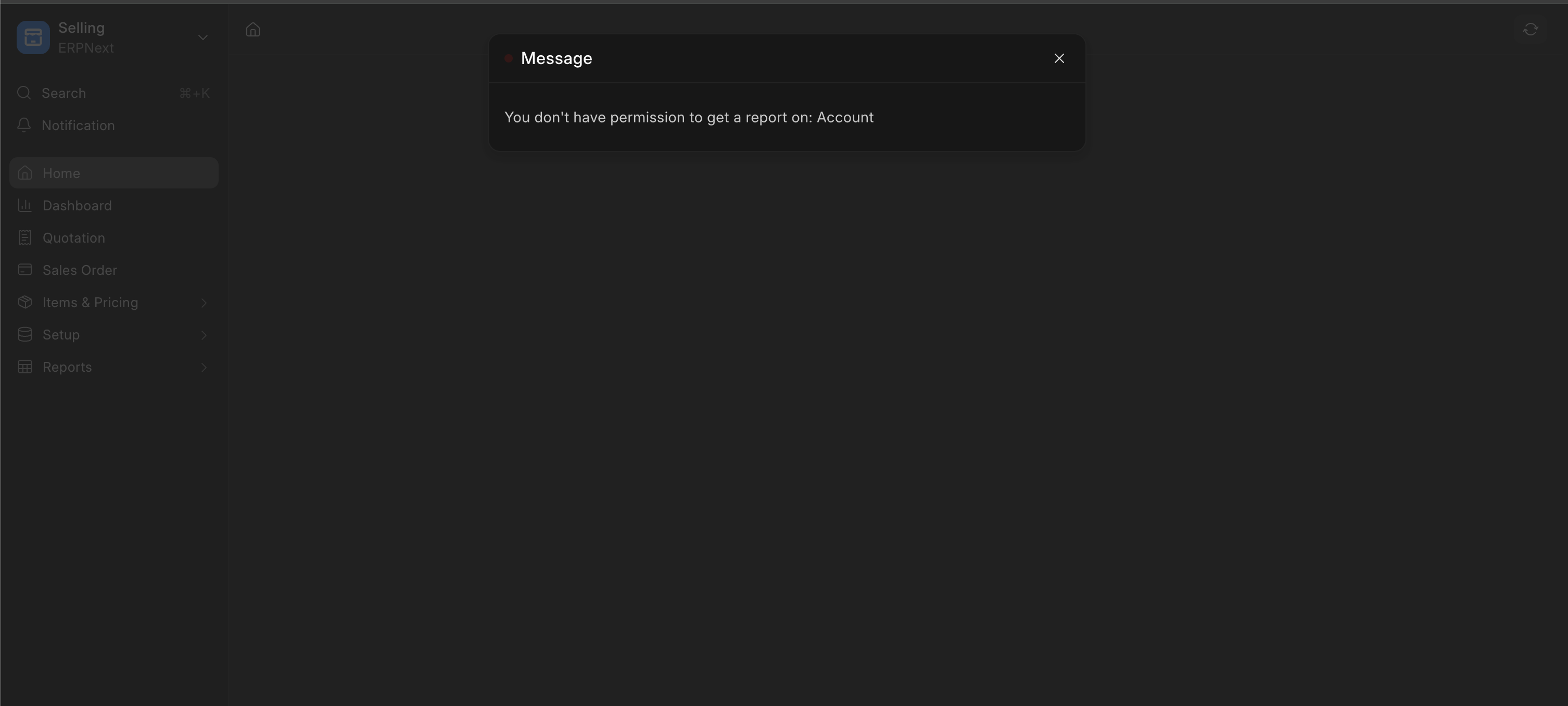
In the current state of Desktop and Workspace Sidebar, it seems that ERPNext 16 handles it messy. It seems that it is difficult to restrict a user to accessing some certain module, a sales user which should only see the “Selling” in Workspace list can see also “Accounting” because they sometimes share a permission to specific doctype inside of accounting, but when we restrict that user from reading that certain doctype, it showed error because of the intricacy of how the doctype works. Module profile is not usable anymore to manage this.
We also need to manage that not all user is allowed to change the desktop. And the user also need to see the specific workspace sidebar (for example: Sales User only see Selling, Project; Stock User only see Stock) It seems that there is no options in ERPNext to handles this easily. Also no way to edit Workspace Sidebar without changing standard code?
How to manage all of this properly? This is such a crucial thing inside a company and there seems no documentation or systematic respond from Frappe team.
This is example of a Sales User in which I have limit to see only this Selling Module. But still able to see other workspace. And if for example Accounting > Financial Report is selected. Here is the outcome
The way to do now is as said by @sokumon is this: #39839 (comment)
“the mental model to think here is that – Configure permissions on individual doctype, pages reports, dasboards correctly. Workspace sidebar is just a bunch of links which point to these entities. If the sidebar has one item visible for the item, then its icon will show up.”
While I understand that it relies basically on the doctypes, pages reports, and dashboards permission. However, there are many doctypes that are interconnected to each other. To be honest, I don’t think this is a good way to set up permission for workspace sidebar or Desktop Icon. I give you a quick example:
A Sales user must be able to read “Terms and Condition” for example, it ended up making sales user’s account to show accounting icon also because it is also available inside “Accounting - Accounts Setup”. This makes setting up permission for each department very difficult to do.
Can you offer us better solution for this or a workaround?