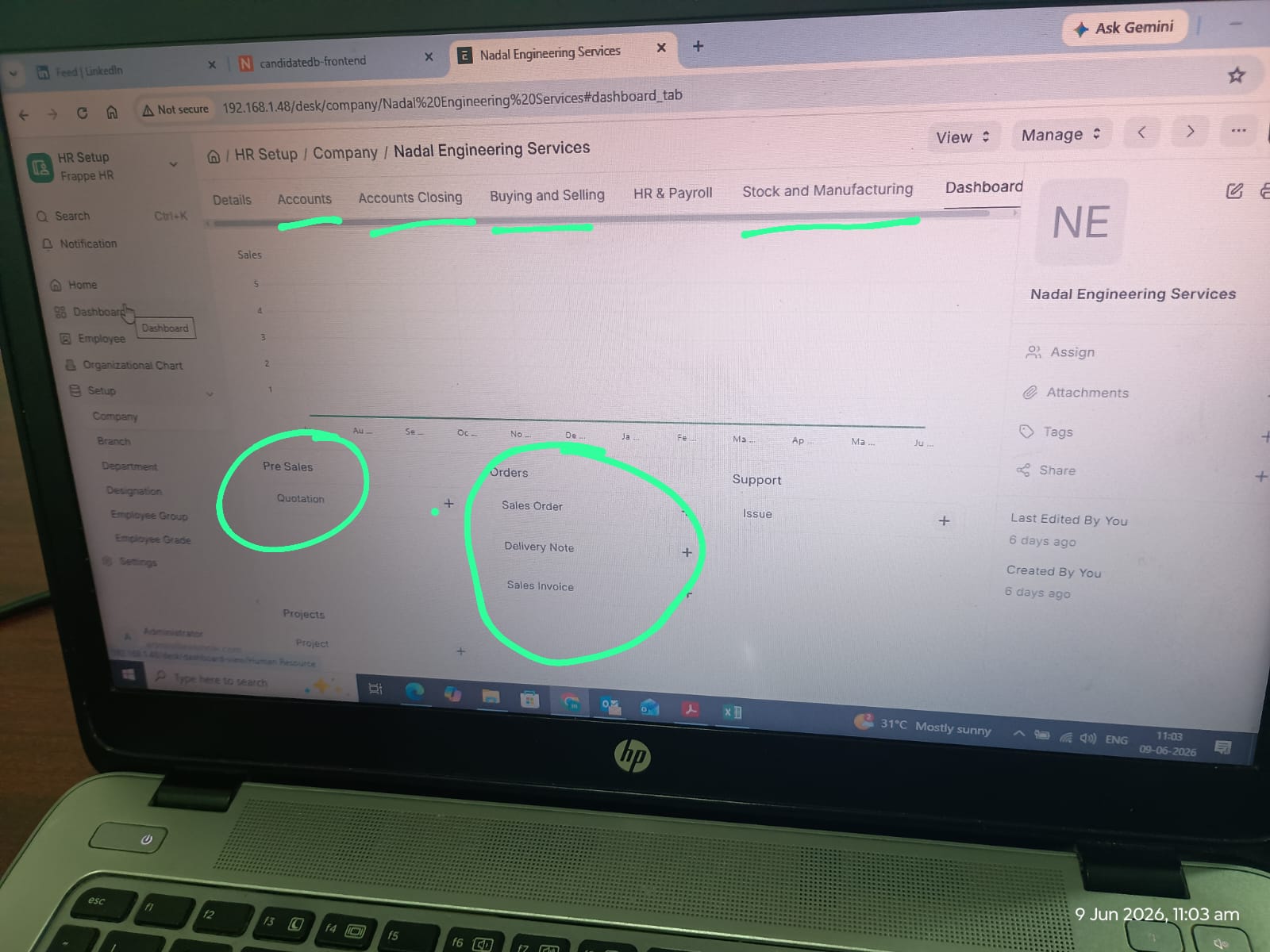
i want to remove some specific option form frappe these application is it how to do this my client asking me to do this please need help
@karthikeyan_nadal @asieftejani
Frappe HR has ERPNext as its dependency, you should not remove ERPNext!
Is it possible to hide those option that are not related to HR Operation?
If the goal is simply to make the system cleaner for HR users, I’d recommend hiding the unnecessary workspaces/modules by restricting access through roles.
You could also hide tabs or sections via the customize form option, but that is rather labor intensive.
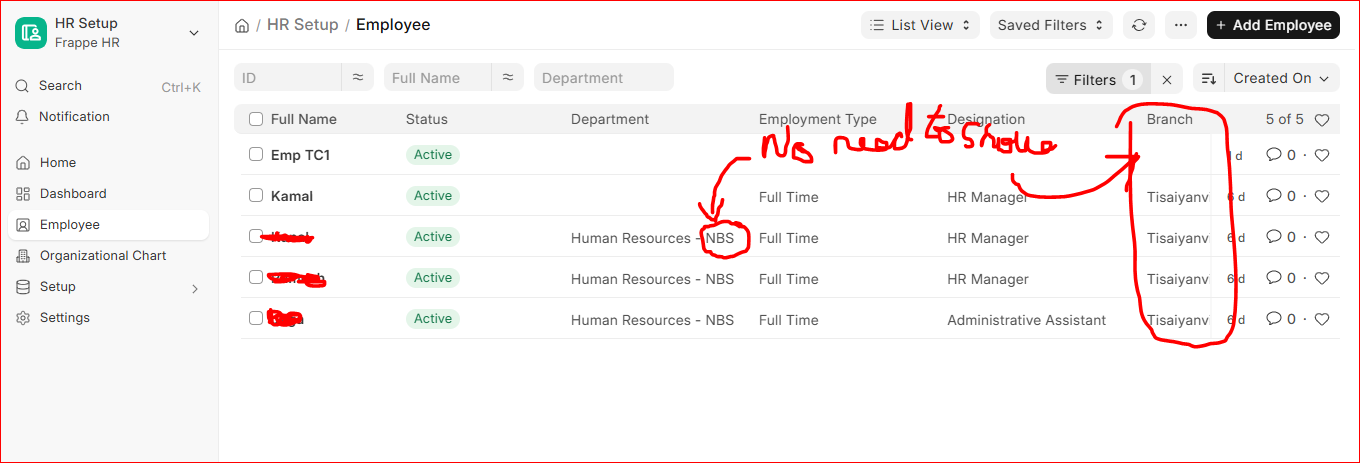
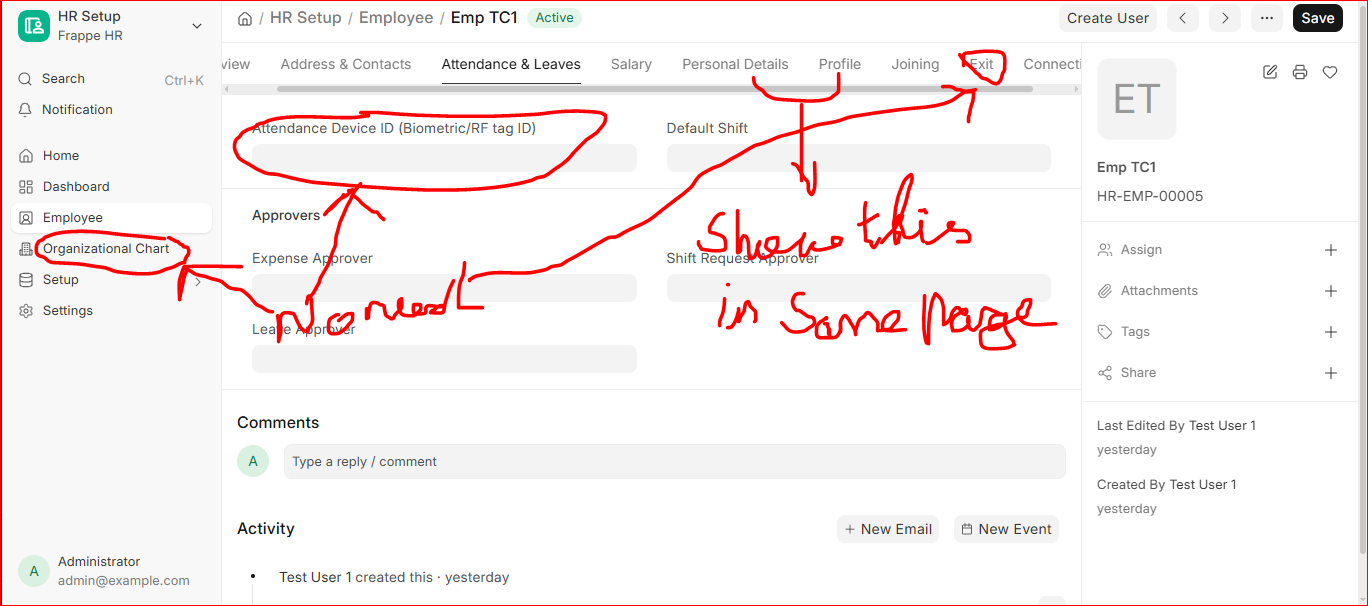
For that, you can use Customize Form
The property to hide fields or tabs is called “Hidden”. To hide fields showing in the ListView Table, unset the property “In List View”.
If your changes are bigger, I can point you in the direction of:
or if even bigger
Note: Those options require knowledge in programming.
Thank you for Your quick reply.
Let me explore this and try and come back
that means we no need to touch the frappe codebase right.
In my opinion not (you should be able to do everything via Apps), also if you don’t absolutely have to touch the original code base I would recommend not doing that as it will make upgrading extremely hard
@karthikeyan_nadal Try using Perm Level to hide Specific Fields to specfic Role
You can also try to build a custom non-public workspace/sidebar and only keep relevant doctypes/shortcuts (Workspace)