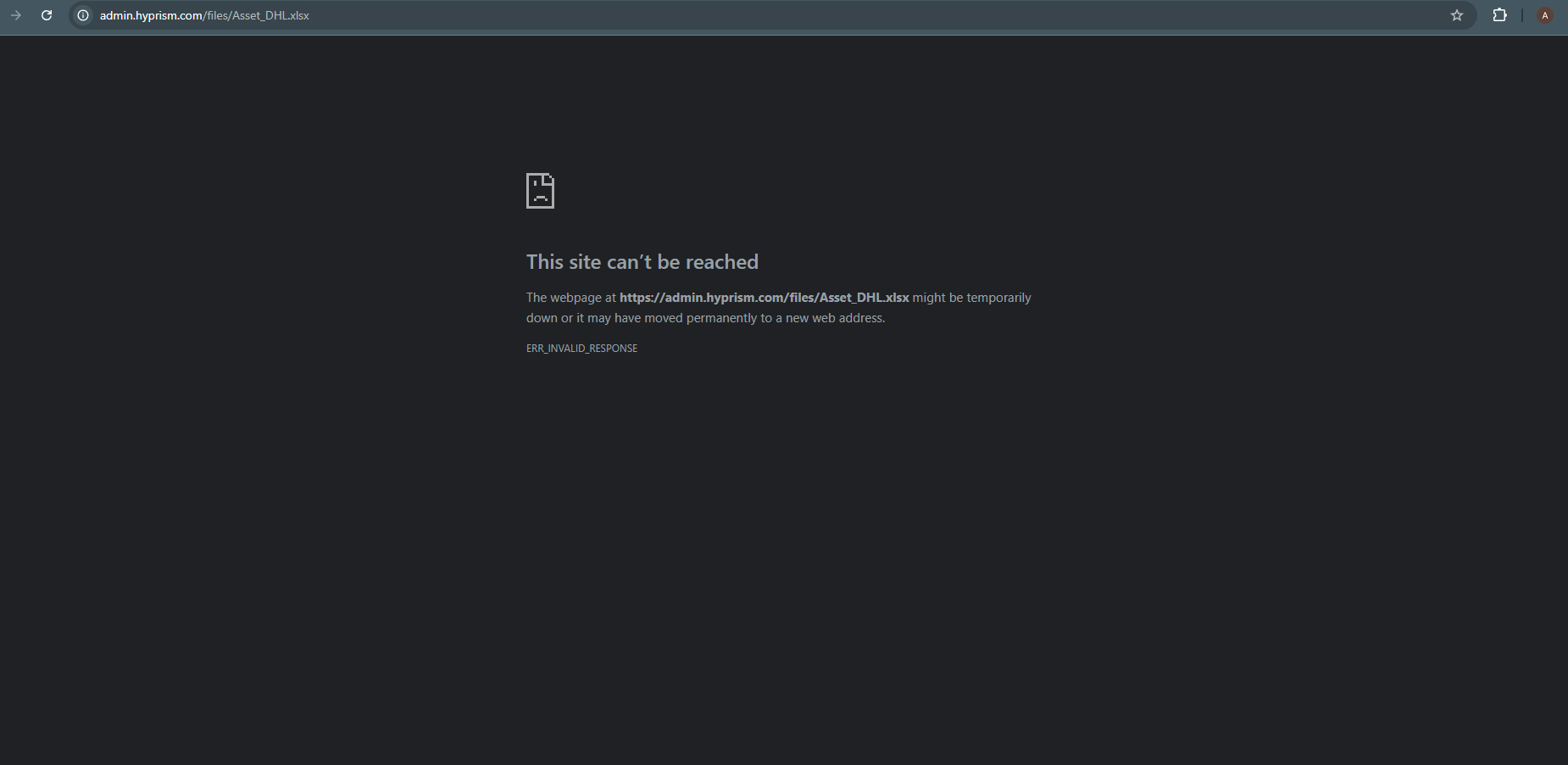
I’m seeing a strange issue with file downloads in Frappe.
I’m storing files via the File Manager, and I can confirm the files (CSV, XLSX, PDF) are present on the filesystem and accessible if I browse the folder directly. However, when I try to open these files from the Frappe desk (admin panel), the browser shows “This site can’t be reached – ERR_INVALID_RESPONSE” for those file types. Image files (like JPG/PNG) open fine from the same setup.
What could be causing this, and how can I fix it so non-image files (CSV/XLSX/PDF) can be downloaded correctly from Frappe?