(Officially) Announcing v16.50 for Frappe Framework, ERPNext and Frappe HR

We released v16 of Framework, ERPNext, and Frappe HR back in January. Since then, we’ve received a lot of feedback about it. We set out to fix the information hierarchy in v16, but it still wasn’t complete. Moreover, it also had a lot of quality and polish issues throughout the product.

Recently, @rmehta asked users of Frappe to tell us about their biggest pain points. UI/UX was the clear winner there - with a near consensus that that’s the biggest problem to fix. Thankfully, this was something we’ve been working for around six months now, but the fixes/improvements were never shipped to users. We did not want to wait until v17 - that would just mean more upgrade headaches, dealing with breaking changes etc.

So today we’re releasing v16.50 - this is a sizeable update (I am probably missing a few points here):

  1. Better navigation (Apps > Modules > DocTypes/Reports/Workspaces/Dashboards
  2. A new print format designer (we swear hope this is the last one)
  3. A new faster kanban board with support for grouping (swim lanes)
  4. A new data import experience with value mapping, tree structure handling. This also handles importing customers and suppliers with addresses and contacts in one file.
  5. Unified settings for DocTypes
  6. Saved list view layouts (filters + columns + ordering)
  7. Child tables with resizable and sticky columns + bulk editing
  8. A redesigned email composer

We’ve tried to keep breaking changes to a minimum (almost none) with this release. Think of it more like a “polished v16”.

At Frappeverse India this year, I spoke about how we want to build the “Apple of ERPs” - an ERP product so simple and delightful to use that it almost feels like using an iPhone. In my opinion, this has not been done so far by anyone. And maybe it’s a goal beyond anyone’s reach, simply because it’s so hard to get there - but I want to attempt it. This is just a tiny step in that direction (along with the new banking module already shipped in v16 earlier).

I hope this solves most of your issues with v16. We will be having two more releases in November and December that have module specific enhancements (better customer/supplier forms, a customer/supplier portal, dashboards backed by Insights, and more).

More details with visuals: Announcing Framework, ERPNext and Frappe HR v16.50 | Frappe Blog

How to update to version 16.50?

Using the command bench update --reset does not update to this version. It updated to:

  • frappe: 16.24.0 (version-16)
  • erpnext: 16.25.0 (version-16)
  • payments: 0.0.1 (version-16)
  • hrms: 16.10.1 (version-16
  • healthcare: 16.5.1 (version-16)

You’ll need to pull the latest commits from Frappe, ERPNext and HRMS. bench update should do that AFAIK.

That is exactly what I expected, but that is not happening probably in my case.

The exact command I am running is:

bench update --reset --no-backup --patch --build

As per my past experience this command should automatically fetch the latest updates and apply migrate to each site in current instance.

I also restarted my PC after running this update but without any success.

The new version of the software is excellent and visually appealing. I would like to express my sincere appreciation to Frappe.

Checking it out, I love the new changes and everything feels a lot more polished. I appreciate the inline preview feature immensely! Excellent work everyone at Frappe!

This is breath of a fresh air here. wonderful work by the team on this relentless release.

Great! Just when I spent the last 2 weeks building a theme app that enhances the UI/UX of the product.

Great timing! :smirking_face::smirking_face:

Lol, I was thinking the same thing. I actually had built my own theme app too. You can check it out at GitHub - fiveoaksmn/vibe: Frappe App · GitHub

Maybe we can combine them. But at some point I’m going to have to refactor for the 16.50 version.

I do love the new user preference screen, very nice job on that!

What are other peoples’ opinions on the new dock? Personally I’m finding it even more difficult to use. Sometimes it’s there. Sometimes it’s not.

I had just gotten the desktop apps to where I wanted it but version 16.50 erased those. I can’t figure out how to get the dock setup the same way I had it. This change was creating so much chaos for my users we ended up rolling back and I’m not sure what to do now going forward.

I’m especially concerned about the home button being taken away. The users now need to do an extra click to get there and it seems to be inconsistent. I’m guessing your end goal was that this button was not needed but that was the one thing I told them to safely rely on to get back to a list of everything. Now that is gone.

I know it’s no ideal to maintain a couple different navigation options, but I would like the developers to consider (1) an option to completely turn off the dock and (2) an option to restore the home button and the app desktop to what it was.

Hi @nikkothari22,

Thanks for the update. I especially like the Kanban changes and Print Designer.

One bigger request from a developer’s perspective: Frappe and ERPNext don’t have a pluggable UI architecture. On the Python side we can override behaviour cleanly (hooks, override_doctype_class, override_whitelisted_methods), but on the UI side we mostly end up patching prototypes or forking, and that breaks on upgrades.

As the features are added everyday. decomposing the UI into components that can be composed and injected should take more priority. The major pieces (form layout, list and Kanban views, sidebar, field controls, navbar) should be built from smaller components, with defined extension points where an app can inject its own component or replace a default one through a documented, versioned API. That would let the ecosystem build on features like Kanban and Print Designer instead of working around them.

I’m working on a React-based Capability SDK architecture and initial POC is here.

Thanks!

Varun

Vyogo Technologies

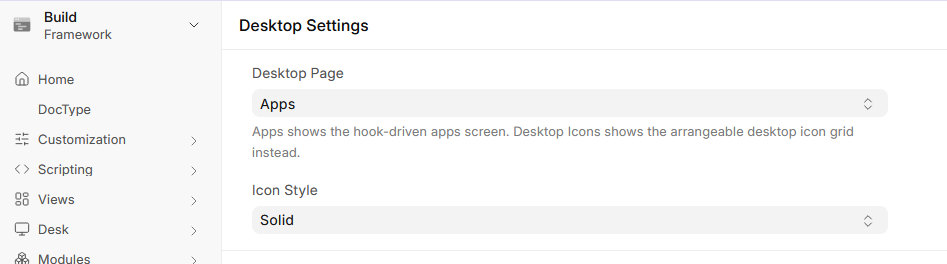
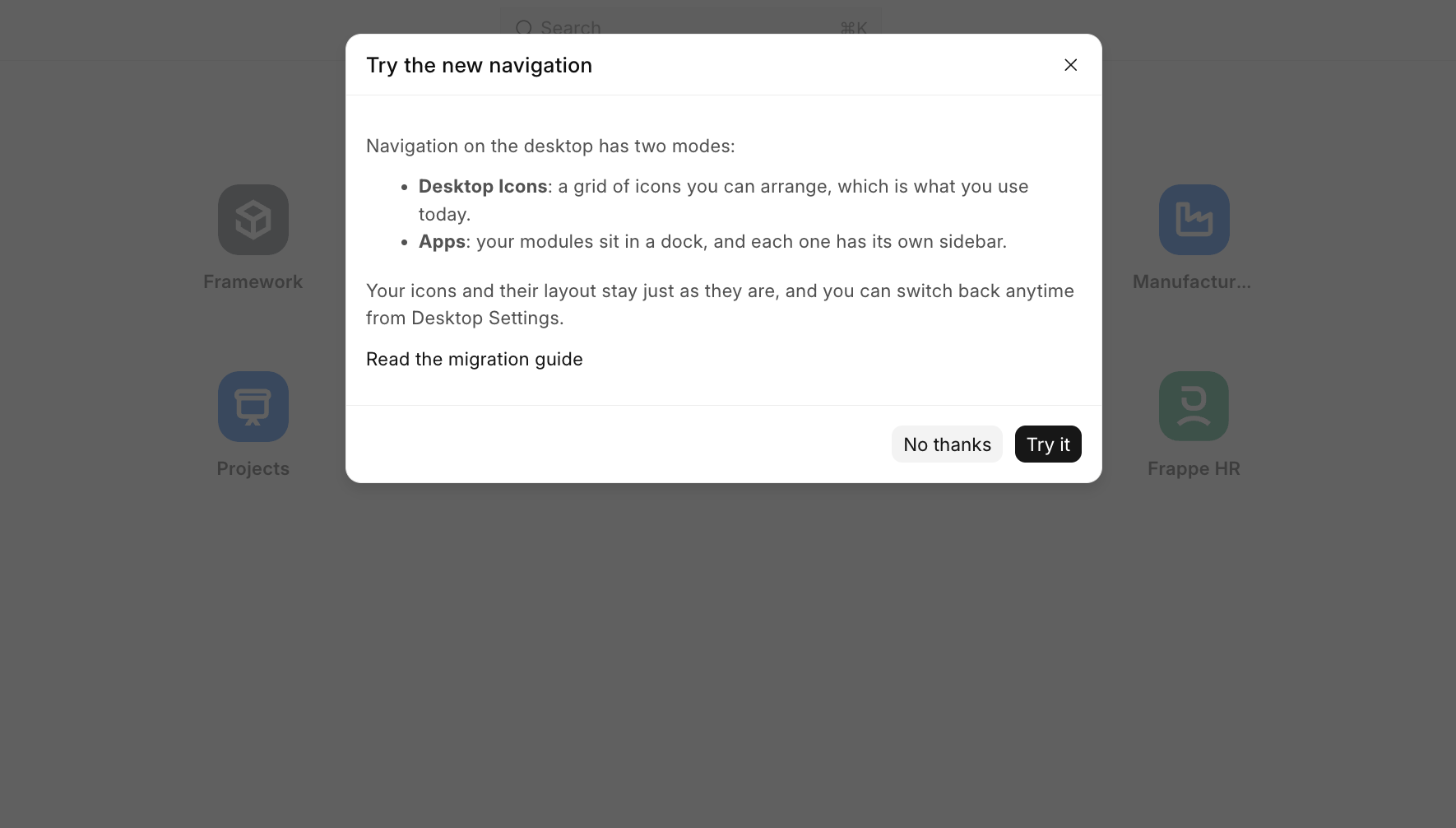
When you first went to the desktop after upgrade to v16.50, it should have asked if you wanted to stick with the Desktop Icons-based layout or to move to the new Apps-based layout. It’s two modes, with similar visuals but different data sources for the icons.

If it didn’t appear or got missed for some reason, you can set it in desktop settings.

Thanks for the tip. I switched it though and it appears it broke something. This is what my desktop looks like now.

That’s odd. One other user was reporting strange navigation behavior in another post, but it didn’t seem like others could replicate it. It might be a bug.

This was the expected behavior, it worked fine for me.

Just wanted to say: awesome update! Thank you guys for all the work! Really appreciate the new structure.

We are updating all our custom apps atm to be modules in one app (just realizing that the word “app” now has two meanings :grimacing:)

It will take some time to get used to the new navigation interface. But what ever I have tested looks good.

But I observed one issue.

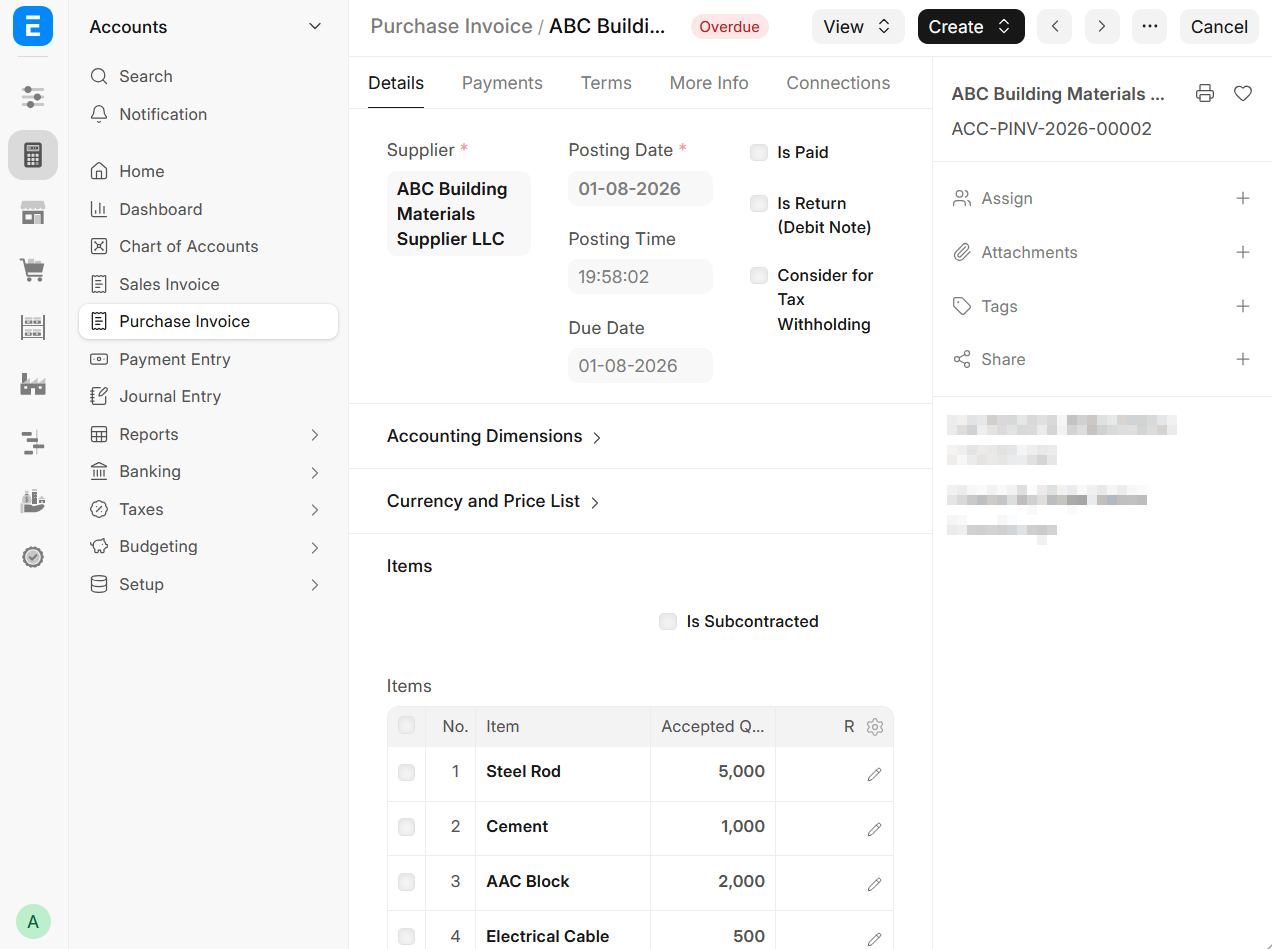
On smaller screens (1024x768 - yes many are still using touch screens with this resolution) the right side panel should either be converted to a floating panel which can be closed and opened at will or should be hidden.

Here is a screenshot of how it looks.

The left sidebar can be collapsed - just hover over the border and click.

The right sidebar can also be collapsed from the menu option dropdown on the top right