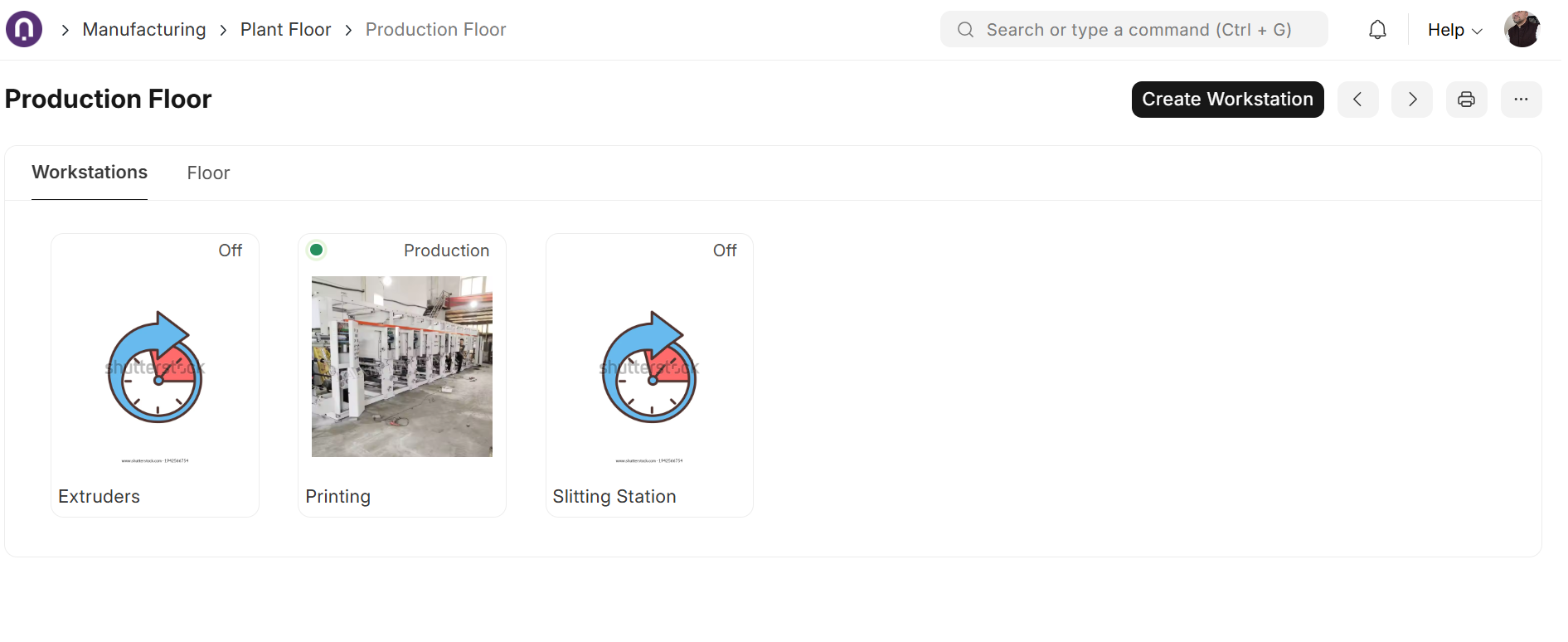
Plant Floor in ERPNext is a quiet feature. But a powerful one.
Most ERP systems are great at reports. You open them, check what happened yesterday, and close them. Very few show you what’s happening right now.
That’s where ERPNext Plant Floor quietly stands out.
It’s not a report. It’s not a dashboard you check later. It’s a live reflection of your factory floor, updated in real time.
At a glance, you can see:
-
Which machines are running
-
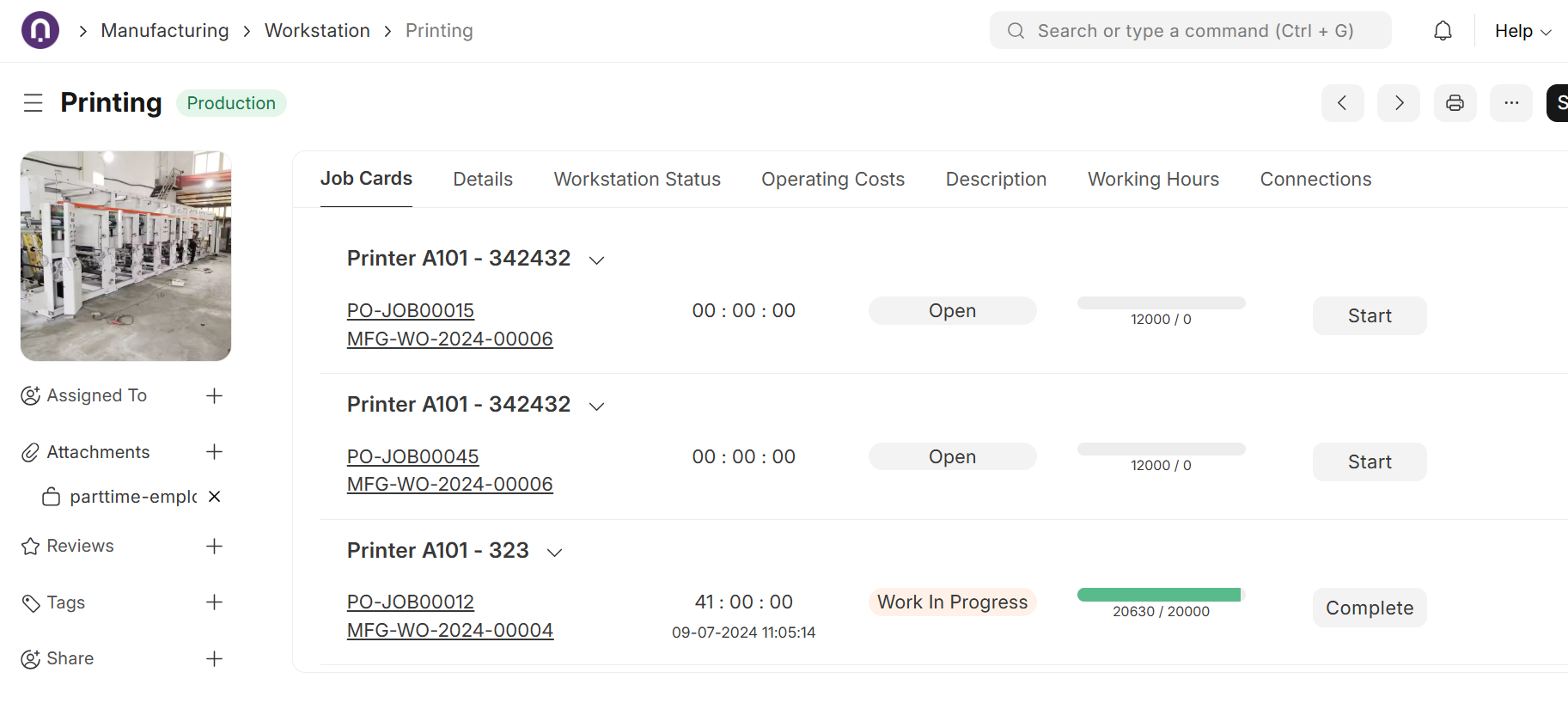
Which job is in progress
-
Which workstations are idle, off, or facing issues
-
Where setup is still needed
No digging through screens. Just a live view of what’s actually happening.
But what makes this feature truly meaningful is who it’s built for.
Not just owners or managers sitting in offices.
But the people actually working on the machines.
Plant Floor works directly with Job Cards. Operators can start and stop work, update workstation status, mark issues, and even move or add stock — all from one screen. No deep ERP knowledge needed.
So, while you’re sitting in the office, your factory team is updating the system directly from the floor. Everyone sees the same picture. No follow-up calls. No confusion. Less chaos.
It feels less like “using an ERP” and more like operating a factory with clarity.
Where to find it: Manufacturing → Plant Floor
Features like this remind us that good software is not just about what’s possible on paper. It’s about building tools that real people can actually use, in real environments.
ERPNext gets that.
Have you explored Plant Floor in your manufacturing setup? Would love to hear real experiences, good or bad. 
Team Satat| Offical Frappe Partner | ERPNext Implementers