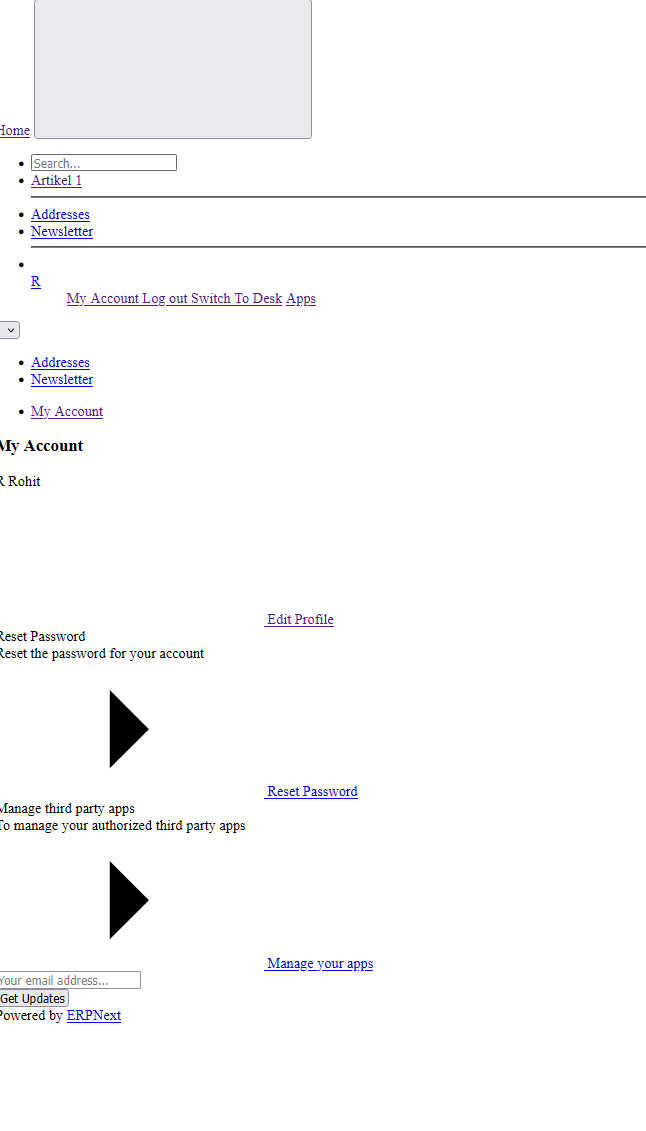
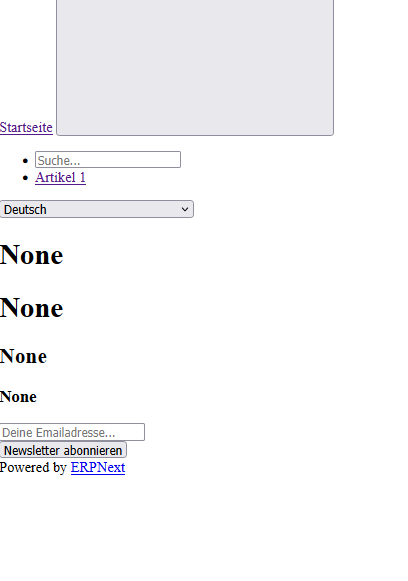
Hello togehter,
can u please tell me why my localhost is looking liek that and how i can change it to normal?
Hello togehter,
can u please tell me why my localhost is looking liek that and how i can change it to normal?
Run build, high chances it will solve the issue
hi yamen,
thanks for your answer.
what do you mean by ruin buil? i just started with docks and erpnext and i dont know much about building a site. Also i think im not log in with my administrator account.
I will check everything at the weekend again.
This is a permission issue, and it can be resolved by running this command.
sudo chmod -R o+rx /home/{$USER}
Hi @Scarhead117
If you are using docker and tried to add an app then bench get-app does not work (immutable image and non-persistent volume). Please use easy-install.py at Creating new custom app in the dockerized instance is not possible · Issue #1640 · frappe/frappe_docker · GitHub
hello to all and thanks at first for your answers.
@Zaryabqureshi where do i have to put that command in ?
@asieftejani yea im using docker. I dont remember what i did that my site get this view.
Does it make sense when i send a picture of my code?
im really sorry that i dont understand all what u are saying. Im complety new in making this and dont have any knowledge about programming.
In order to self host you have to have some basic knowledge of IT (not necessarily programming) ..
Try a fresh start and follow instructions on GitHub - frappe/erpnext: Free and Open Source Enterprise Resource Planning (ERP) if you only want ERPNext
If you want more apps follow instructions at Creating new custom app in the dockerized instance is not possible · Issue #1640 · frappe/frappe_docker · GitHub
Just
bench restart
or CRT C and bench start
hello to all,
i have delted my container now because the bench restart diddnt worked. im not sure but i think it must be possible to make the site again. i will check that in the next 2 - 3 days!
@revant_one Please help in this regard
hi together i was working about 2 hours and still have the same prob. I restarted the build etc but its still not working. also now when i try to get to localhost it shows internal server error.
Can you explain more? Are you setting this up for production or development? Does this happen after installing apps? Does the setup Frappe screen show up?
i could fix it now but i have still the same prob as i mentioned before.
ehhmm honestly I made alls this 6 months ago.
i have a internetsite produced in netlify and wanted to make a erpsystem and create a data base.
please let me know what u want to know more?
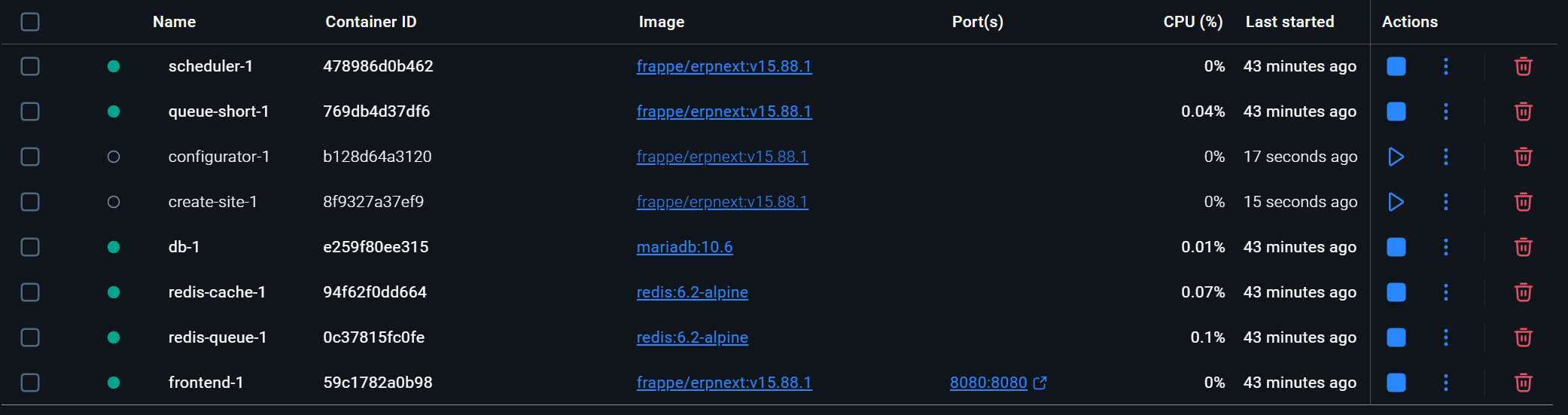
(the weird thing is i start my container new deleted all my old stuff and made for frappe a new folder but get the same prob like in my picture before). Even more watch below.
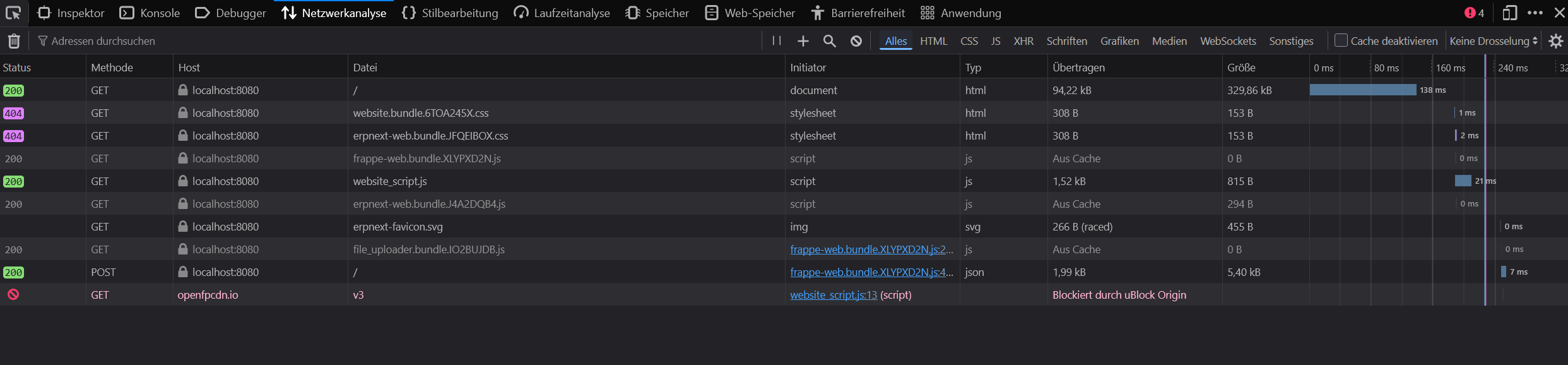
Can you show browser console network tab on this
what do u mean? can u tell me how i can do that? also i replaced my passwort with powershell but if i type my email address in i cant do more ..
Press F12 while on the ERPNext tab, click Network Tab then reload the page then post a screenshot.
Side note; you lack the basic technical skills to self-host Frappe/ERPNext and reliably maintain it. I strongly recommend Frappe Cloud to easily setup a production instance. (Starting 5$/mo)
If you insist on self-hosting, try simpler one-click setups like Dokploy (However considering you are using Netlify and Windows, this is most probably not an option)
Disable the extension uBlock (installed on your browser) and reload the page. Everything should look & work normally after.