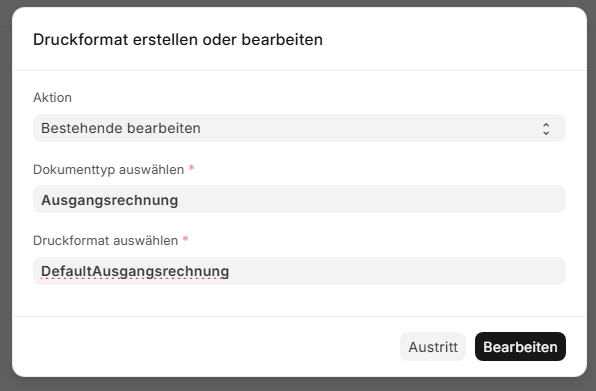
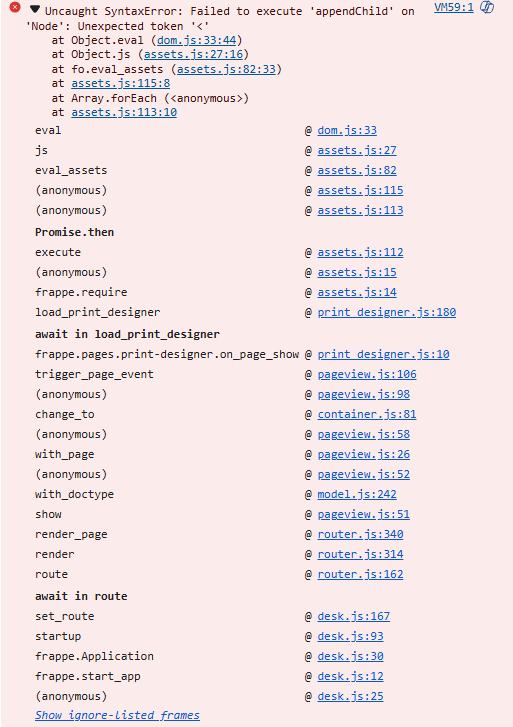
ich have a fresh install of ERPnext in Docker and i’d like add Print Designer to the installation. In the ERPNext seach field, print designer will found and i can choose action and document typ. After this i have a blank page and i can not edit the document.
I’m new in the Linux/Ubuntu world. Unfortunately, my knowledge is not sufficient to continue working on this problem.Does anyone have any idea how I can proceed, or is the installation already incorrect?
I found the problem. The installation is certainly not intended this way, but I was able to solve it this way.
The steps I described in point 4 of my problem description must also be carried out for the Docker container “frappe_docker-frontend-1.” In other words, for the frontend.
I had another problem. Inserted images were displayed correctly in Print Designer. However, they could not be loaded when creating an invoice.
The IP address/URL was set correctly, but without the port specification, in my case 8080.
To fix this problem, the site_config.json file in /home/frappe/frappe-bench/sites/ must be edited in the Docker container frappe_docker-frontend-1 or frappe_docker-backend-1.
This line must be added:
“host_name”: “http://IP or URL:Port”, for example: “host_name”: “http://192.168.50.10:8080”.
Restart all Docker containers and then this will work.