But,
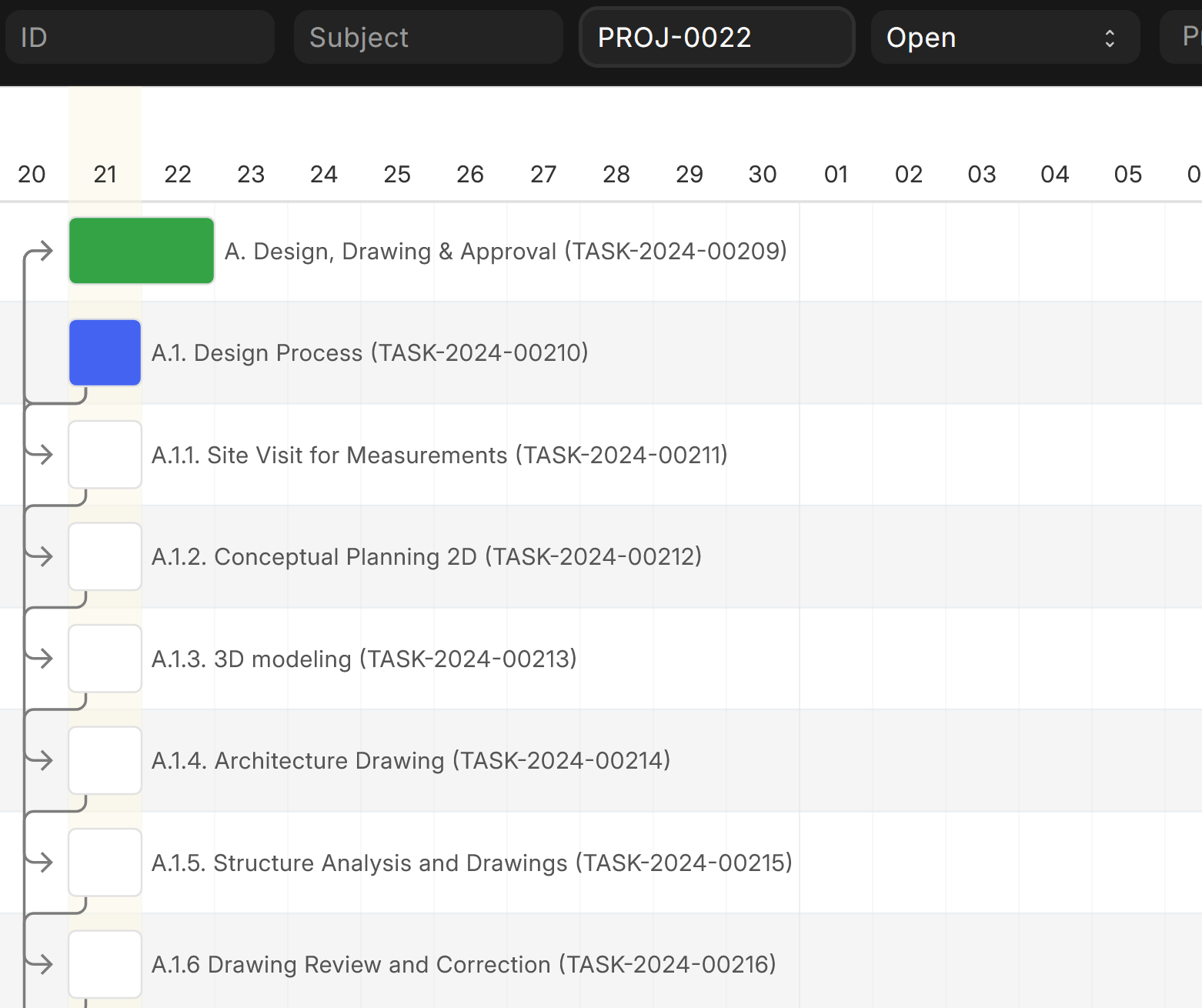
When creating a project from Project Template, the project expected start and end dates don’t respect the Templates task dates. The newly created project has all tasks set to start and end today.
@NCP
Yes, project template does not provide dates.
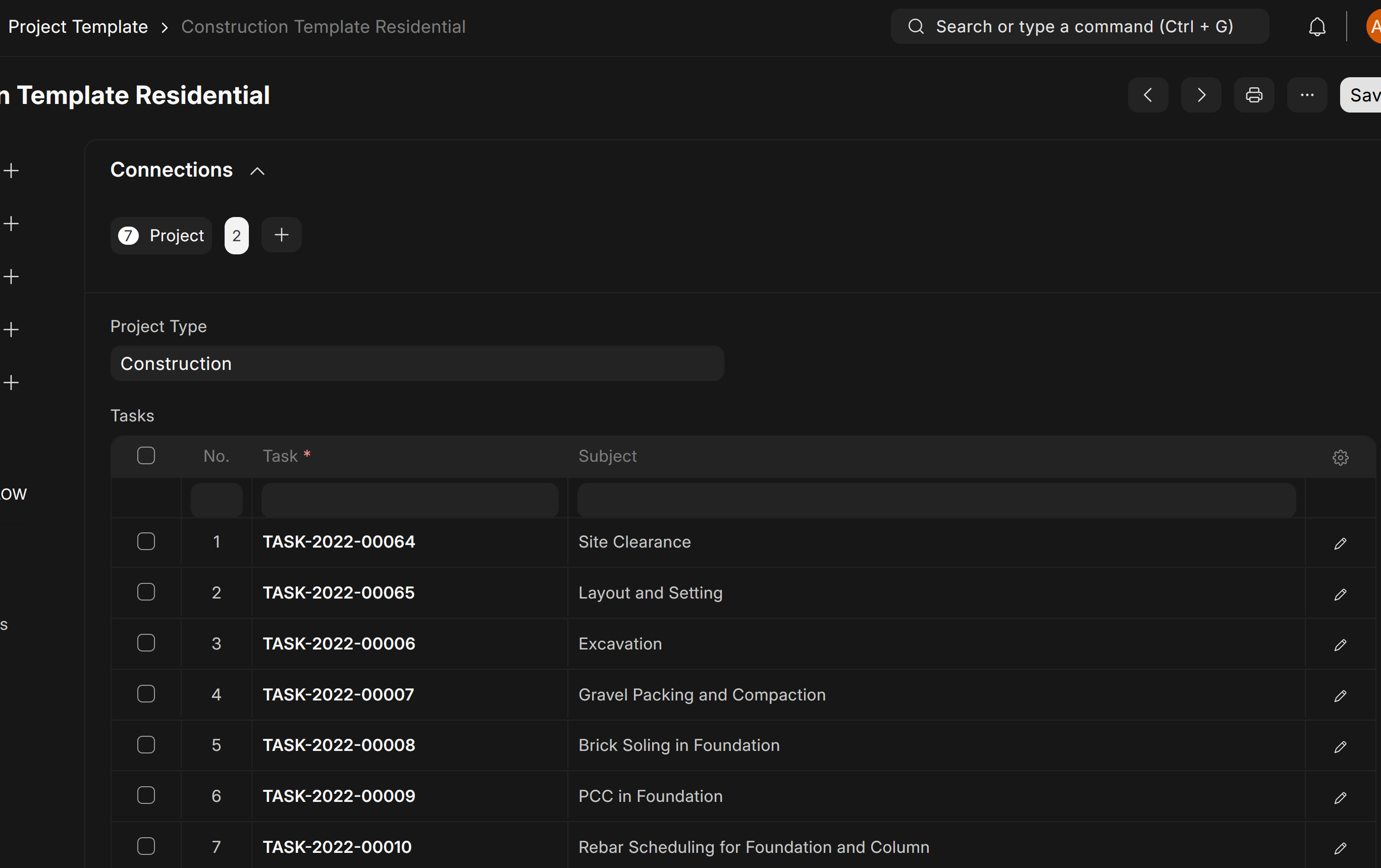
A project template only has list of tasks (of type template).
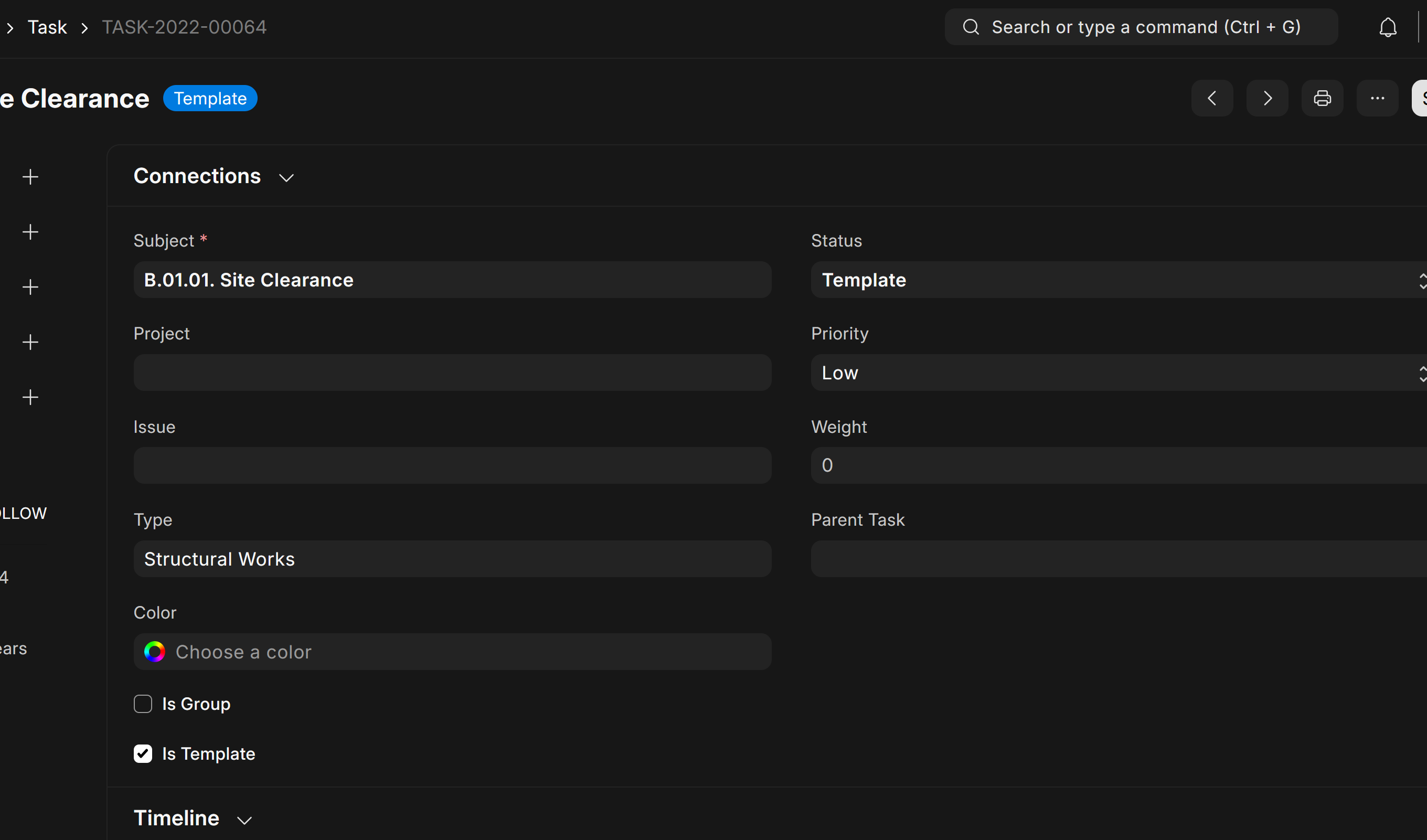
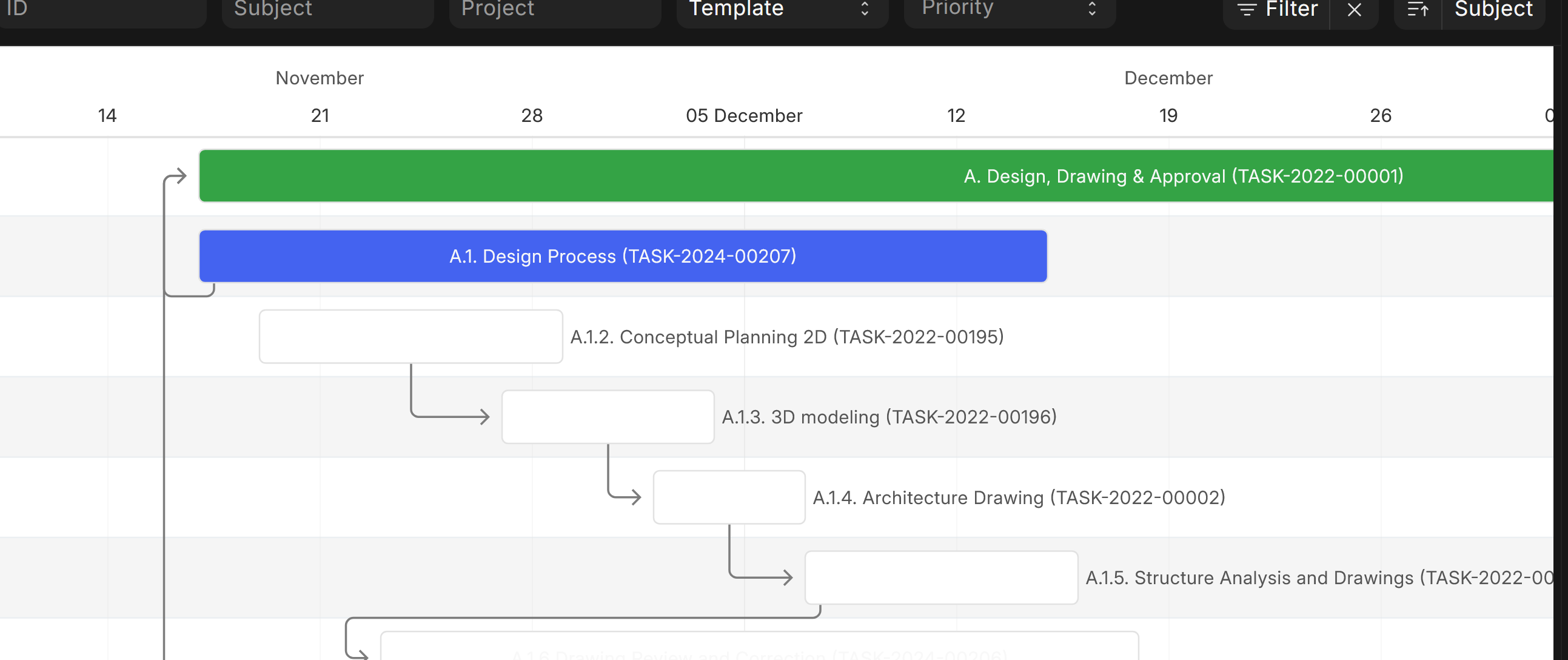
These template tasks have dates.
When creating a project from this template, properties of “task” (from template tasks) should have been copied to the newly created tasks inside Project.
Please check the code:
Thanks @anupd for the link to the code. I just tested at ERPNext v16 and e.g. Expected Start Date is still not copied from the template task to the real task.
Task Weight, Expected Time, Assigned To and other fields are also not copied. That would be really useful though. Maybe I should create an issue on GitHub? Couldn’t find one for this…
Hi, I ran into the same issue and fixed it on my side with a small server-side script.
The problem is that after creating a Project from a Project Template, the generated project tasks do not automatically inherit the expected dates from the template tasks and custom field.
My workaround was:
get all tasks from the selected Project Template,
get all tasks created in the new Project,
match them by subject,
copy the expected date fields from the template task to the created project task.
Here is the script I used:
Reference Document Type: Project
DocType Event: After Insert
try:
    template_name = doc.project_template

    # only continue if the project was created from a template
    if template_name:

        # get template tasks
        template_rows = frappe.get_all(
            "Project Template Task",
            filters={"parent": template_name},
            fields=["task"]
        )

        # get created project tasks
        project_tasks = frappe.get_all(
            "Task",
            filters={"project": doc.name},
            fields=["name", "subject"]
        )

        if template_rows and project_tasks:

            # build map: subject -> created task name
            project_map = {}
            for t in project_tasks:
                if t.subject:
                    project_map[t.subject.strip()] = t.name

            # copy expected dates by matching subject
            for row in template_rows:
                template_task_name = row.task
                if not template_task_name:
                    continue

                template_task = frappe.get_doc("Task", template_task_name)

                subj = (template_task.subject or "").strip()
                if not subj or subj not in project_map:
                    continue

                created_task_name = project_map[subj]

                frappe.db.set_value(
                    "Task",
                    created_task_name,
                    "exp_start_date",
                    template_task.exp_start_date,
                    update_modified=False
                )

                frappe.db.set_value(
                    "Task",
                    created_task_name,
                    "exp_end_date",
                    template_task.exp_end_date,
                    update_modified=False
                )

except Exception as e:
    frappe.log_error(
        f"Project Template Expected Dates Copy Failed: {e}",
        "Project Template Copy"
    )