Push Notifications Not Working with Raven Cloud in ERPNext v16

I have installed and configured the Raven app on ERPNext v16 and am trying to enable push notifications using Raven Cloud.

Configuration Done

  • Created an account on Raven Cloud.

  • Generated the API Key and Secret Key from Raven Cloud.

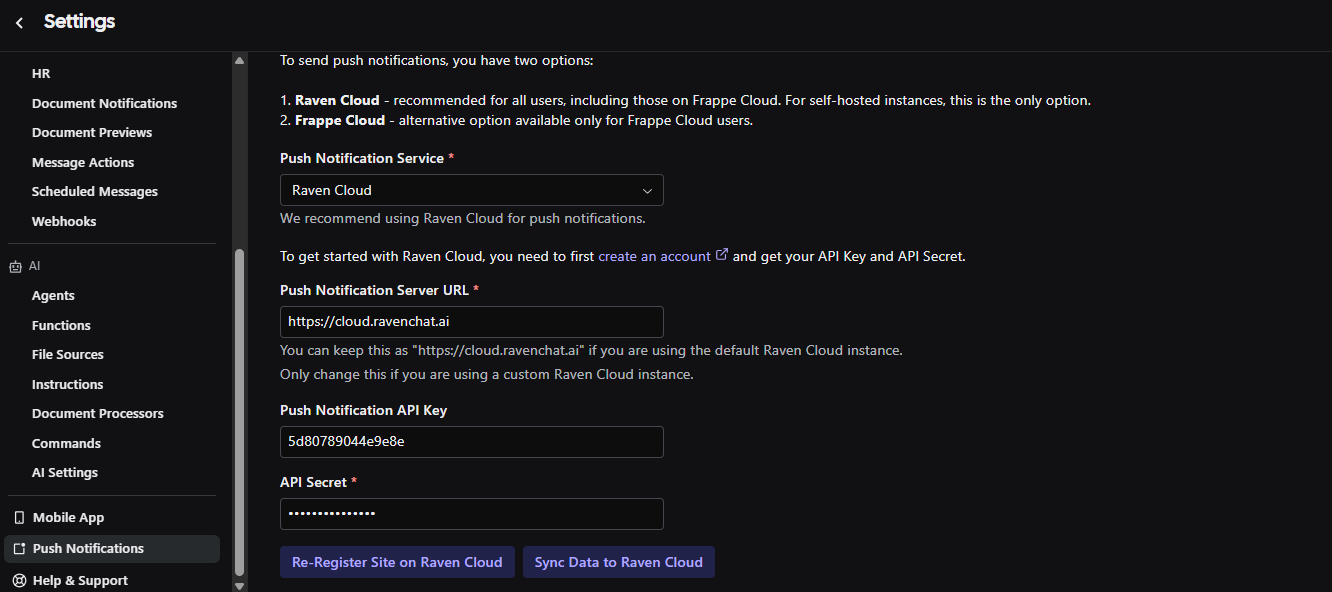
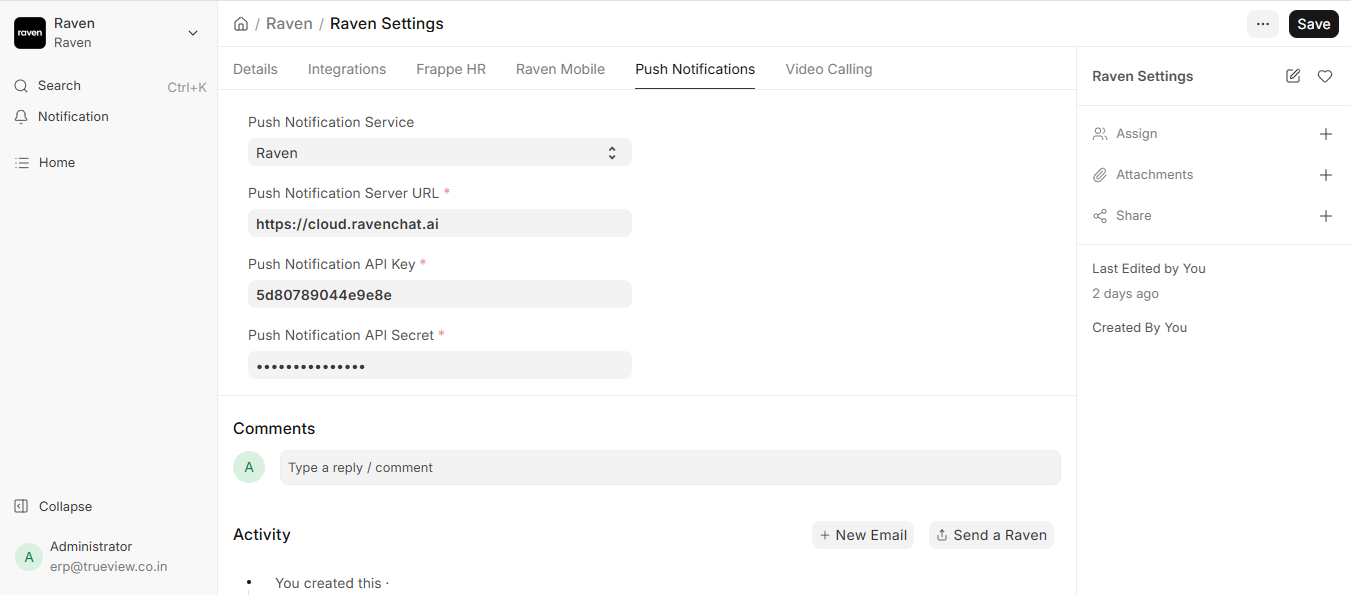
  • Added the API Key and Secret Key in Raven App > Push Notification Settings.

  • Installed the Raven mobile application.

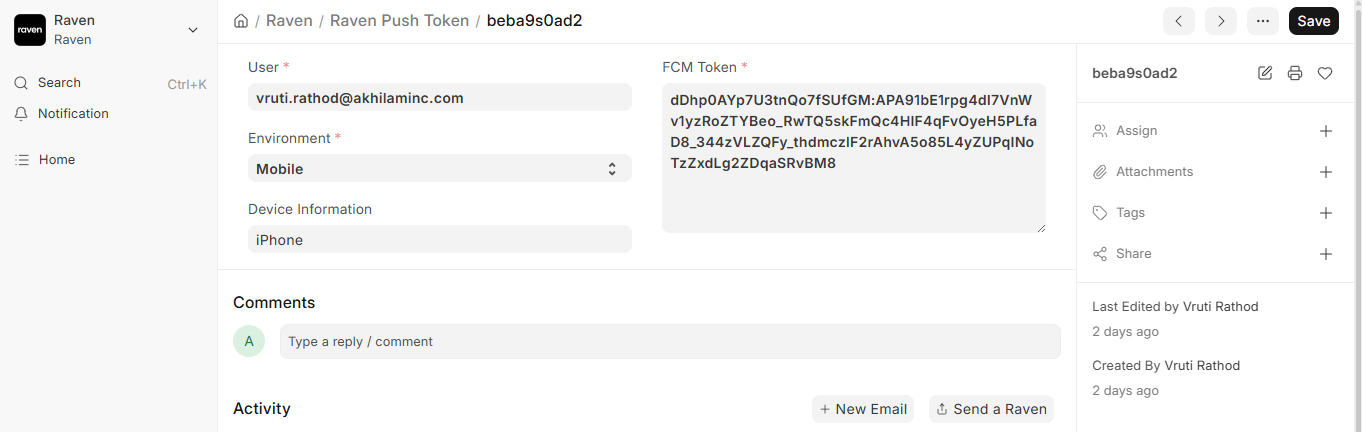
  • Push token is being generated successfully and is visible in the system.

  • Messages sent through Raven are delivered successfully in both Desk and Mobile chat.

Issue

Push notifications are not being received on either:

  • ERPNext Desk

  • Raven Mobile App

Although chat messages are delivered correctly, no notification banner, alert, or push notification is triggered.

Environment

  • ERPNext Version: v16

  • Raven Mobile App Version: 1.1.4

  • Hosting :Self Hosted

  • Notification Provider: Raven Cloud

Additional Information

  • Push token is available for users.

  • Mobile notification permissions are enabled.

  • No Notification Log is being created when messages are sent.

  • Messages are successfully delivered inside the chat window, but push notifications are not received.

Expected Behavior

When a user receives a new Raven message, a push notification should be generated and delivered to the user’s desktop browser and mobile device.

Request

Please help identify if there are any additional configuration steps required for Raven Cloud push notifications in ERPNext v16, or if this is a known issue. Any guidance on debugging the push notification flow would be appreciated.
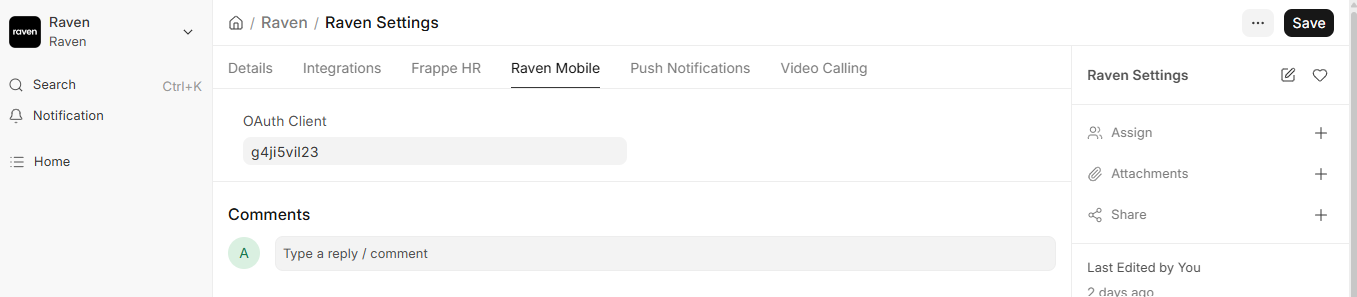
Hi, did you sync the data to Raven Cloud? Can you also provide your site URL? I’ll have a look.

Hi @nikkothari22

Yes, I have configured Raven Cloud and added the API Key and Secret Key in the Raven Push Notification Settings. However, I am not sure if there is any additional step required to sync data with Raven Cloud. Could you please let me know how I can verify whether the sync has been completed successfully?

My site URL is: https://dev-erp.trueview.in/

Gentle Reminder Please help us to solve this

Hey so it looks like your push tokens aren’t synced to Raven Cloud.

Go to Raven (web app) > Settings > Push Notifications > click on the register site button and then the sync button. Once you do that, the tokens will be synced and push notifications should work.

Hi @nikkothari22

I have tried syncing the site with Raven Cloud, but I am still not receiving push notifications.

Also, my Push Notification URL is https://cloud.ravenchat.ai, but I am not seeing any data on the dashboard either. Could you please help me identify what might be missing or misconfigured?

This is an urgent requirement. Please rectify the issue as soon as possible.

It looks like your data is not being synced to Raven Cloud - not sure what the error is - we don’t have any logs for it. I can see that the site is being registered, but the sync does not occur.

Are you hosted on Frappe Cloud?

Hi @nikkothari22

No, the site is not hosted on Frappe Cloud; it is a self-hosted instance.

I debugged the issue and found that developer_mode was set to 1 in the site_config.json file. After changing it to 0, the sync started working correctly, and notifications are now functioning properly on both the Desk and Mobile applications.

Thank you for your time and support in helping investigate the issue. I appreciate your assistance.

1 Like

Jumping in on this older post, has anyone tried using a different notification provider with ERPNext v16 to see if push notifications work more consistently? I’m exploring alternatives and would love to hear if switching providers helped someone.