Is there a way to stop the Vehicle doctype that comes with ERPNext, from being migrated? So I can use mine instead? If not, then is there a way to delete or remove fields from the default Vehicle json? If I can do any one of the two, I should be able to solve the issue.
Context:
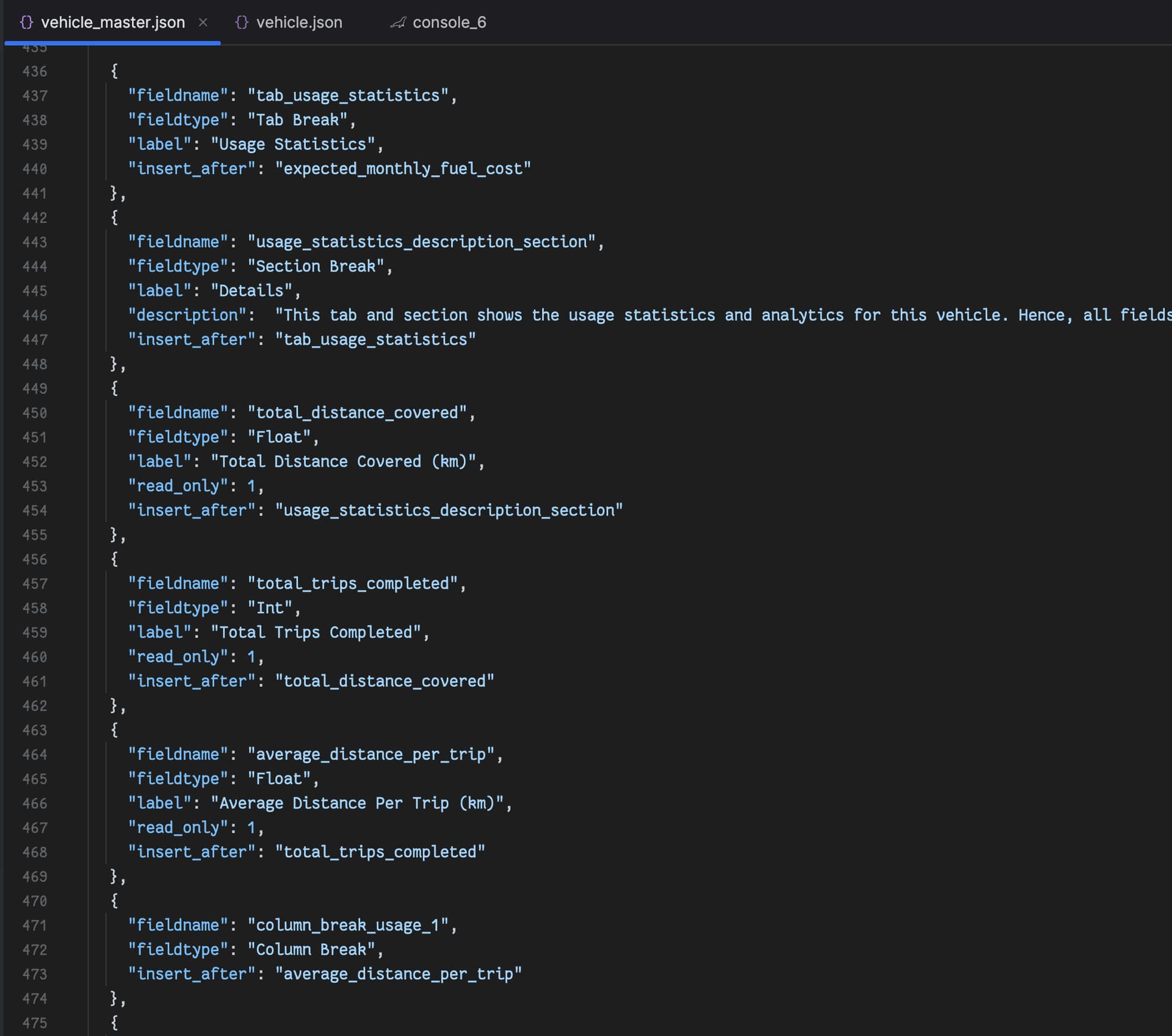
I’m building a custom application for managing vehicle fleet, and I have some issues with the presentation and layout of fields for the Vehicle doctype. Now, I’ve defined my own custom fields in a json file, together with a vehicle doctype class that extends the vehicle class that comes with ERPNext app. I’ve also specified my custom vehicle class as an override in the hooks.py file. I’m using the after install hook to migrate the custom JSON fields.
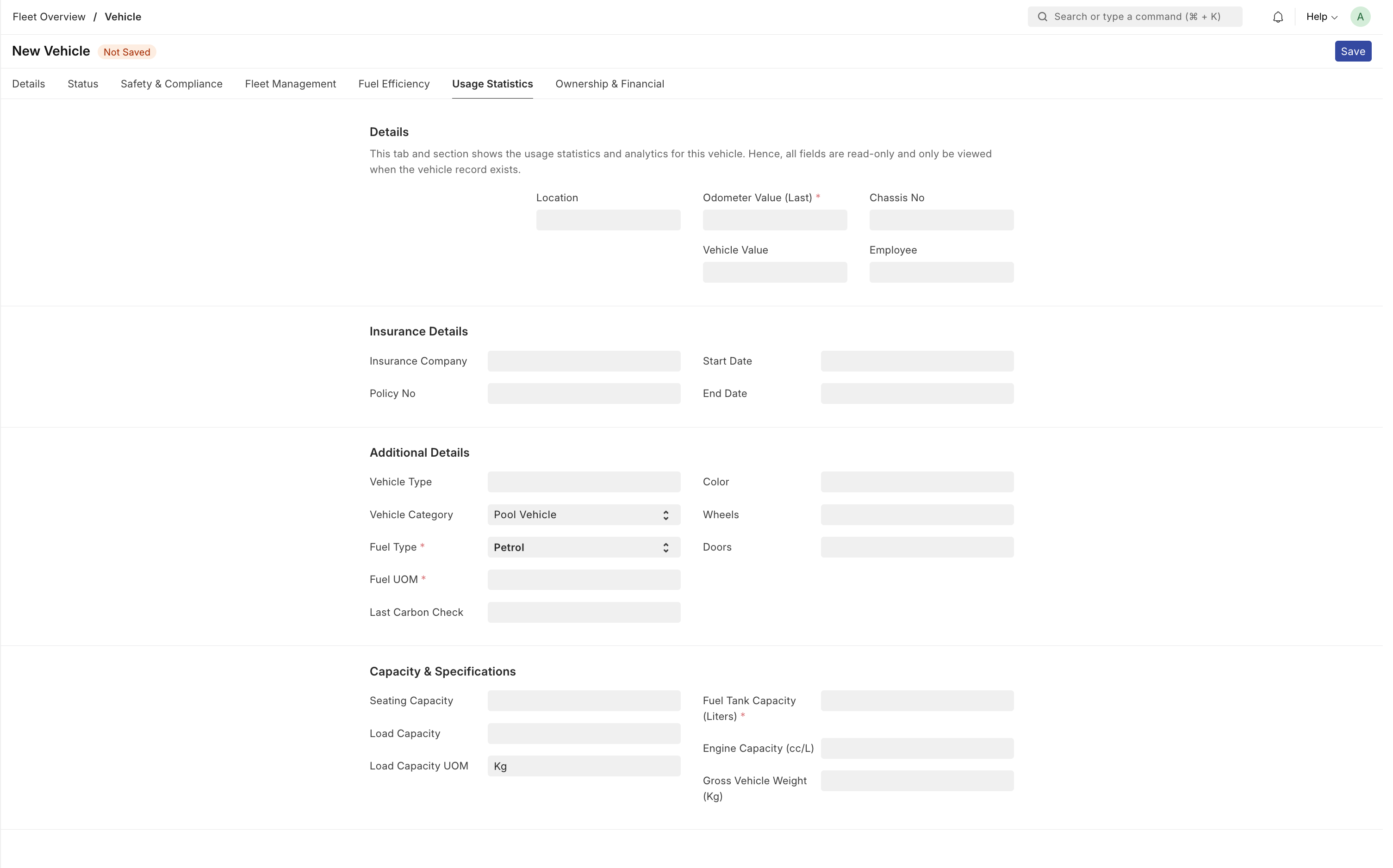
The new vehicle form has a lot of fields, hence I’ve broken it into tabs:
Now, the issue is in the arrangement of fields. For example, the fields that are currently within the “Usage statistics” tab should be within the “Details” tab, but I’ve found it extremely difficult to achieve that. I think this is because the Vehicle doctype already had a defined arrangement/flow/structure of fields, however, with the introduction of custom fields, I’ve tried to play around using the “insert_after” (see screenshot below), but I’m just not getting what I need. Hence, my question above.
Have you tried using the Customize Form tool? You can hide the fields you don’t want and reorder the ones you do. It should be a lot easier than tying to do it all manually in the JSON.
Unless I’m mistaken, I don’t think you’ll be able to change base fields with just a json import. Base fields are manipulated with a Property Setter document. That’s what the Customize Form tool handles.
If you want to create Property Setters programmatically, you’ll have to specify that as well. Fixtures would be one way to accomplish this.
My understanding of fixtures is that it’s for seeding data whenever the app is installed. Not sure how I can use it to achieve what I need. Also, I’m not clear on how to use property setters in code.
In the meantime, I’ve gone with using the vehicle.js file to arrange the fields as I want them to appear.
Right. A Property Setter is a document type that defines the property of a field (for example, marking a field hidden or changing its display order). A fixture would seed those definitions into your system.
If you’re getting good performance rearranging the form display on every load, that works too.
It feels hackish; the JS approach. Performance is okay. Barely notice the re-arrangement of fields.
I’ll definitely look more in Property Setters and Fixtures. I’m still new to Frappe. Barely 2 months in. If you’ve got any resource that can help with that - codebase included, pls do share. The Frappe documentation is severely limited.