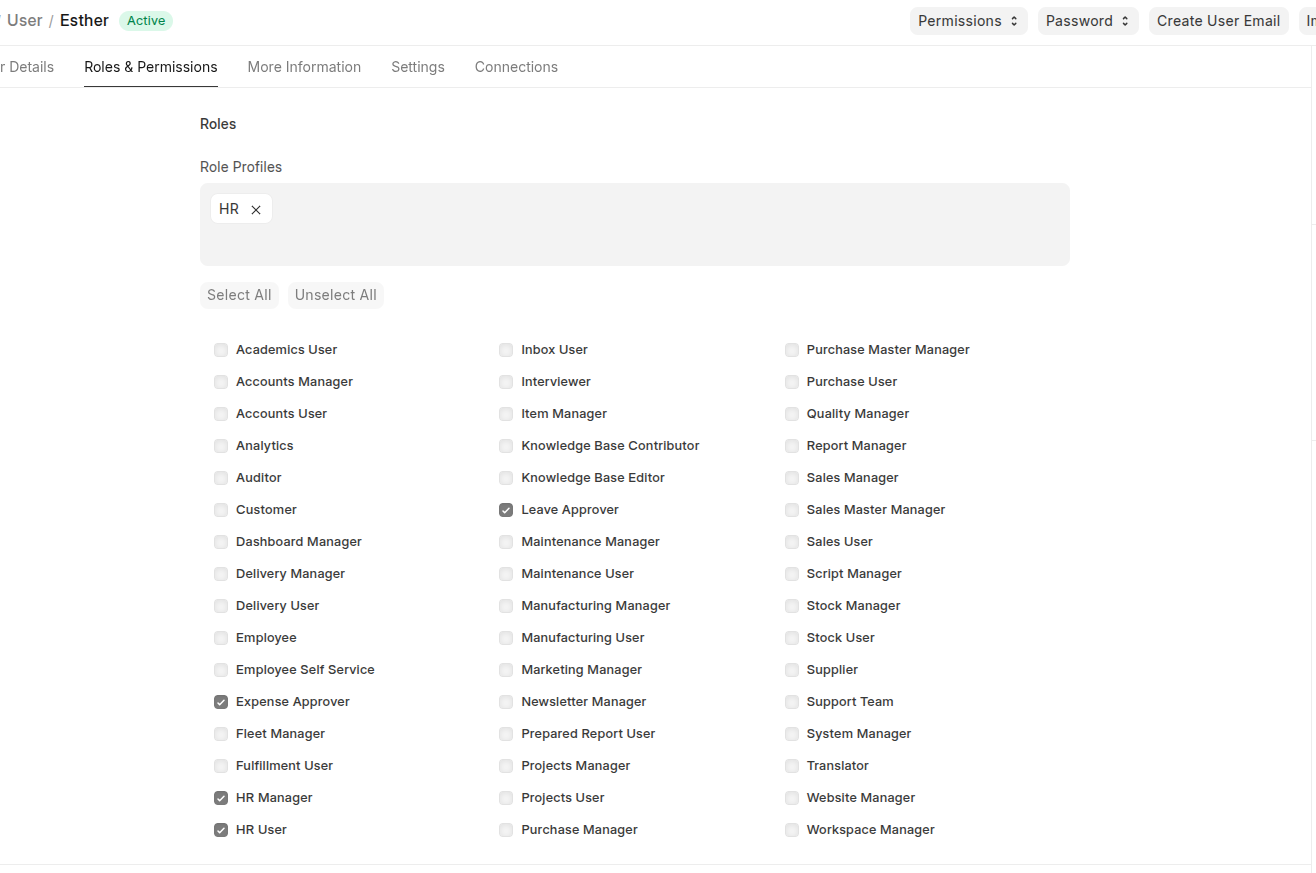
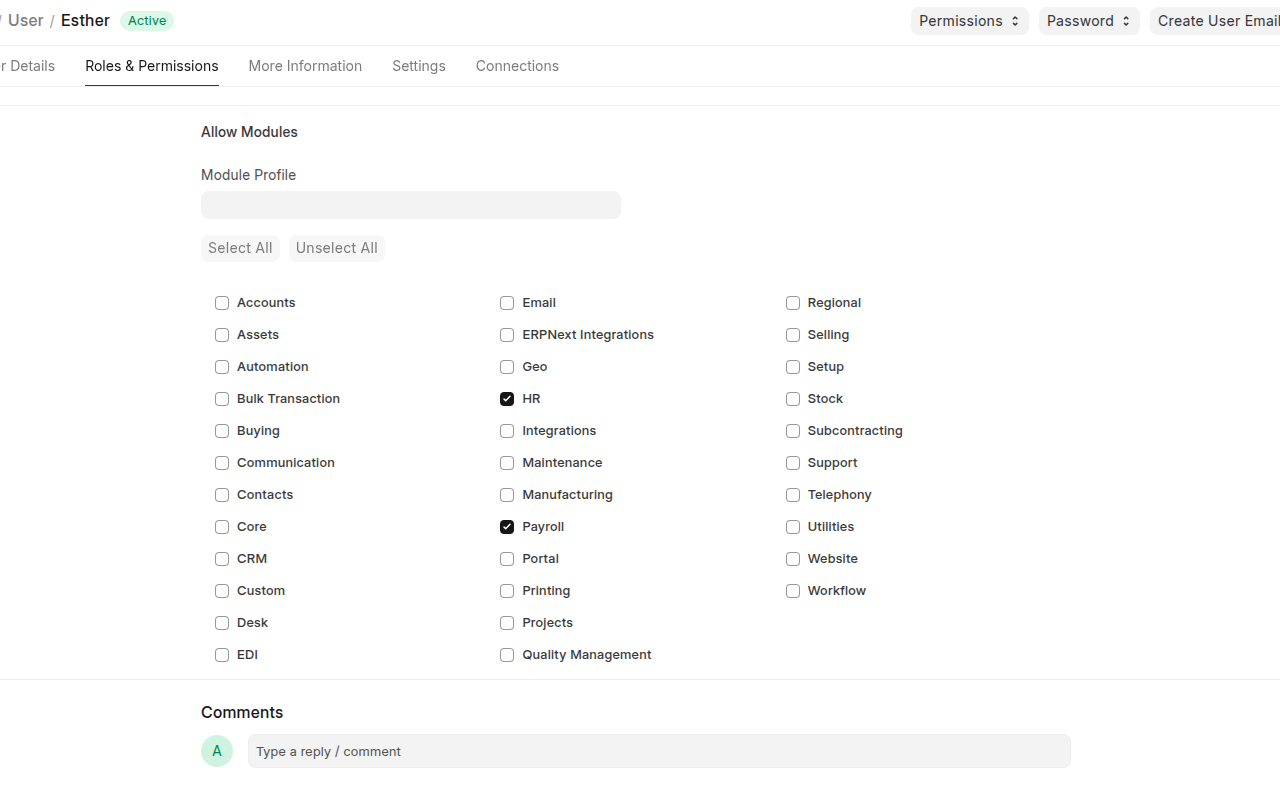
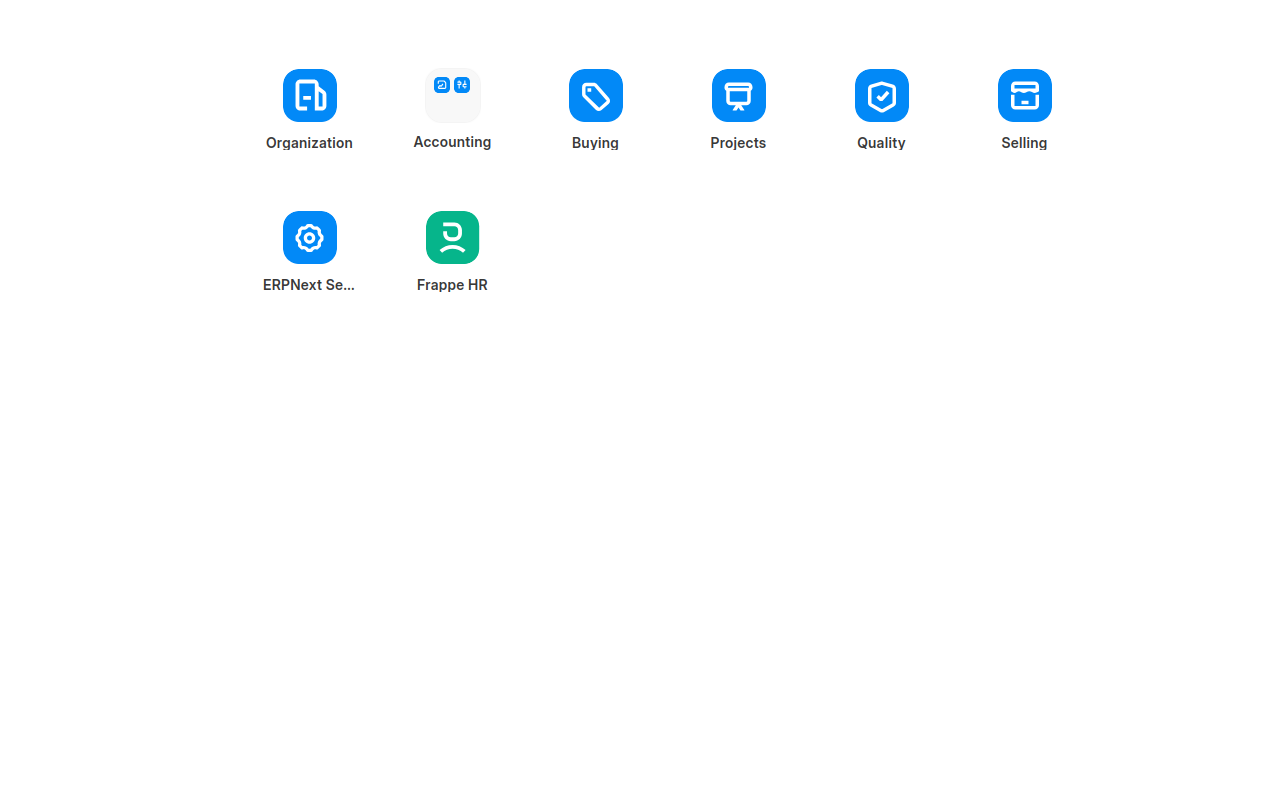
I have installed ERPNext v16 and assigned the HR Manager and HR User roles, as well as the HR module, to the HR account. However, the following modules are still visible to the user:
-
Organization
-
Accounting
-
Buying
-
Projects
-
Quality
-
Selling
-
ERPNext Settings
I would like to restrict this HR account to the HR module only, so that the user can access HR-related functions without seeing or accessing the other modules.
Kindly assist me in configuring the appropriate permissions and module visibility settings to achieve this.
Hi @symon33
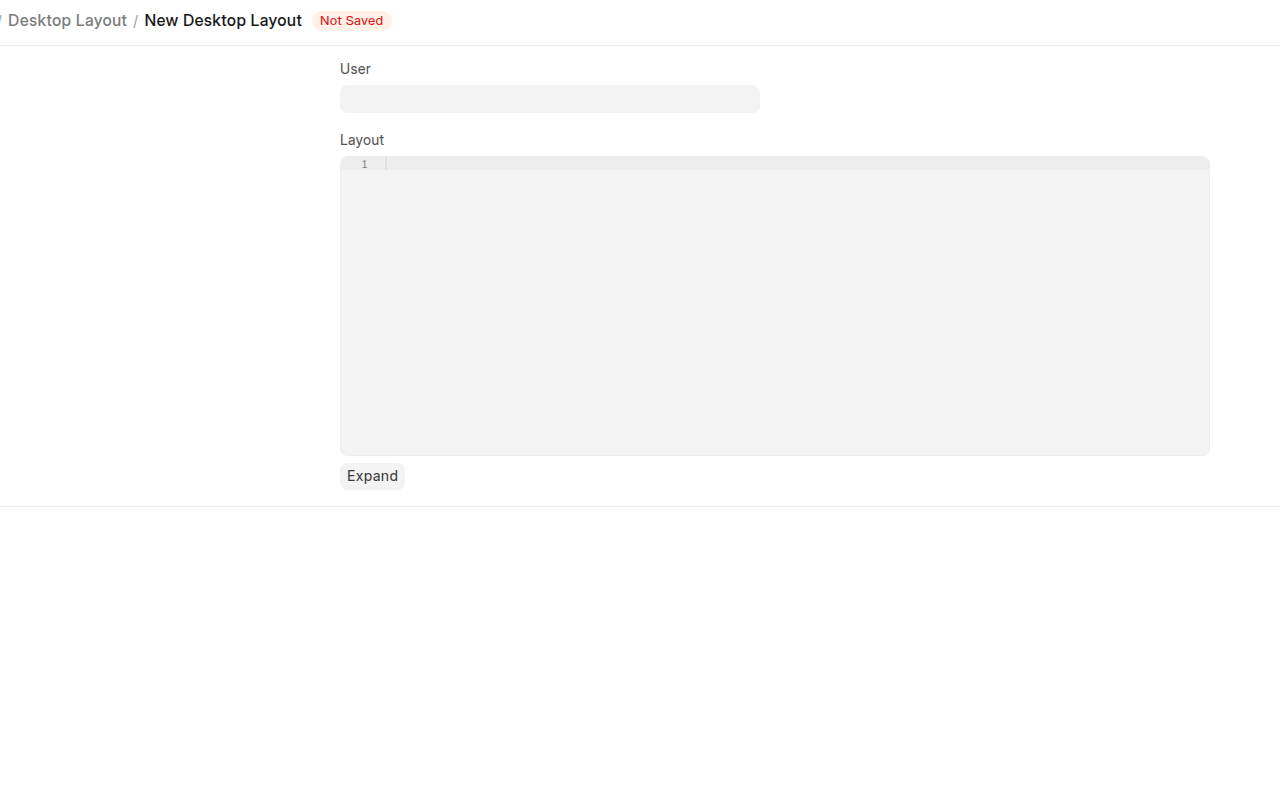
in the role permission there is role and role profile for each user, make sure to uncheck what module you do not want to appear for the user in role profile, I assume you have configured the role permissions, also for desktop you can use desktop layout so the user have only dedicated icons and module to appear in desk.
Hope helps you.
@HiHi @abdullla00,
Thank you very much for your reply. I would kindly request your further assistance with this. I believe I have already configured the roles and modules required for the users, as shown in the picture below.
Module
HR User
And the desktop layout has this as seen below,
So what can I do to make the HR Manager (User) only see the HR workspace.
@symon33
You can create a desktop layout by yourself and assign the HR user you want, then layout you can have something like following structure but for HR desktop, in the layout create and enter like:
[
  {
    "label": "Human Resources",
    "type": "App",
    "children": [
      { "label": "Payroll", "type": "Link" },
      { "label": "Expenses", "type": "Link" },
      { "label": "Leave Management", "type": "Link" },
      { "label": "Employee Lifecycle", "type": "Link" }
    ]
  },
  {
    "label": "Self Service",
    "type": "Folder",
    "children": [
      { "label": "My Profile", "type": "Link" },
      { "label": "Salary Slips", "type": "Link" },
      { "label": "Expense Claims", "type": "Link" }
    ]
  },
  { "label": "Attendance Tracking", "type": "Link" },
  { "label": "Recruitment Module", "type": "App" }
]