Good day Team,
I’m currently working on a custom Frappe application used on shared workstations and I’m looking for assistance with improving session and cache behavior.
There are two main challenges I’m trying to resolve:
1. Cache / page persistence after logout
After a user logs out, the next user who logs in on the same machine is redirected to the previous user’s last visited page instead of the default home page.
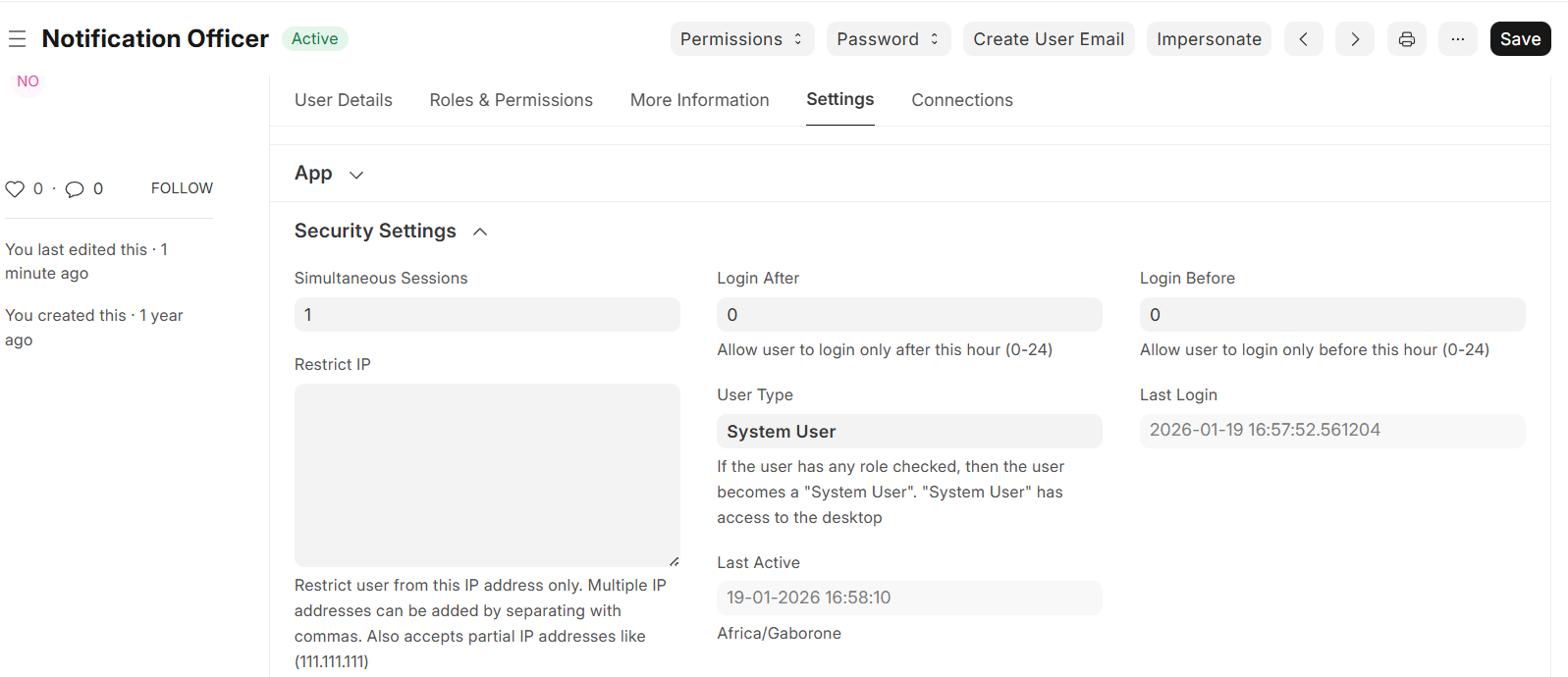
I attempted to address this by setting a default workspace at the User Settings level, but this did not change the behavior.
2. Enforcing a single active session per user
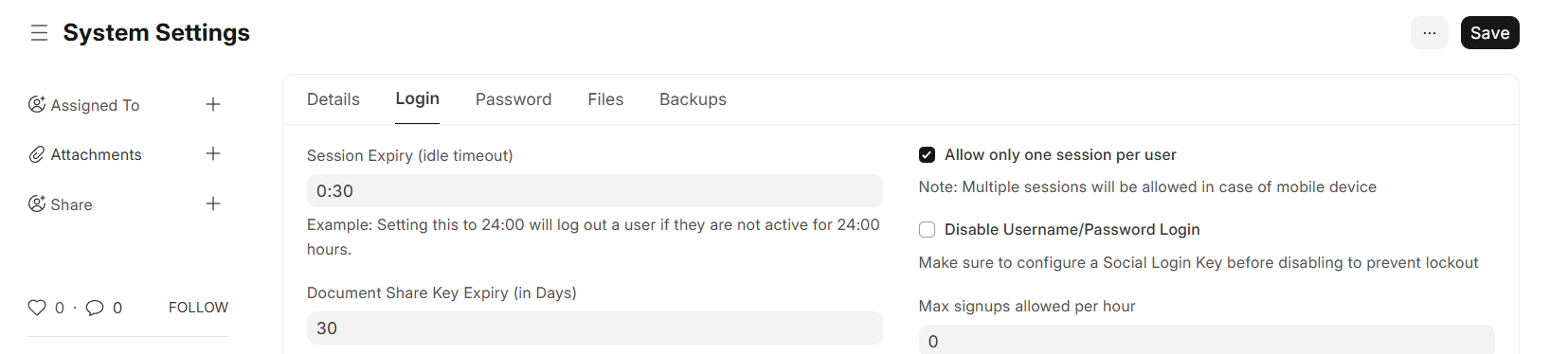
I also enabled the “Allow only one session per user” option under System Settings → Login, but the system still allows multiple concurrent sessions for the same user.
Please find attached screenshots showing both configurations and the resulting behavior if that would help.
I’d appreciate guidance on the recommended hooks or customization approach to handle this properly in Frappe.
Thank you in advance.
Web applications are not great for shared computer logins.
I suggest going the route of creating a computer account for each human using the computer.
If this is out of the question, perhaps you can use a third party extension in Google Chrome to lock individual user profiles in the browser.
Hi @Lastie_Jason_Pule : are the employees sharing the same ERPNext User account? Or does every person have their own ERPNext User, but they’re just sharing the same computer workstation?
Will working on different browsers work - Edge, Chrome, Firefox?
Hi @brian_pond. Thank you for your response.
Each person has their own ERPNext User account. They are not sharing the same user account.
The issue occurs because they sometimes share the same physical workstation/browser. When User A logs out while on an inner page, and User B logs in on the same machine, User B is redirected to User A’s last visited page instead of starting at their own home page.
So the problem is not shared credentials, but client-side state (route/session data) persisting across logouts on shared computers. The expected behavior is for every login to start fresh at the default home page, regardless of the previous user’s activity.
Hi @asieftejani. Thank you for your response.
Using different browsers does work, since each browser has its own local storage and session state.
However, in our case this isn’t a viable solution because users share the same workstation and browser in practice. We need the system to handle logout/login cleanly within the same browser and always start a new user at their own home page.
Hi @volkswagner
That’s a fair point, and I agree shared workstations are not ideal.
Unfortunately, creating separate OS or browser profiles isn’t feasible in our environment, so we need to handle this at the application level. The expectation is that a proper logout should fully reset client-side state so the next user starts with a clean session.
We’re therefore looking for a Frappe-supported or framework-level approach to reliably clear state on logout or force a fresh start on login.
Either use the browser’s option of clearing the history and cookies when you close the browser or use Incognito mode / Private window of the Browser
In both cases cookies are cleared… which should be a clean session for each user each time
1 Like
+1
You are trying to solve a browser issue, not an application issue.
You can set the browser to always clear cache when it’s closed. Enable this setting and tell users to close the browser when they log off.