Hi,
I’m quite new for erpnext. I’m try to config and stuck for printing format of payment entry.
I’d like to add item tables as show in invoice to Payment Entry.
Can you guide how I can add.
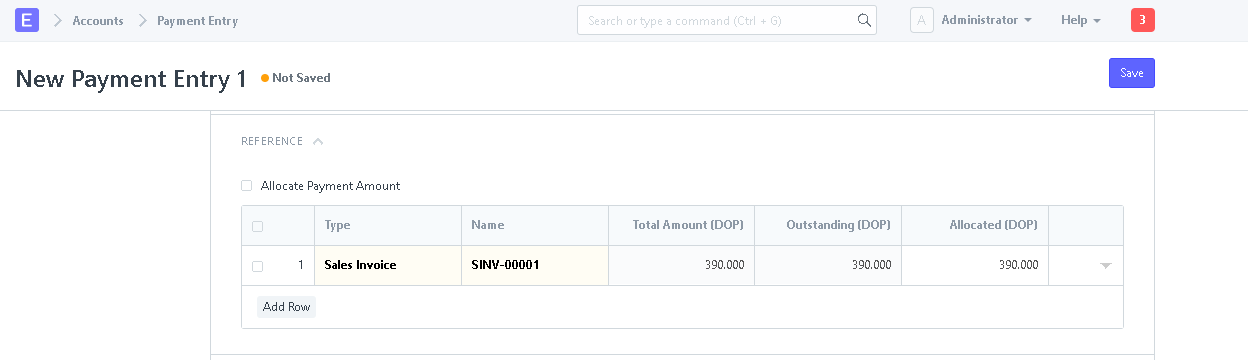
below is the list that I want to replace with items table

Hi,
I’m quite new for erpnext. I’m try to config and stuck for printing format of payment entry.
I’d like to add item tables as show in invoice to Payment Entry.
Can you guide how I can add.
below is the list that I want to replace with items table
Got two ways to achieve that:
Hi,
Thank you for reply,
Yes I knew that we need to modify with that 2 ways. But what I need is how to call invoice items to show in documents.
Thank you
To show where? In the print format?
If so you can use the child table name like this:
 {%- for row in doc.items -%}
            <tr>
                <td style="width: 3%;">{{ row.idx }}</td>
                <td style="width: 20%;">
                    {{ row.item_name }}
                    {% if row.item_code != row.item_name -%}
                    <br>Item Code: {{ row.item_code}}
                    {%- endif %}
                </td>
                <td style="width: 37%;">
                    <div style="border: 0px;">{{ row.description }}</div></td>
                <td style="width: 10%; text-align: right;">{{ row.qty }} {{ row.uom or row.stock_uom }}</td>
                <td style="width: 15%; text-align: right;">{{
                    row.get_formatted("rate", doc) }}</td>
                <td style="width: 15%; text-align: right;">{{
                    row.get_formatted("amount", doc) }}</td>
            </tr>
            {%- endfor -%}
The item table in Sales Invoice is named items, so this snippet should work!
Thanks @yefritavarez,
Exactly what I’m looking for, but it seems I might be pasting the script in wrongly, basically, I pasted it in a new Custom HTML element within the print format. But its not working.
@Thanakrit_Kitirachpo Did you succeed in resolving this in another way?
Dear @adam26d You don’t need the Print Format Builder for this.
Here is the correct way to use @yefritavarez’s answer
-Create a new Print Format
-Check the Custom Format Checkbox
-Choose ‘Server’ on the Print Format Type
-Paste the code on the HTML
This should work like that !
Regards
Thanks @Lewinta 
Still trying other options.
My JS is super rusty, haven’t coded in years but I’m happy to be getting my hands dirty again. Loads of customisations coming my way…
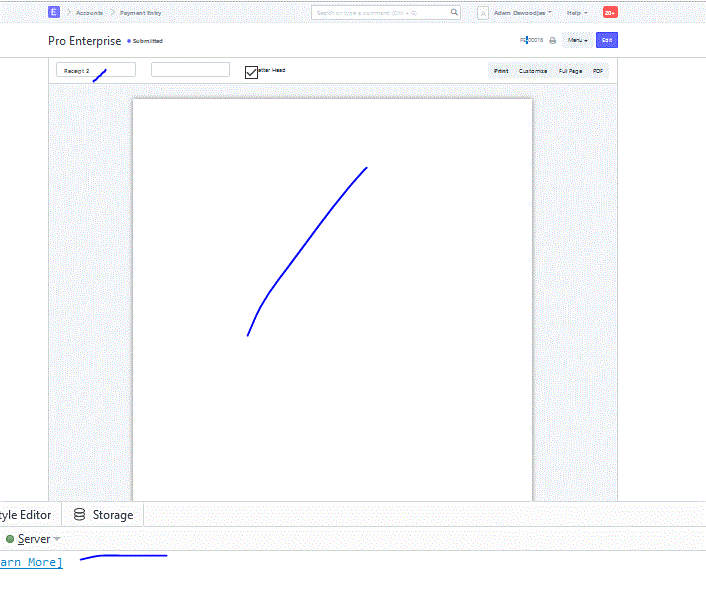
Image below - The result
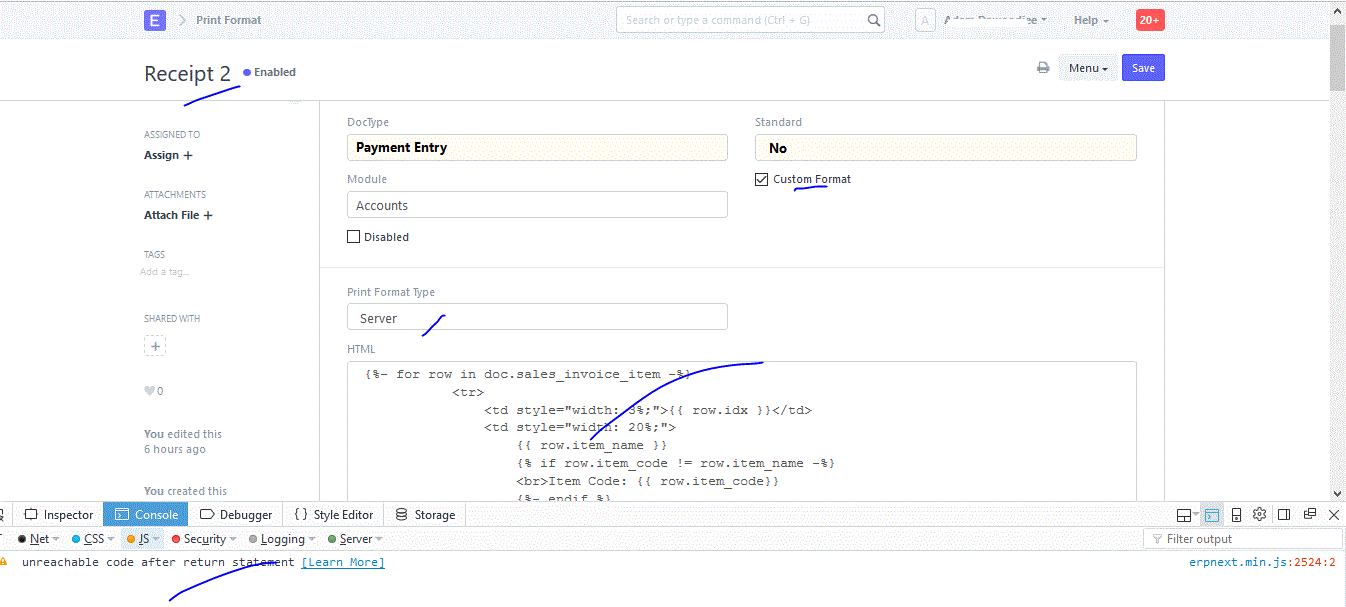
Image below - Setup as described
Create new print format - done
Check the Custom Format Checkbox - done
Choose ‘Server’ on the Print Format Type - done
Pasted the code on the HTML - done
I’ll simplify the script and build it from the bottom up.
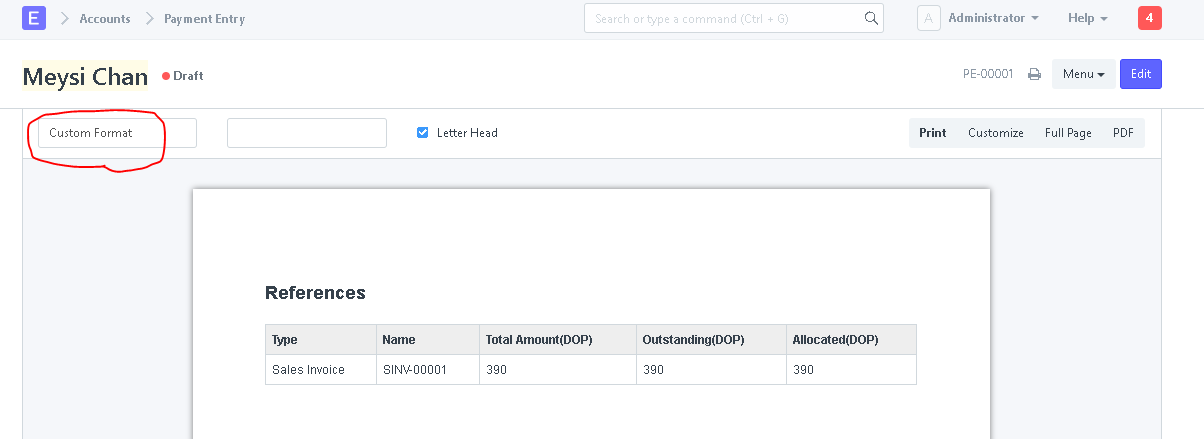
I can see you are using this Print Format on a Payment Entry, that Doctype doesn’t have a child table called “sales_invoice_item”, unless you have created the field, that might be the reason why you are getting a blank screen.
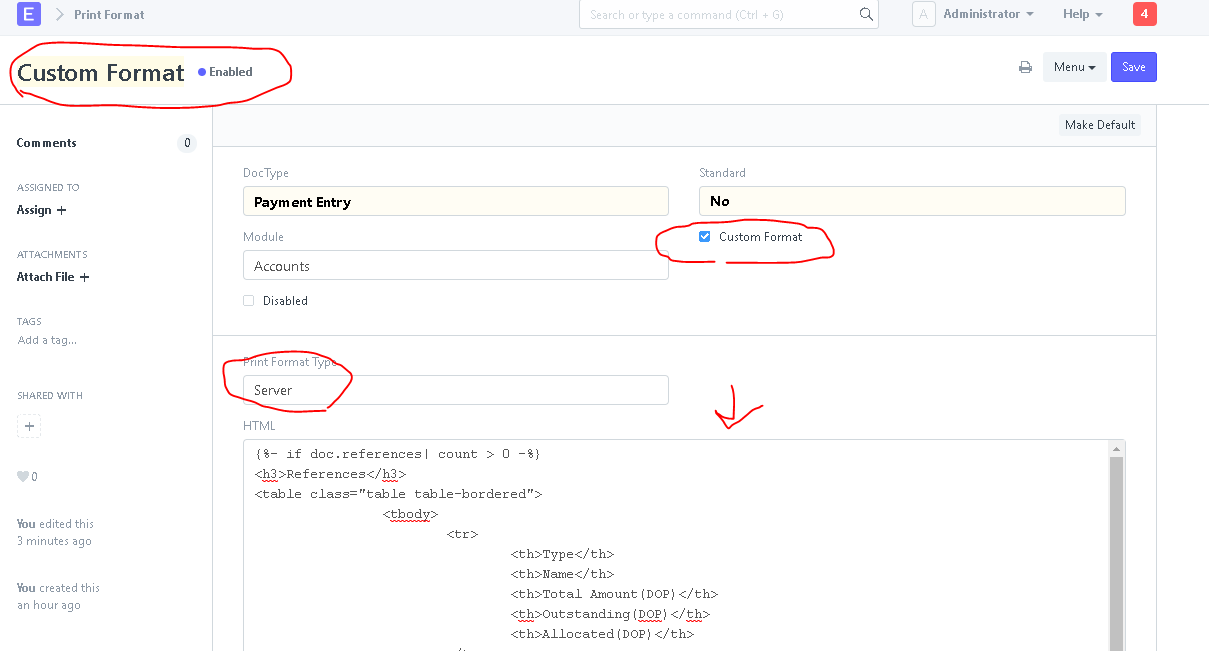
here is one example with one of the existing fields on that DocType, I will use the “references” table
This is the code on the Print Format
   {%- if doc.references| count > 0 -%}
<h3>References</h3>
<table class="table table-bordered">
		<tbody>
			<tr>
				<th>Type</th>
				<th>Name</th>
				<th>Total Amount(DOP)</th>
				<th>Outstanding(DOP)</th>
				<th>Allocated(DOP)</th>
			</tr>

			{%- for item in doc.references-%}
				<tr>
				<td> {{item.reference_doctype}}</td>
				<td> {{item.reference_name}}</td>
				<td> {{item.total_amount}}</td>
				<td> {{item.outstanding_amount}}</td>
				<td> {{item.allocated_amount}}</td>
				</tr>
			{%- endfor -%}


		</tbody>
	</table>
{%endif%}
Try that…
Thank you @Lewinta. So that is exactly what I’m trying to achieve; pull the items table from the invoice. Not much relevant documentation on the topic yet.
Would you know how to achieve this?
This is all you need, check it out, you can print any child table if you understand the following code...

<table class="table table-bordered">
		<tbody>
			<tr>
				<th>`HeadingField1`</th>
				<th>`HeadingField2`</th>
			</tr>
			{%- for item in doc.`child_table`-%}
				<tr>
				     <td> {{item.`field1`}}</td>
				     <td> {{item.`field2`}}</td>
				</tr>
			{%- endfor -%}
		</tbody>
</table>
I think I get you Lewinta; Child Table. So what I have to figure out is how to make the related invoice’s items a child table of the payment entry.
This helped me so much so thank you! What if we have about 20 invoices on one check? I’m looking for a way to have it continue the table to the right as I have only a few columns on my table. I have shrunk it down and can fit about 10 invoices on one table now but need to have it carry to the next area. Any help on that?
On payment entry doctype, I have address displaying. Now, I need it to display on print format for me. I got this:
{{ no such element: erpnext.accounts.doctype.payment_entry.payment_entry.PaymentEntry object[‘address_display’] }}
when using:
{{ doc.address_display }}
Any ideas for me?
@yefritavarez : Hi How to Remove the AED from columns, please help. Thanks in Advance
What is the AED ?