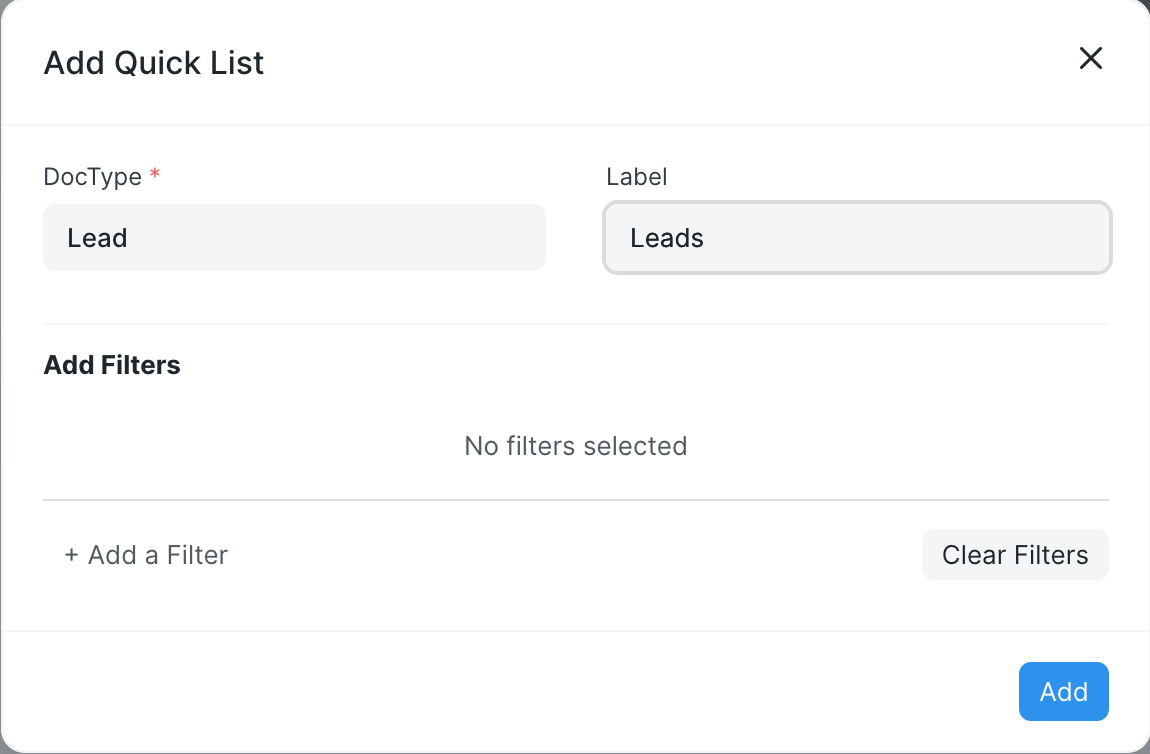
Pretty much the title, how do I reference “current user” in quick list filters?
Hi:
Try this. From awesome bar, navigate to Workspace List. Edit your workspace, and search on tab “Quick List”. Edit your list, and set quick list filter as:
{"owner":["=",frappe.session.user]}
Hope this helps.
1 Like
What if I want to fetch the data for the filter from some DocType?
Thanks!
I can confirm that this works in latest Frappe 15 version as well. I think the field itself which stores the filter string has some string based validation which shows the red cross saying that the content is not a valid string but if you ignore that and just go ahead and save the quick list filter it works fine.
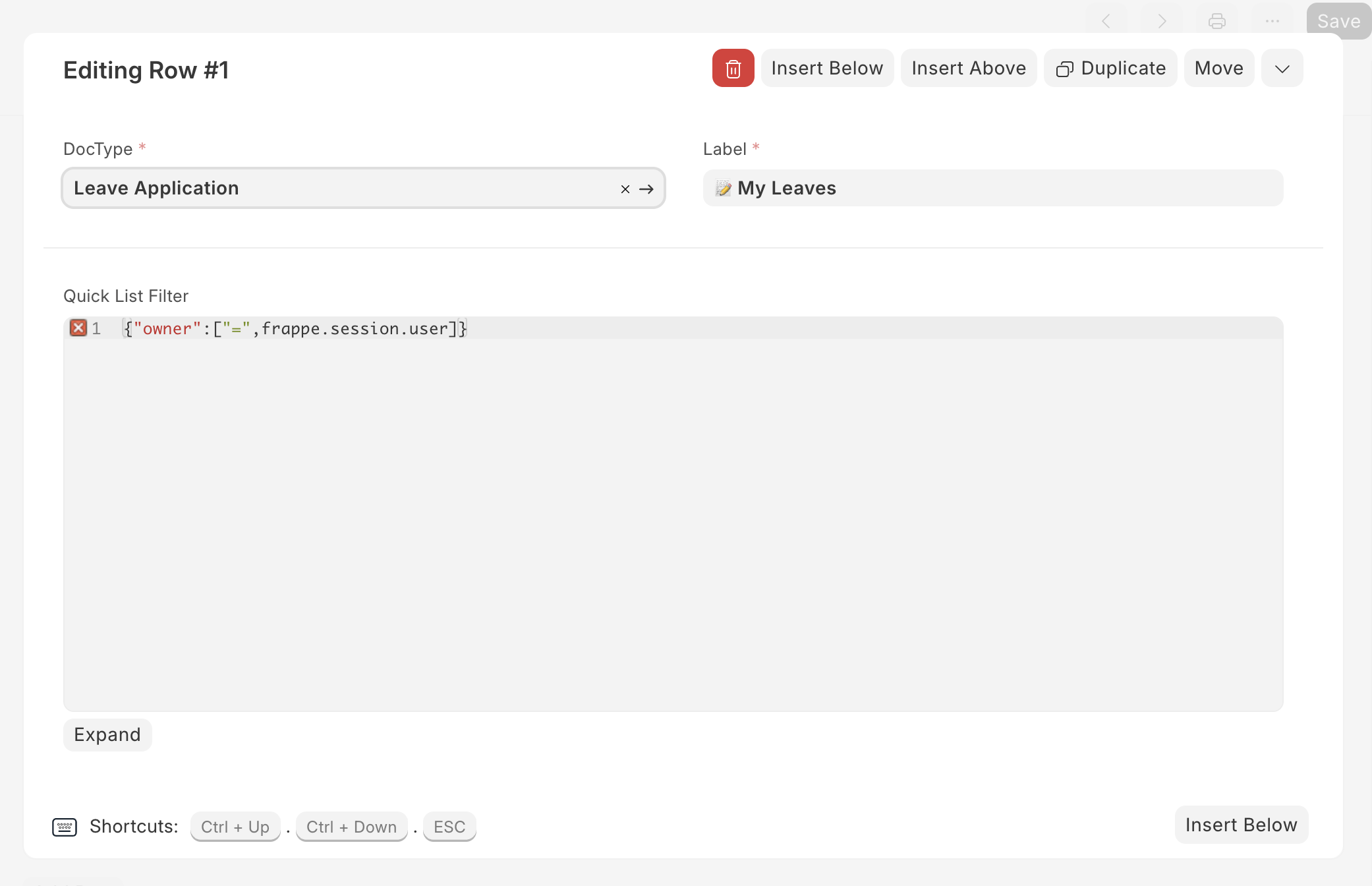
It doesn’t work in Frappe V16 on my computer, are there any other ways?