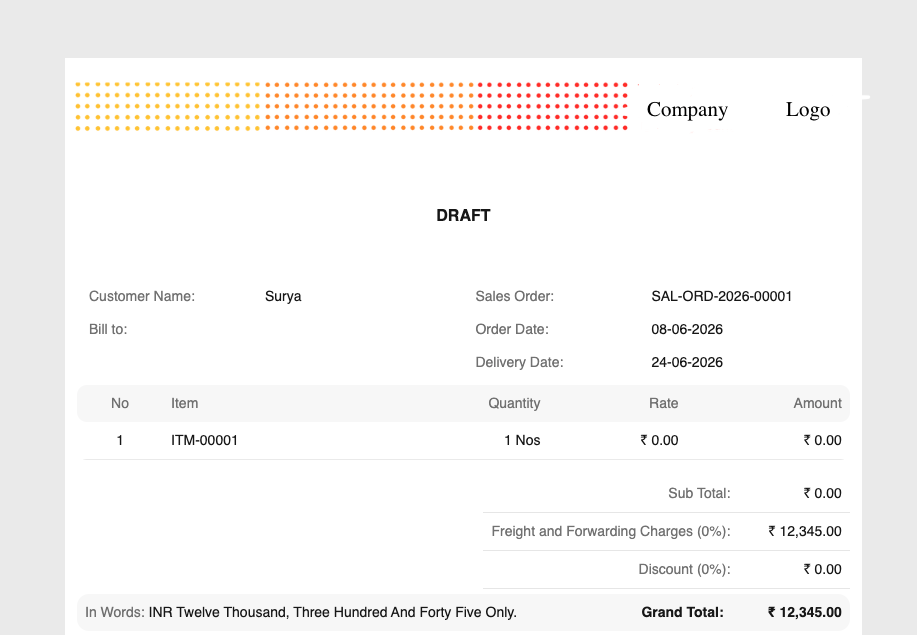
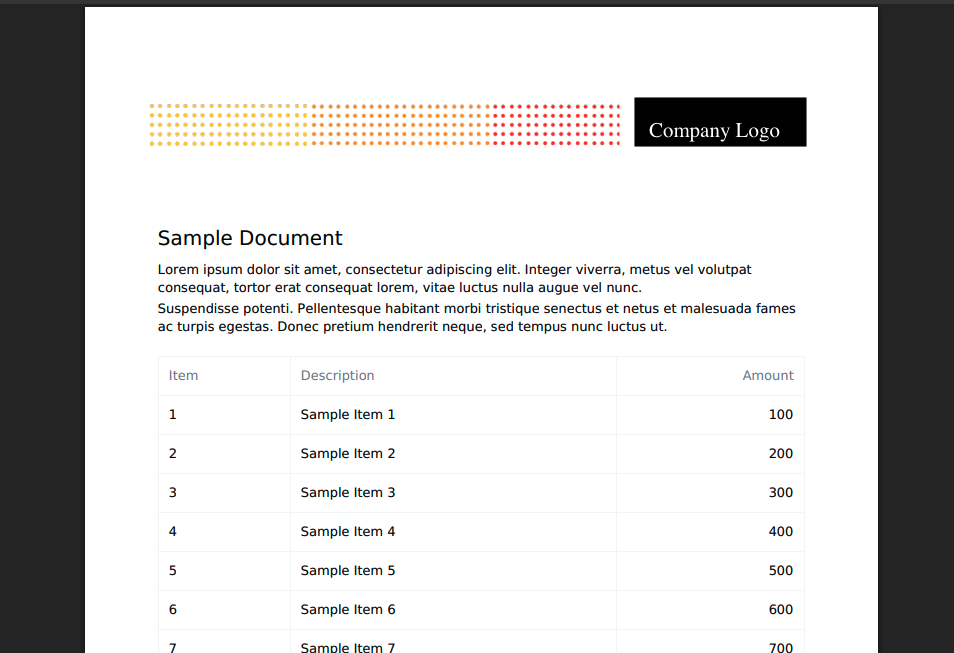
I am currently on version 16 and cannot shift to develop branch . Here is the jinja syntax i am using
```
{%- macro add_header(page_num, max_pages, doc, letter_head, no_letterhead, footer,
print_settings=None, print_heading_template=None) -%}
{% if letter_head and not no_letterhead %}
{{ letter_head }}
{% endif %}
{% if print_heading_template %}
{{ frappe.render_template(print_heading_template, {“doc”: doc}) }}
{% endif %}
{%- endmacro -%}
{%- macro add_footer(page_num, max_pages, doc, letter_head, no_letterhead, footer,
print_settings=None) -%}
{% if footer and not no_letterhead %}
{{ footer }}
{% endif %}
Page of
{%- endmacro -%}
html,
body {
margin: 0;
padding: 0;
width: 100%;
font-family: Inter, sans-serif;
color: #171717;
font-size: 11px;
}
.print-format {
margin: 0 !important;
padding: 0 !important;
width: 100% !important;
}
.print-format-body {
padding: 30px 16px 20px 16px !important;
}
.letter-head,
.letter-head-footer {
width: 100% !important;
margin: 0 !important;
padding: 0 !important;
}
.letter-head table,
.letter-head-footer table {
width: 100% !important;
border-collapse: collapse;
}
.page-info {
text-align: right;
font-size: 10px;
color: #666;
margin-top: 8px;
}
.title {
color: #7c7c7c;
}
{% for page in layout %}
{% if print_settings.repeat_header_footer %}
{{ add_header(
loop.index,
layout|length,
doc,
letter_head,
no_letterhead,
footer,
print_settings,
print_heading_template
) }}
{{ add_footer(
loop.index,
layout|length,
doc,
letter_head,
no_letterhead,
footer,
print_settings
) }}
{% endif %}
<h2>Sample Document</h2>

<p>
    Random Text for fill the document .
</p>
{%endfor %}
```
Can you please review my jinja code .