When a Leave Application is submitted/approved for a student who belongs to a student group, the system automatically creates a Student Attendance record for that student on the leave date with status = Leave.
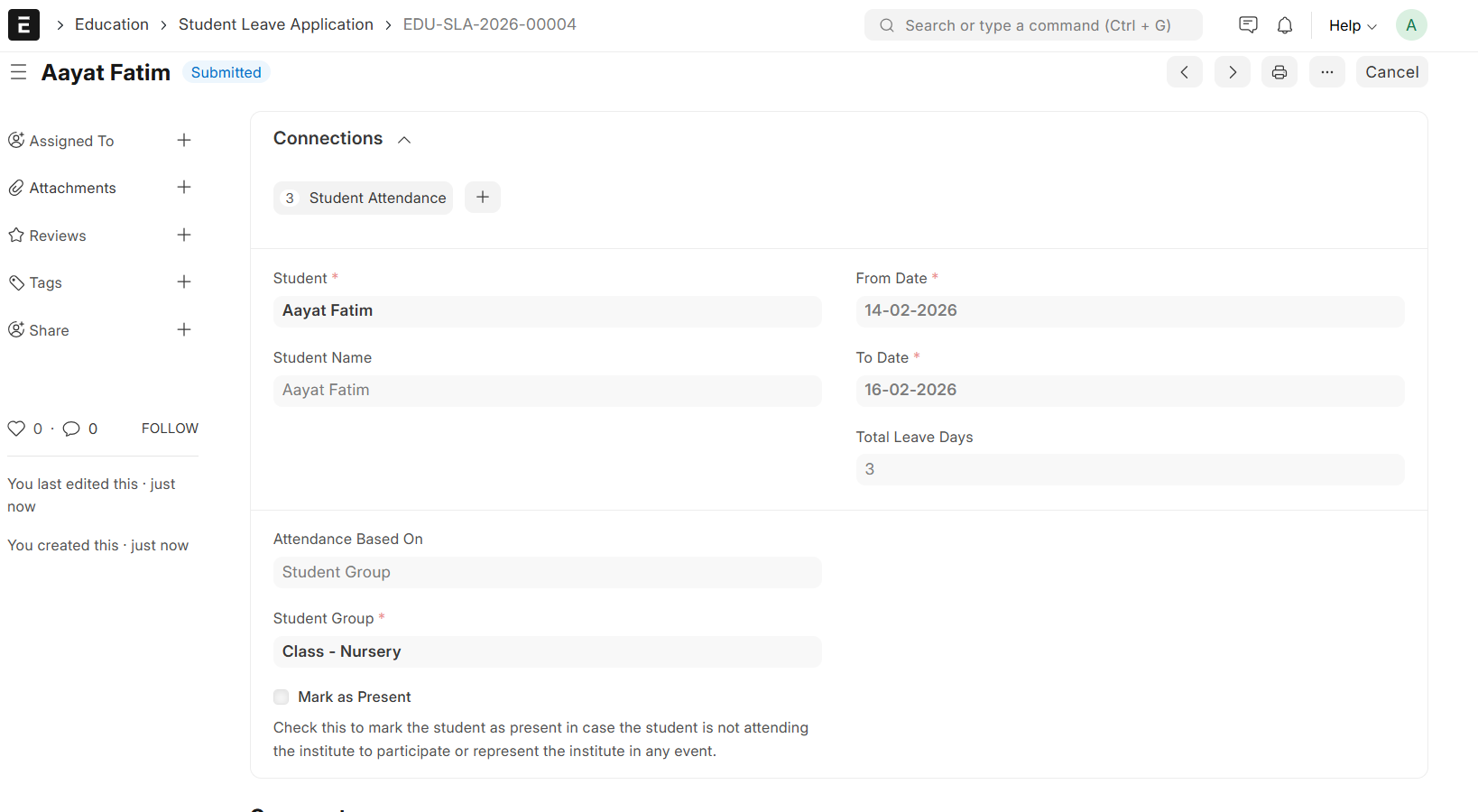
Later, when a teacher uses the Student Attendance Tool to mark attendance for the same Student Group and date. [Checked = Present, Unchecked = Absent]
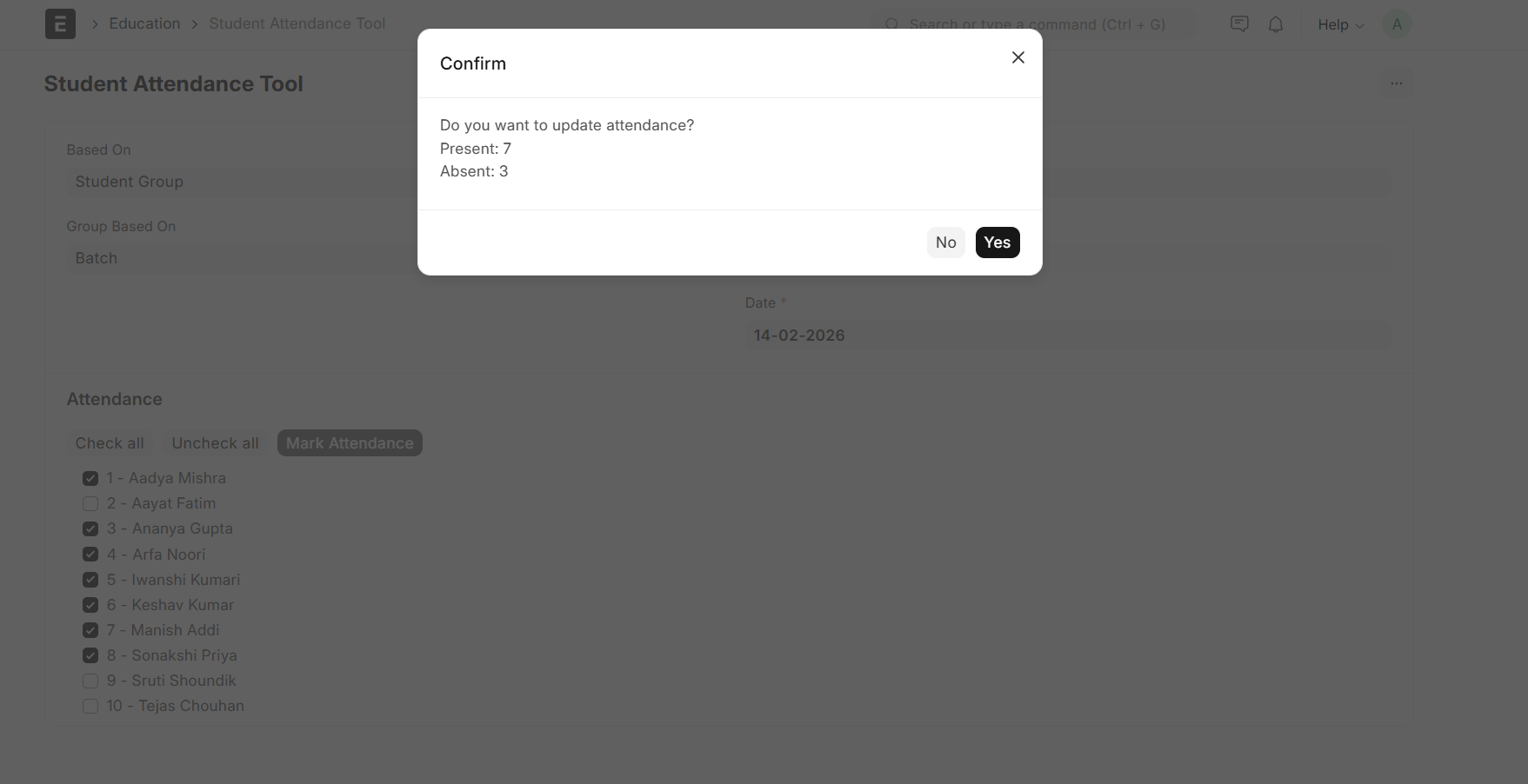
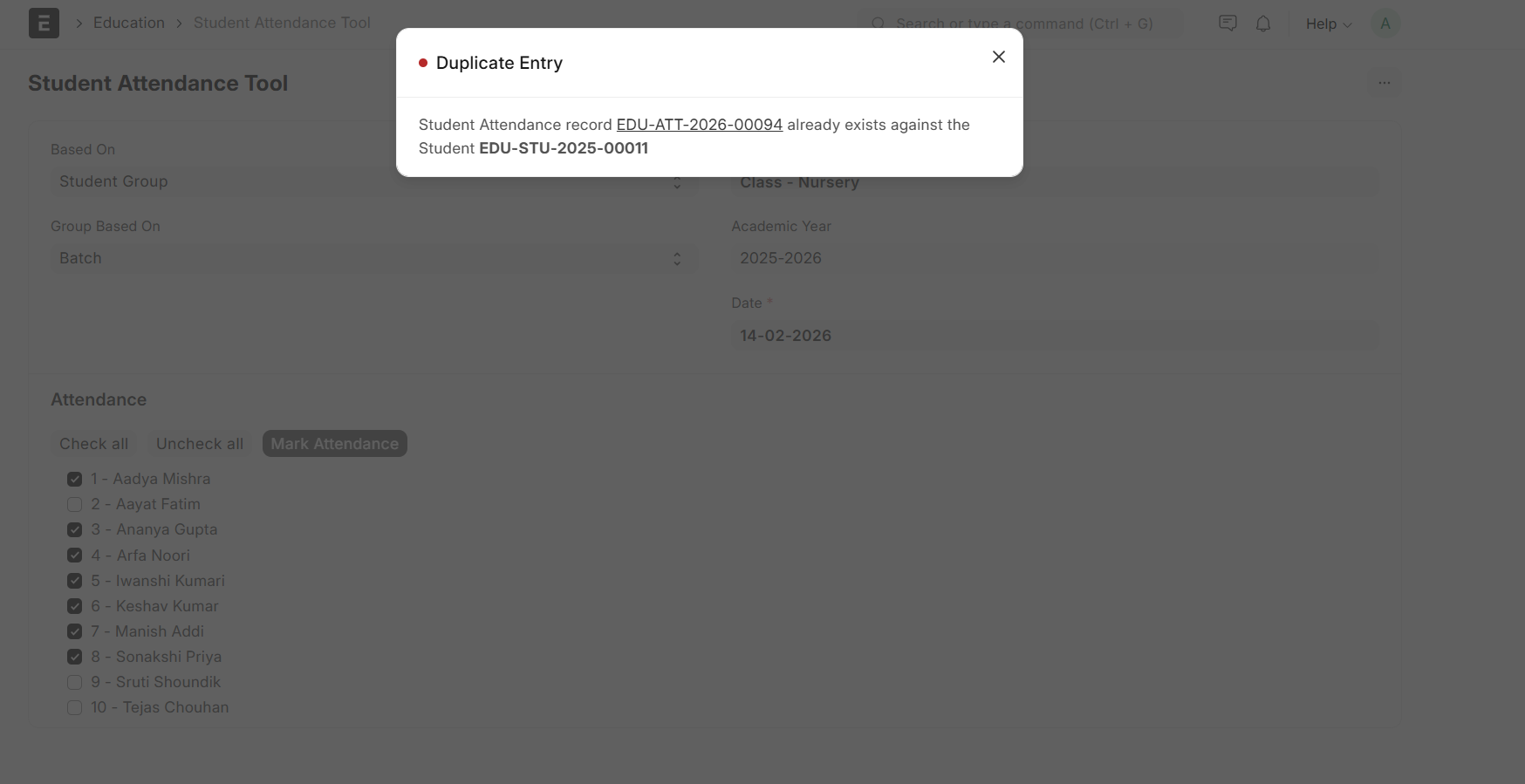
For the student who already has Leave marked (from Leave Application), the tool throws a Duplicate Entry error and does not allow saving attendance.
Because the Leave Application has already created a Student Attendance record for that date,
the Attendance Tool tries to create another record for the same student + date with status=Absent (defaulting to Absent if unchecked), causing a duplicate entry error.
Is there any configuration or customization available to handle this scenario properly like
- Automatically skip students who already have attendance marked?
- Update existing record instead of creating a new one?