Hi all,
I created a user with limited access and expected them to see only HR-related modules, but their desk home still shows unrelated apps.
Setup
- Frappe Framework: v__ | ERPNext: v__ | HRMS: v__ (check Help > About)
- Self-hosted, accessed via IP:8003/desk
User configuration
- Role Profile: HR
- Roles ticked: Expense Approver, HR Manager, HR User, Leave Approver
- Module Profile: HRMS
- Allowed Modules: HR, Income Tax India, India Payroll (everything else unticked)
- No User Permissions set
Expected
The user sees only HR / Frappe HR related items.
Actual
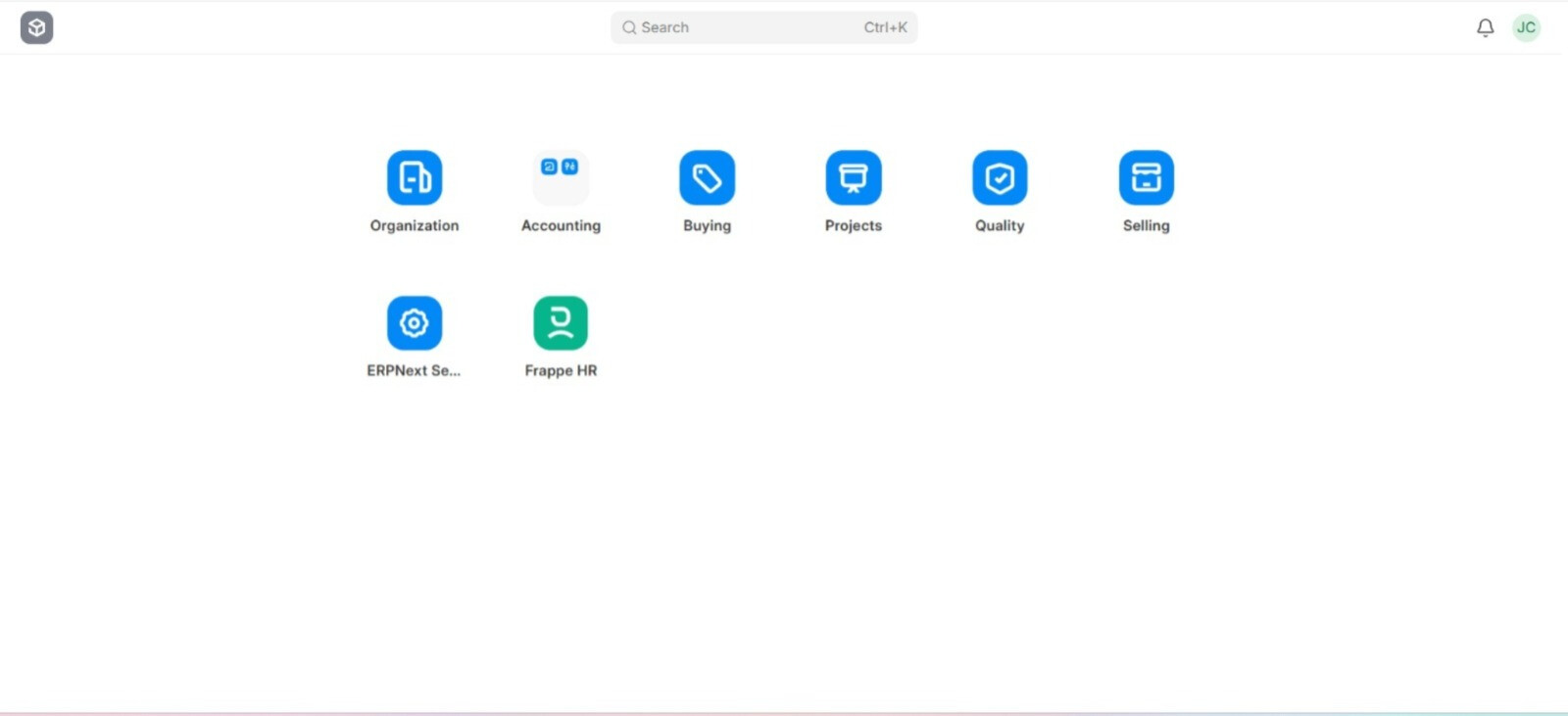
After logging in as this user, /desk shows: Organization, Accounting, Buying, Projects, Quality, Selling, ERPNext Settings, and Frappe HR.
Already checked
- Saved the user and logged out/in again
- Cleared cache (bench clear-cache)
Questions
- Does Module Profile / Allow Modules control which apps and workspaces appear on /desk in this version?
- If not, what is the correct way to hide Accounting, Selling, Buying, etc. from this user?
- Do I need to restrict the Workspace roles individually, or is there a recommended approach?
Screenshots attached: (1) Roles tab, (2) Allowed Modules, (3) Desk view as this user.
Thanks!