Hi @ejaaz ,
Could the developer who worked on the Dashboard icons and UI changes for the start screen please explain the flow? Could you please tag them here?
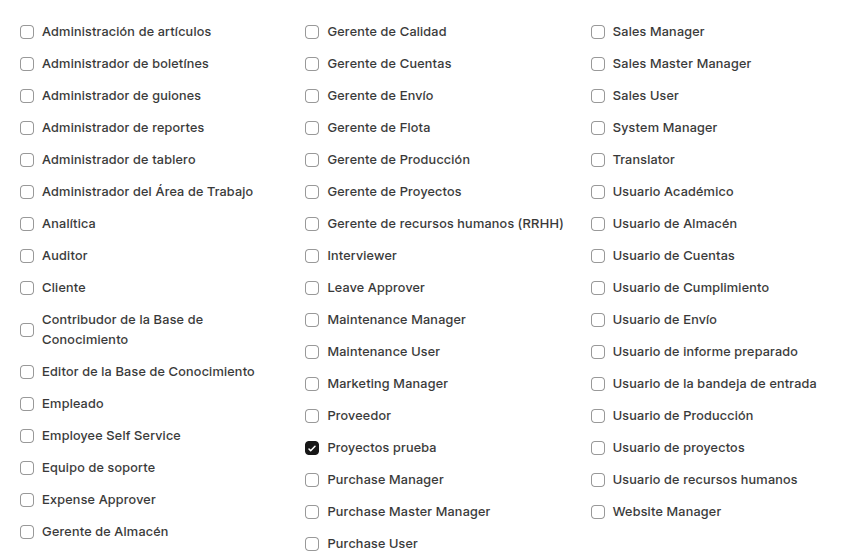
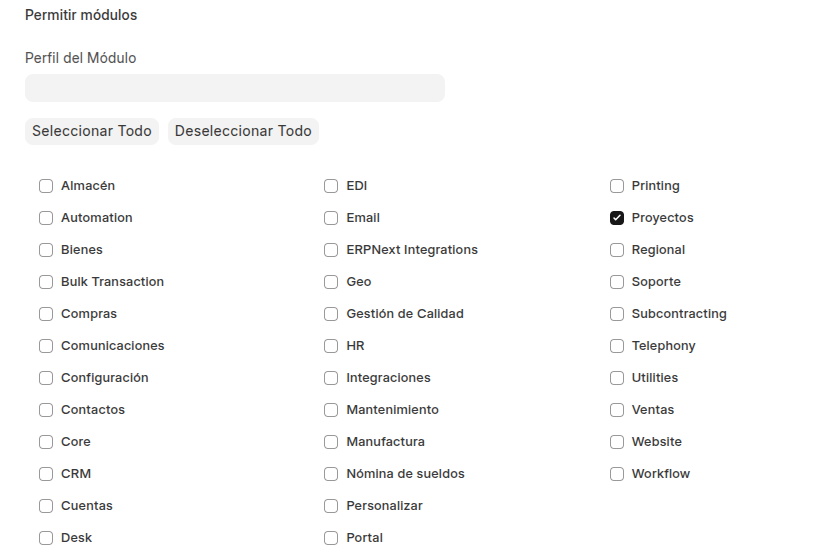
Previously, we used to create a Workspace, assign role permissions, and then add Number Cards and Shortcuts — it was quite straightforward.
Now, I would like to understand the updated flow for these dashboard icon changes.
Thanks
1 Like
Hello @abhirock74 I am the developer who has worked on the desktop screen.
I am working on the documentation. It will take some more time. Till then can you tell me the exact issue you are facing. Or the doubt you have would like to resolve it
1 Like
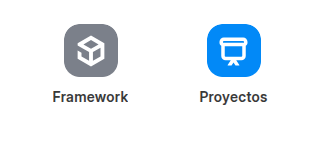
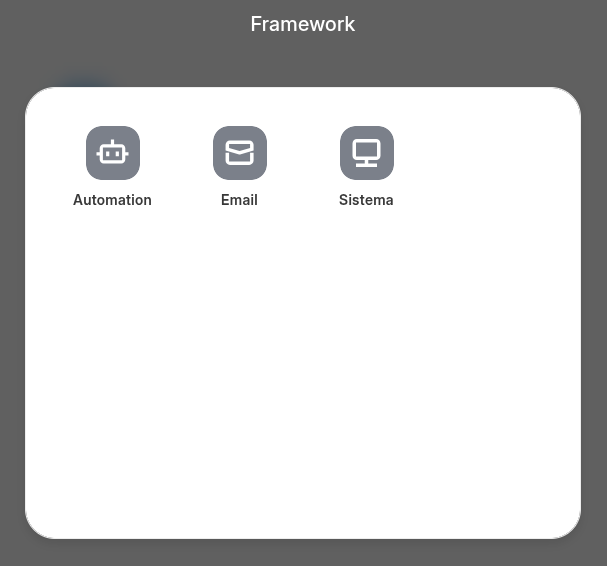
I have an Issue, I need to hide all the gray icon with all that is inside of it, I have tried everything but I cant figured it out.
I am struggling to understand Workspace / Workspace Sidebar / Icons / Desktop Layout.
We cannot create a new workspace from the workspace doc menu. Doesn’t allow duplicate too.
Right clicking the desktops shows + workspace but it adds an icon which can be linked to workspace sidebar but not a workspace. Is workspace sidebar the workspace now? Doesn’t seem right.
Once the icon is created it cannot be added to the desktop via UI. It must be added to the json inside desktop layout list. This is fine, was difficult to find out at first.
1 Like
Bumping this for exposure. The relationship between the Workspace, Workspace Sidebar and Desktop is confusing.
I think documentation for these sort of design changes need to be created before they’re released for normal users use. Especially since the default version for Frappe Cloud users is the latest version 16 while the documentation is still for version 15
1 Like
Is there any progress here with the documentation? I’m trying to setup a company to standardize production of frappe apps for customers and everything crashes and burns whenever things are related to these parts as documentation just sends you in faulty directions.
exactly. even the frappe courses in school are also outdated which is very confusing as well. would have been better if there is a proper documentation along with the released version
Hi @sohamkulkarni ,
We are waiting for your documentation.
it is very useful for many developer if you can.
1 Like