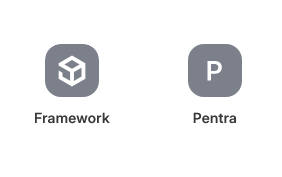
Currently creating a custom app. How can you set an new Desk Icon to use the built-in lucide icons that are in v16? There only seems to be the option to upload a new one.
When I create a new Desk Icon it just picks the first letter.
Also, if I select blue as the Desk Icon colour it is still staying grey.
Yes, that’s where I applied the Blue Icon option. Have also tried uploading a png but it didn’t take. There also seems to be no option to access/specify the built-in icons.