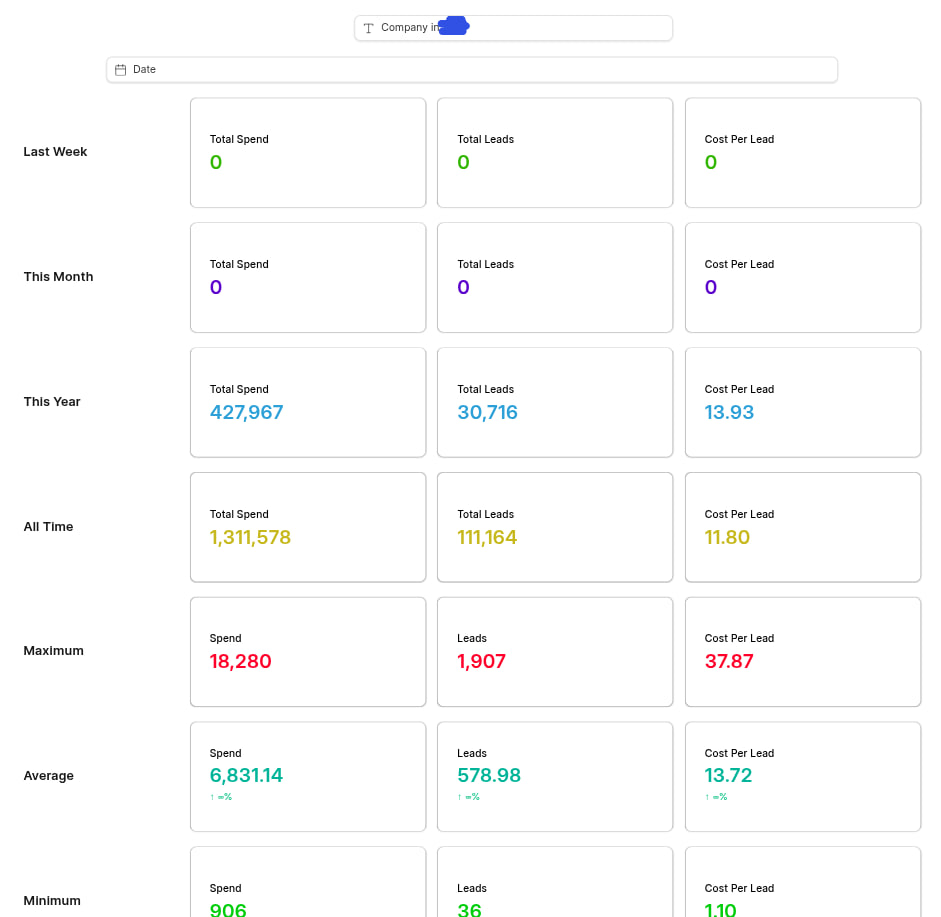
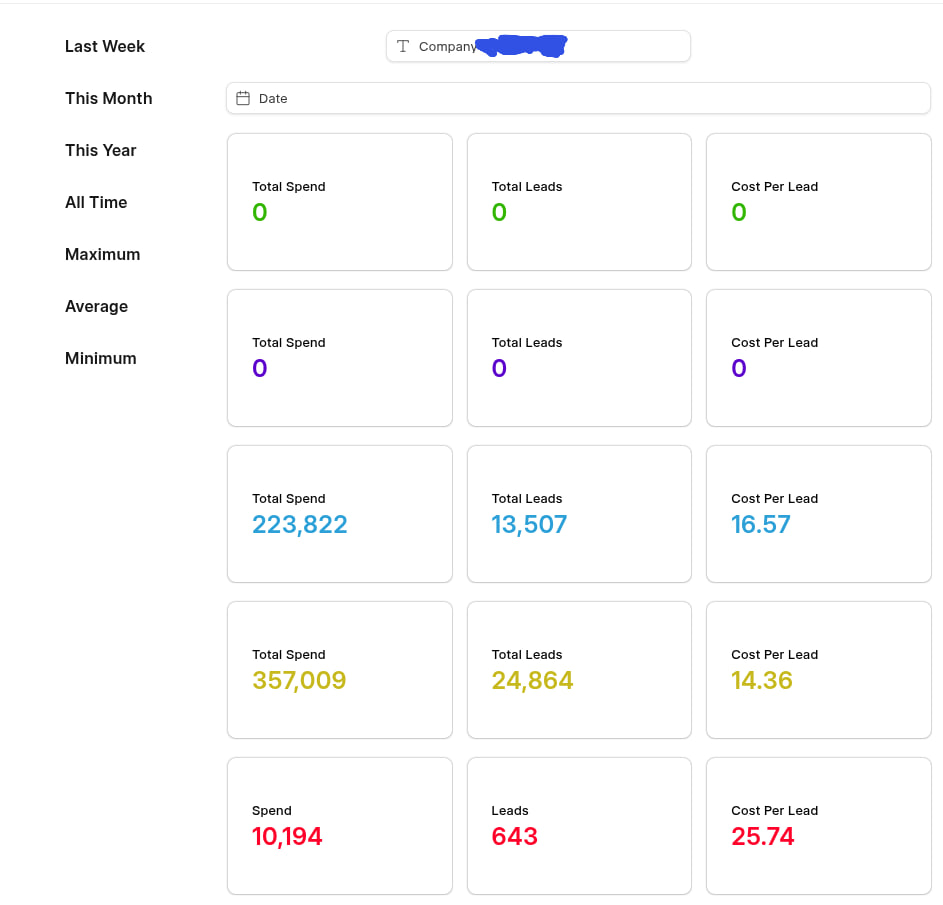
v3.12 adds workbook templates — pre-built dashboards you import into a workbook in a couple of clicks. It ships four for ERPNext, and the mechanism underneath is a hook, so any app can ship its own dashboards the same way.
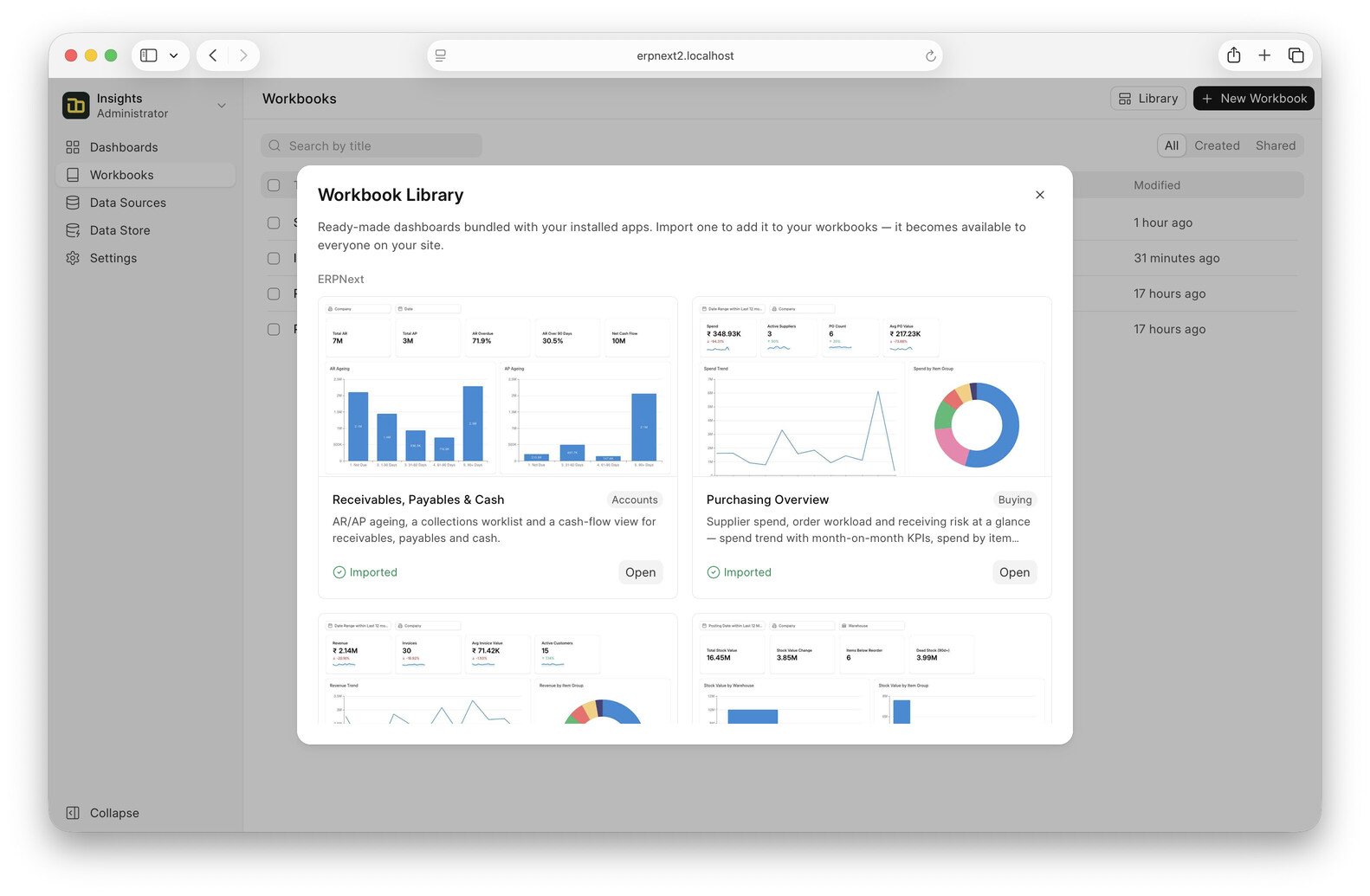
The four that ship:
- Receivables, Payables & Cash — AR/AP ageing, collections worklist, cash-flow view
- Sales Performance — revenue trend with MoM KPIs, top customers/items, quotation→order funnel
- Purchasing Overview — spend trend, spend by item group, top suppliers, PO status mix
- Inventory Health — stock value by warehouse/item group, movement, reorder alerts
Importing gives you your own copy to edit. Right now it’s admin-only, and imported dashboards are shared org-wide for viewing.
Updatable and opt-in
The two things that make this more than a folder of JSON:
- opt-in — nothing appears until someone imports it
- updatable — bump a template’s
versionand sites that imported it and didn’t edit their copy pick up the new version on the nextbench migrate. A customized copy is left alone and just shows an “update available” nudge instead of getting clobbered.
Shipping from your own app
It’s a hook, no registration or migrate step. Point at a folder:
# your_app/hooks.py
insights_workbooks = "your_app/insights_workbooks"
One subfolder per dashboard, a manifest.json (metadata + version + required_apps) and a workbook.json (a normal Insights export). Templates are discovered live from installed apps — install the app, they show up; uninstall, they’re gone. required_apps gates which sites see them, and groups the template under that app in the library.
Don’t hand-write workbook.json — build the dashboard in Insights, export it, drop it in.
Not there yet
- import is admin-only
- imported dashboards are shared org-wide, no per-role scoping
This is a first version, so both are open to change. If you maintain an app and want dashboards shipped with it, give it a try and let me know what’s missing. Please consider raising a GitHub issue for better tracking.