Hi everyone,
I’m facing an issue related to Workspace permissions in Frappe v16.
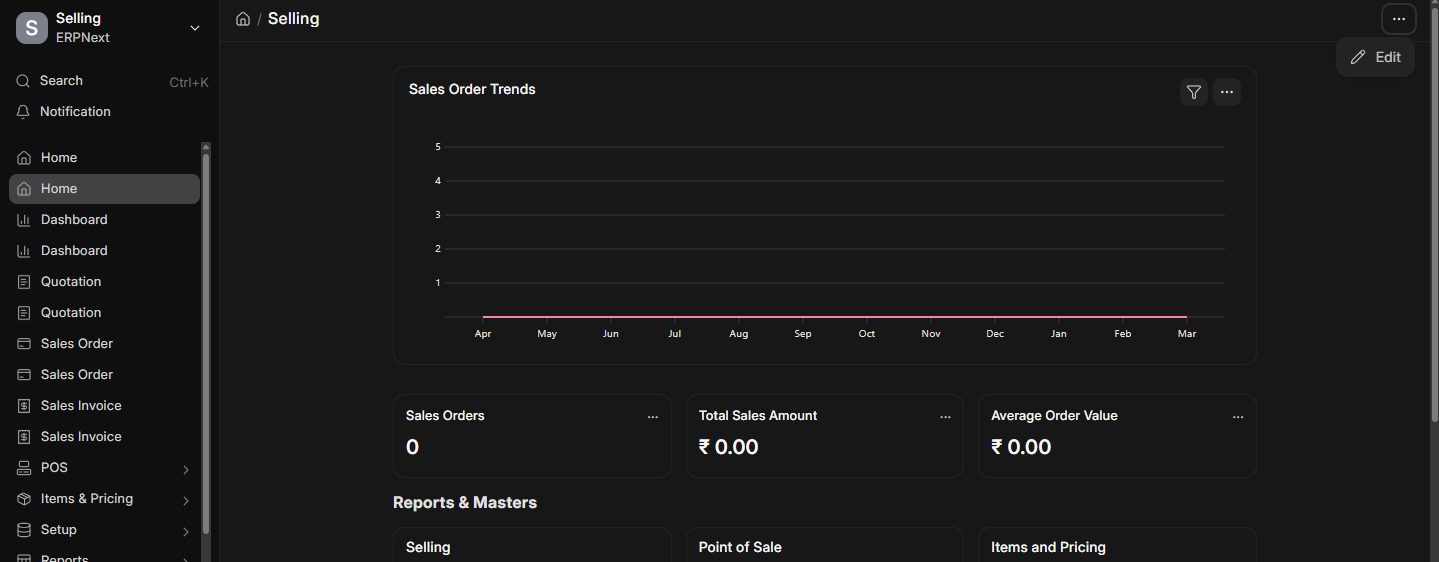
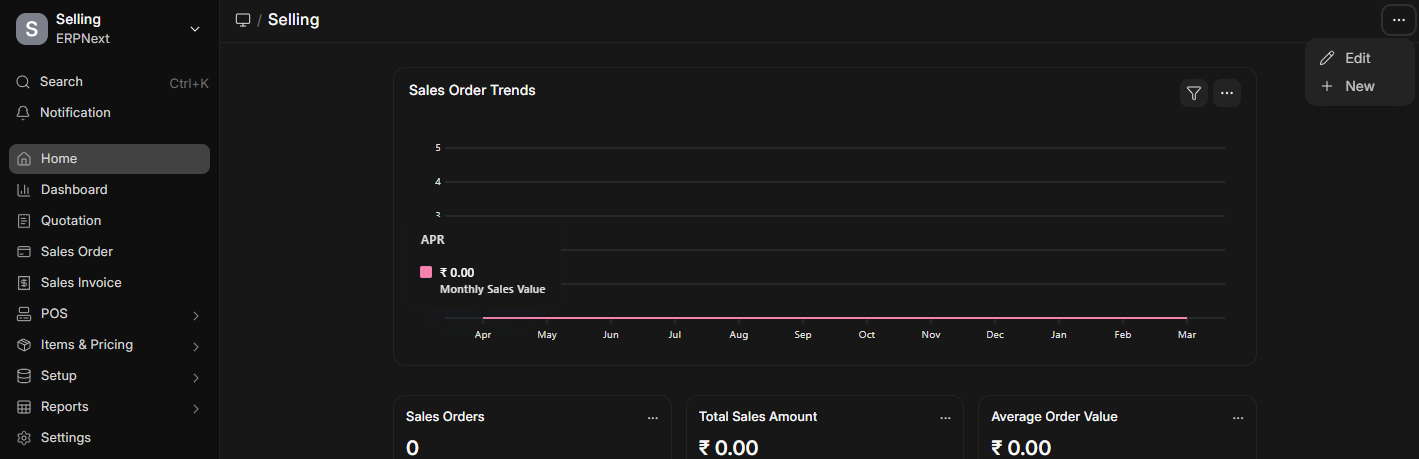
On my local setup, when I open a workspace, I can see the top-right 3-dot menu with options like:
-
Edit
-
New
But on my live self-hosted site, those options are not visible.
Current Situation:
-
I am logged in as Administrator
-
I have also assigned the Workspace Manager role to the user
-
I am using Frappe Version 16
-
As per documentation / discussions, Workspace Manager should be able to create or edit workspaces
Confusion:
Since Administrator already has full permissions, and Workspace Manager role is also assigned, why are the Edit / New Workspace options missing only on the live site?
I’m attaching screenshots of both local and live environments for reference.
Questions:
-
Is there any additional setting required on production/live site?
-
Does this depend on developer mode or some system setting?
-
Is there any cache/build issue that can hide these options?
-
Why would it work locally but not on live with same permissions?
Would appreciate any guidance. Thanks!