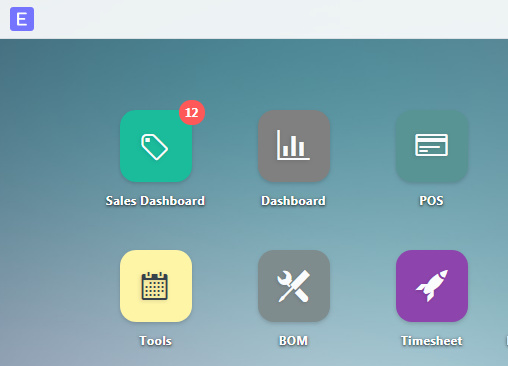
Here’s a screenshot of what I have so far:
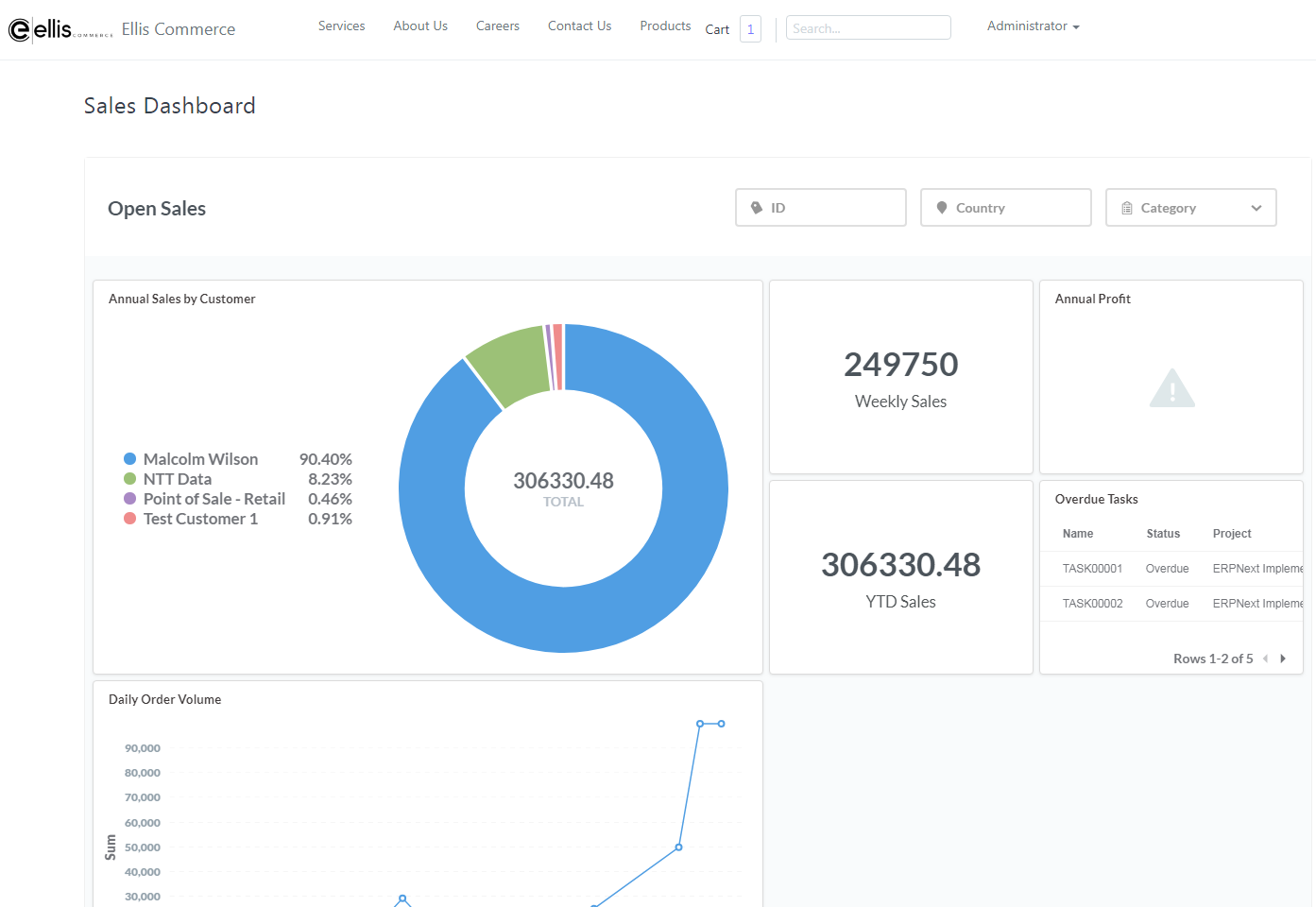
To do this, I followed this guide: How I created this Sales KPI Dashboard
The only thing I did different is that I’m hosting it on Google Cloud and am using port 3000 instead of 80. I then copied the dashboard HTML, put it into an ERPNext webpage and created an icon for the page by modifying desktop.py in config. I called the icon “Sales Dashboard”. I used this for reference: Add desktop icon to link my custom html page