I want to hide the search bar from non-system managers. So what should I do?
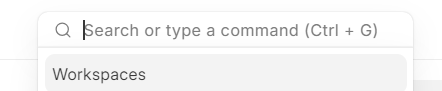
@LeTienIT check this How i can hide the Search bar
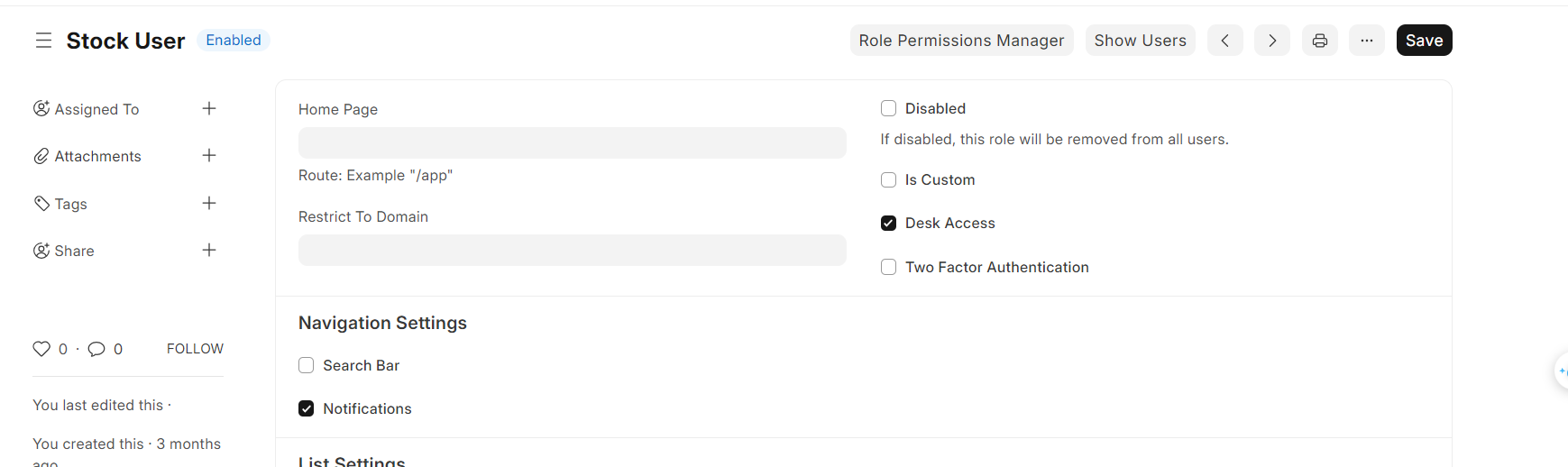
Try clearing cache
or
Check how many roles are assigned to the person; if multiple roles are assigned, you must uncheck the “Search Bar” option from all of them.
impossible. As I said, I only assigned 1 role to this person, I tried clearing-cache but it still didn’t work.
Check
“Guest”
“All”
roles. disable for them as well
What do you mean? Should I uncheck the search bar in those 3 roles or should I check: "
Disabled
If disabled, this role will be removed from all users."?
uncheck search bar from “All”,“Guest” and “Desk” role