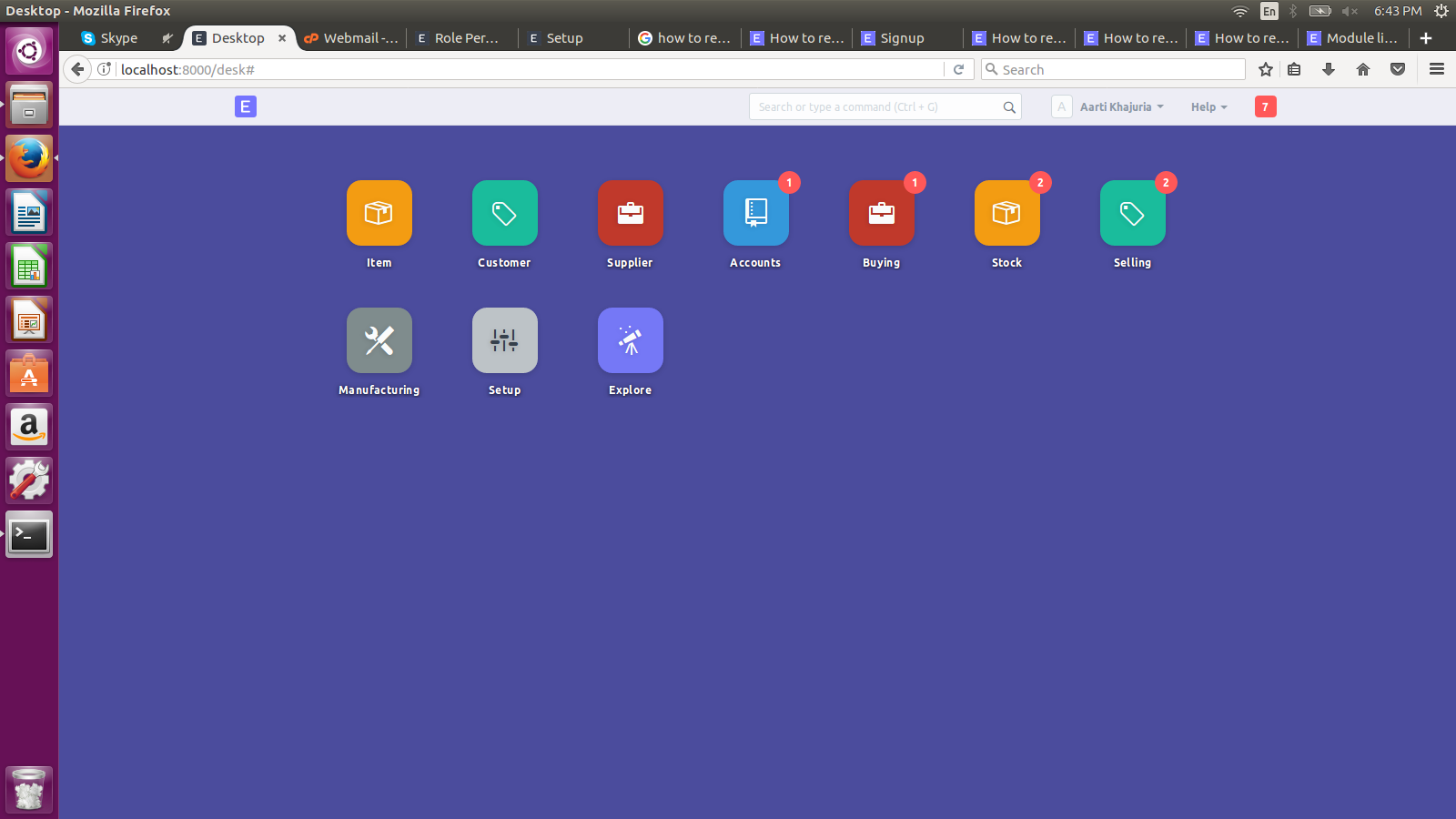
Hello,
i have already disabled module from SET DESKTOP ICONS. But still its showing in left section.
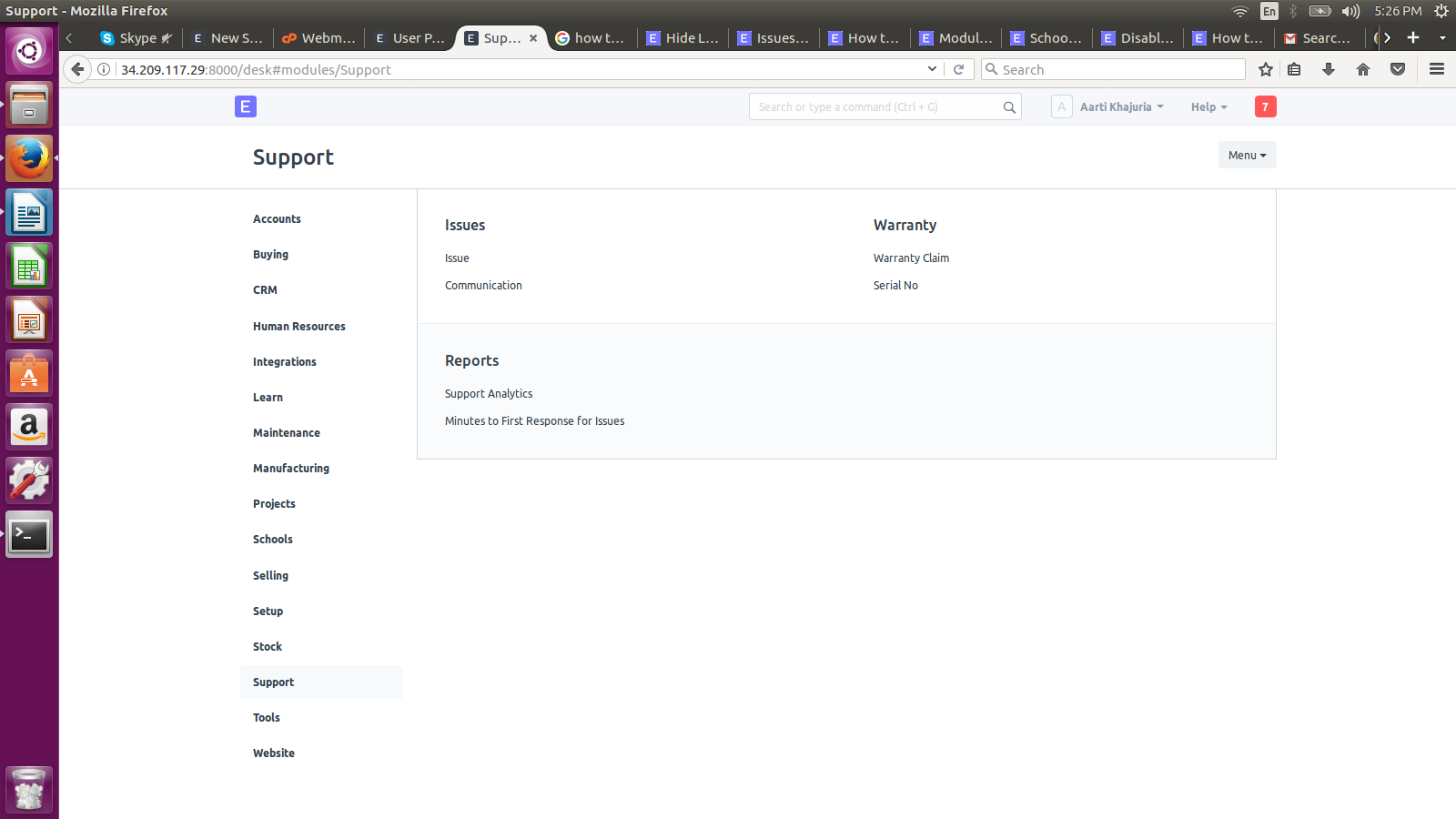
Please tell me how to remove Support, school, Learn , Maintenance, projects and all from left section.
In Setup try also ‘Show or Hide Desktop Icons’
To see your expected changes you might run ‘Reload’ - that menu item you’ll find below your login name, next to Help
Other things to try are ‘bench clear-cache’
You can hide your desktop icons, but the left side menus are depending on your installed modules
Hope it helps.
Any update?
Excuse my earlier confusion @Aarti_Khajuria
This notes that a module can only be hidden and not physically uninstalled removed or unloaded.
Maybe that is why a module can or cannot be hidden on the left side as you would prefer!?