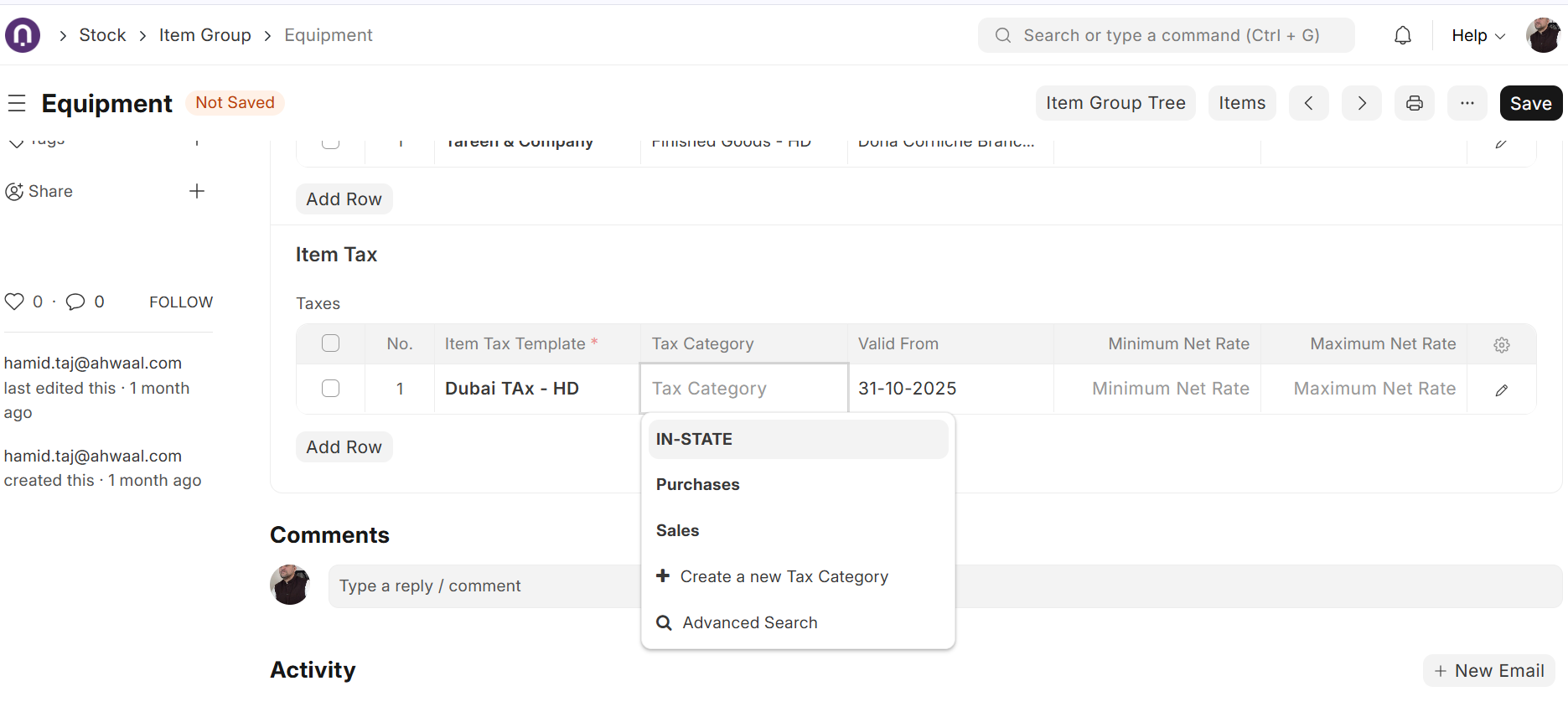
I have a question regarding Tax Calculations.
I have an item with two Item Tax Templates defined: one for sales transactions and one for purchase transactions. However, when performing a transaction, ERPNext always fetches only the first Item Tax Template defined on the item.
I attempted to address this by adding two checkboxes on the Item Tax Template, Input and Output, and implementing a client script to select the Input template for purchase transactions and the Output template for sales transactions. However, this logic is being overridden by ERPNext’s standard functionality.
What is the recommended approach to handle this scenario?
Please note that within the same transaction, there can be both taxable and non-taxable items.
yeah it wont work , on our end we are creating an a custom app for that , l dont know if ERPNext deliberately made this error , because its actually a bug not a misconfigaration
@francis1 still i think there is misunderstanding between us
You need to create 2 item tax templates - one for 15% and one for 0% AND You also need a sales tax template which has 0% in it (very important - i think you have missed this one)
I have done a video where it works for me (ERPNext Version 15.85.1) https://drive.google.com/file/d/10ak9ppDTToYCIWyZUGN4eSPfNMvBe7cz/view?usp=drive_link
I am still baffled why it does not work for you
If possible send me a video of yours and we can then connect on telegram
thanks man , this had worked , only one issue now , its dot allow price is inclusive of tax even though l have ticked the price is inclusive . but l wonder ERPNext did it like this , its like trick , its not logical
below is the video link , so the issue is that if my selling prices are inclusive of VAT they should not increase prices when l do a sales invoice , for example if the selling price is $1 , when l am selling it its now putting $1.15 instead yet the normal procedure if l tick tax in inlcuded in sales tax template it should work
@francis1
So for this to work go to: -
Sales Taxes and Charges Template - > In each row enlarge for extra settings (small pencil on right) → click on “Is this Tax included in Basic Rate?”
Let me know if it works or you need a video